

Seeing as how people seems to be asking about the purple light on Blendjets, it's worth discussing. Not very obvious from the manual what the different lights mean.
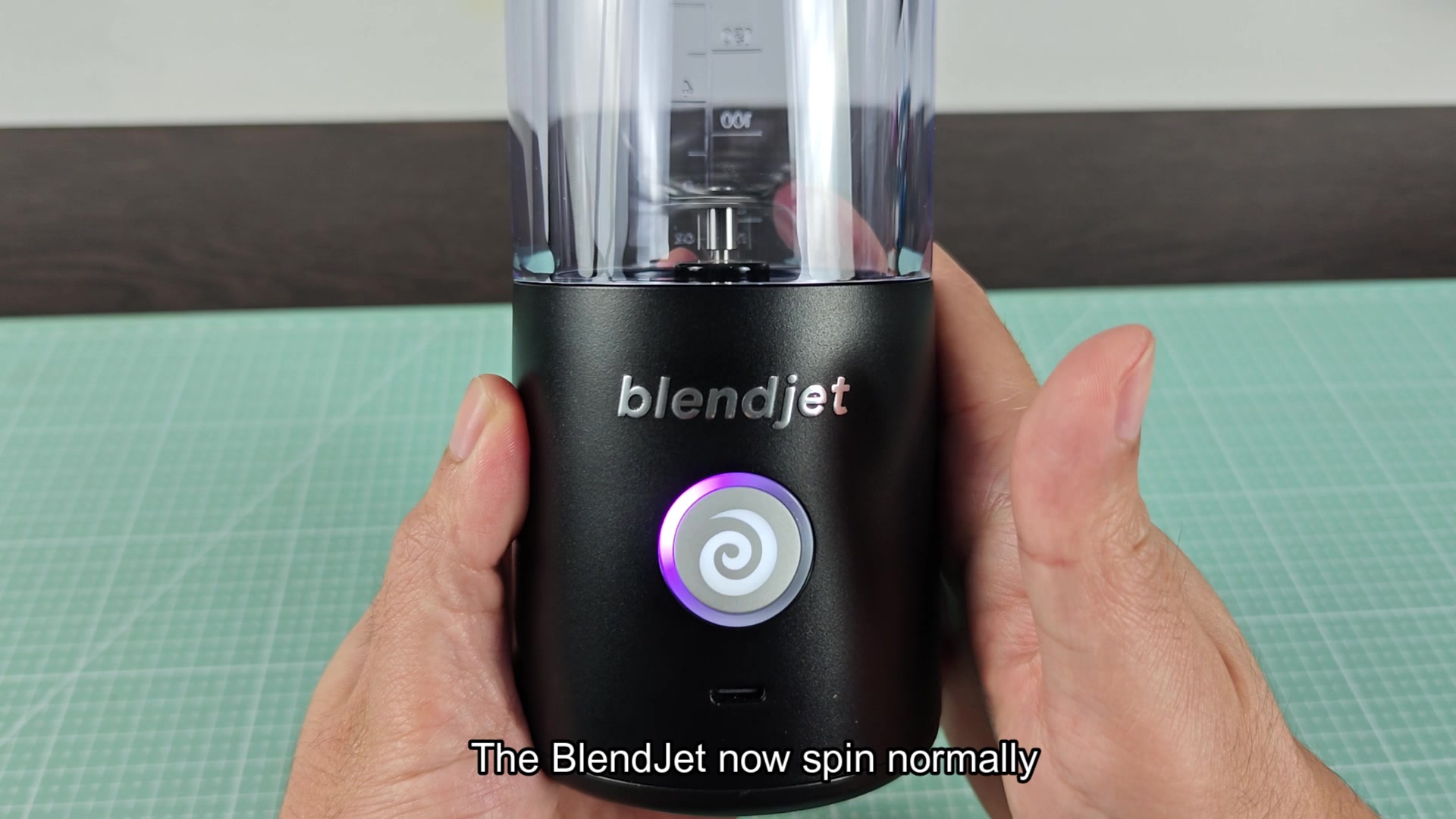
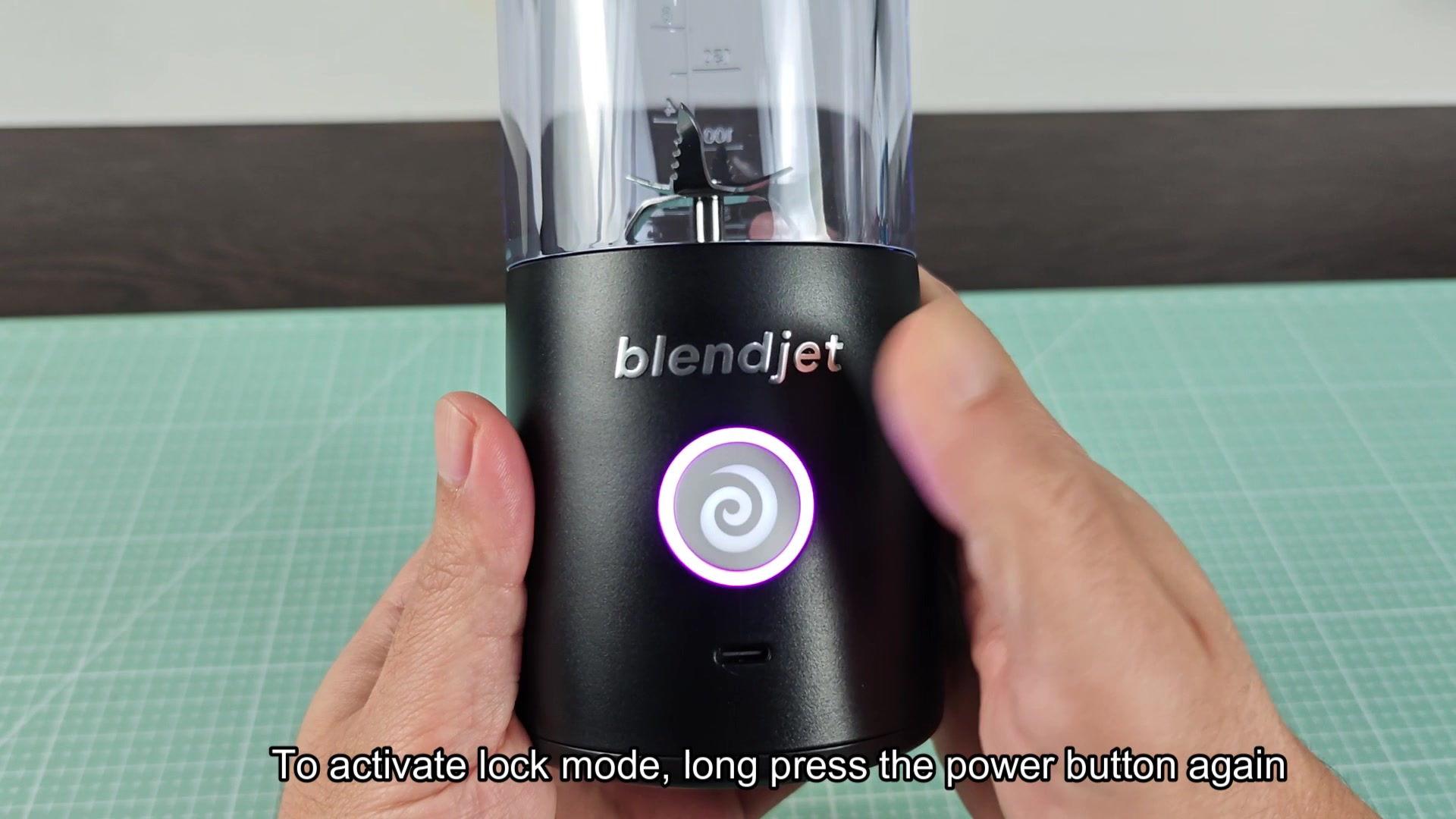
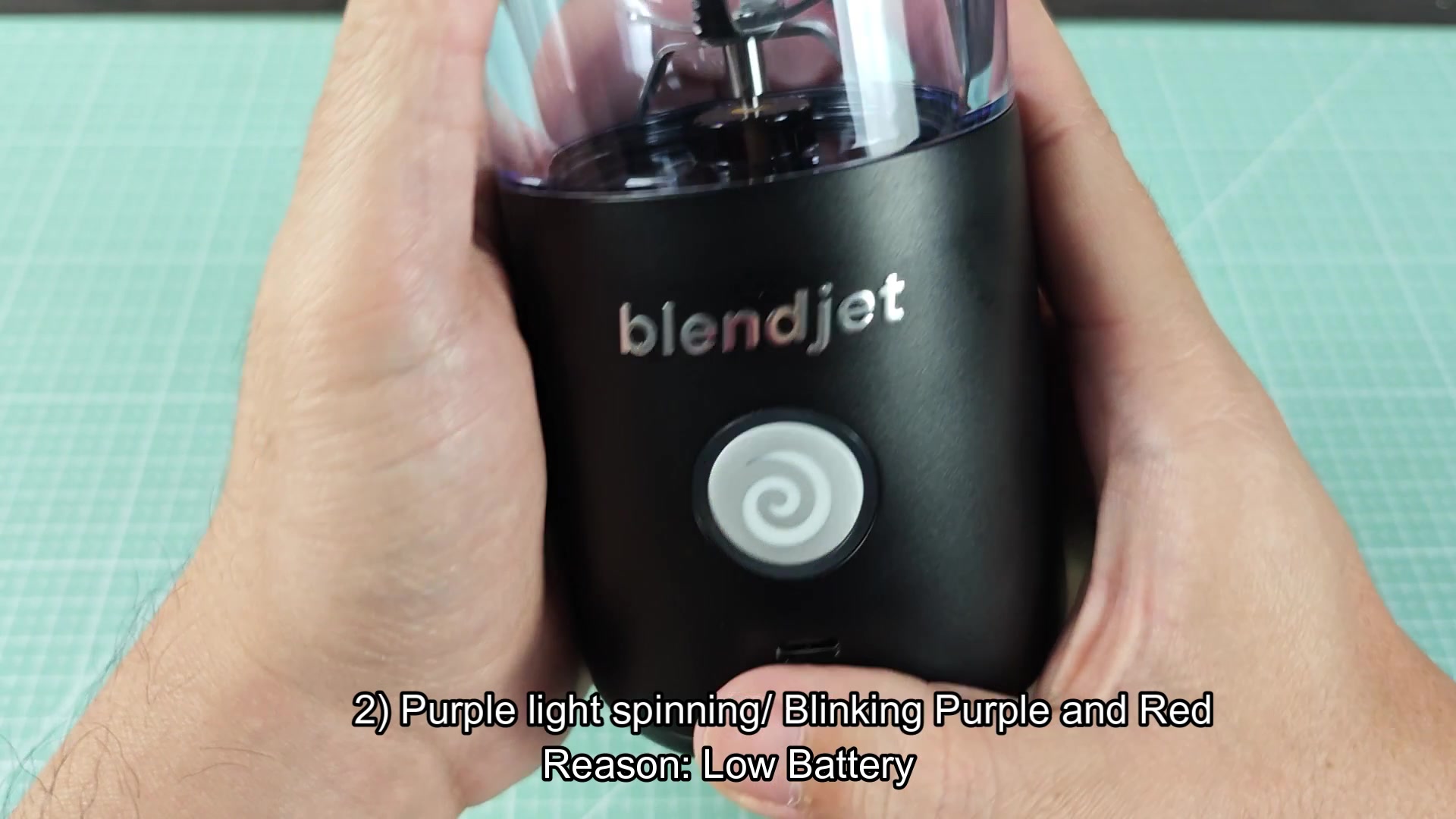
There is three states for the purple light. Blinking purple means it's in lock mode and you have to long press the button to unlock it. Spinning purple means it's in low battery mode and you need to charge it. Flashing red and purple means it's a dead battery and you need to charge it.
The issue with this is that the blinking purple light for lock mode can look more similar to the spinning purple light for low battery mode so people may have to charge a blender that just needs to be unlocked, or press the button repeatedly on a blender with a dead battery. The red flashing light for the dead battery mode is easier to catch because red usually means something are wrong with the appliance.
Beyond these three modes, I don't know if there are any other modes for the purple light. The only other thing I would guess would be a blinking light for service mode but that would be an educated guess. These modes seem limited so there must be something to the three modes defined above. I'm guessing the machine will act in one of these modes in response to user action.
There is three states for the purple light. Blinking purple means it's in lock mode and you have to long press the button to unlock it. Spinning purple means it's in low battery mode and you need to charge it. Flashing red and purple means it's a dead battery and you need to charge it.
The issue with this is that the blinking purple light for lock mode can look more similar to the spinning purple light for low battery mode so people may have to charge a blender that just needs to be unlocked, or press the button repeatedly on a blender with a dead battery. The red flashing light for the dead battery mode is easier to catch because red usually means something are wrong with the appliance.
Beyond these three modes, I don't know if there are any other modes for the purple light. The only other thing I would guess would be a blinking light for service mode but that would be an educated guess. These modes seem limited so there must be something to the three modes defined above. I'm guessing the machine will act in one of these modes in response to user action.