

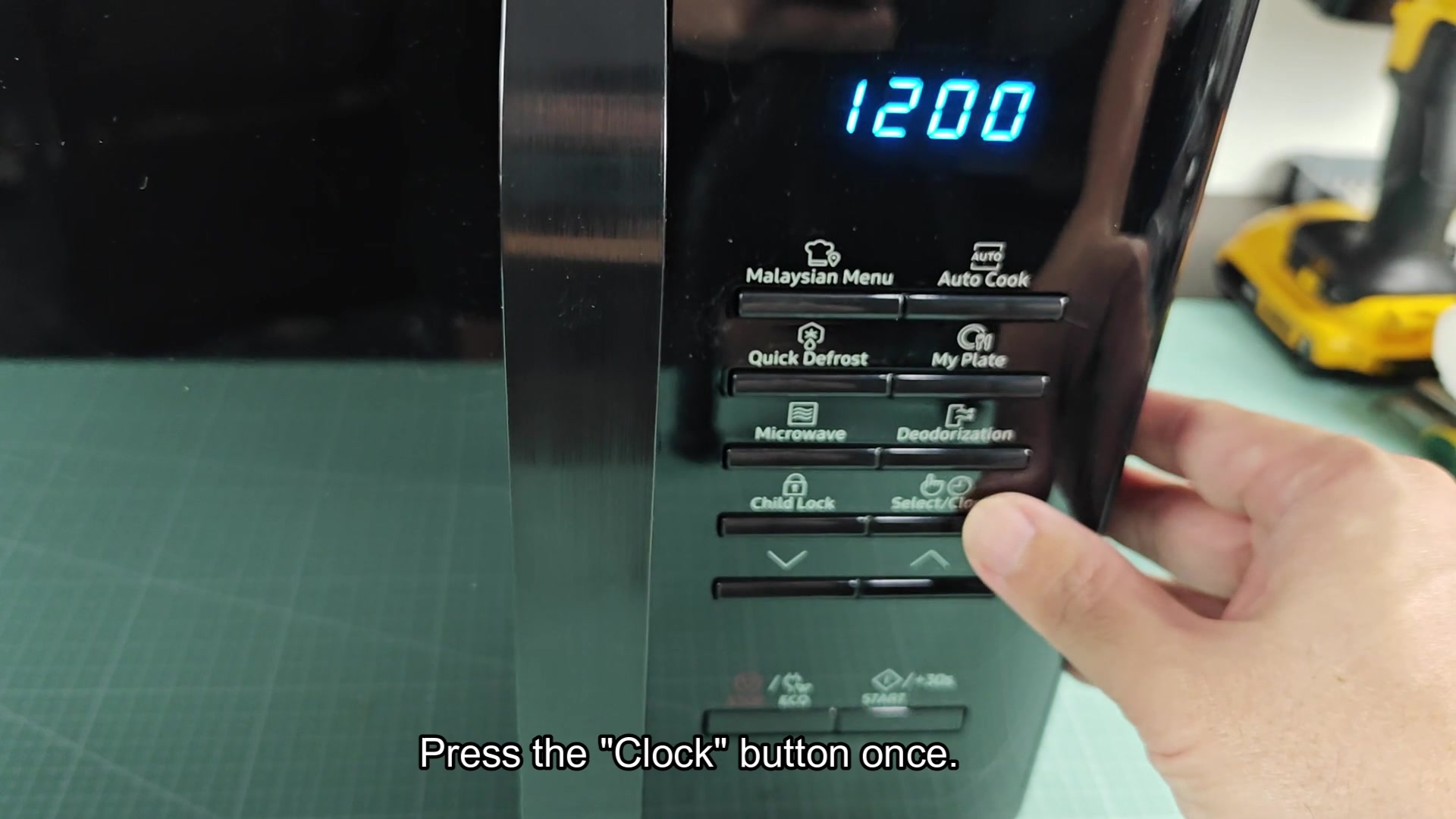
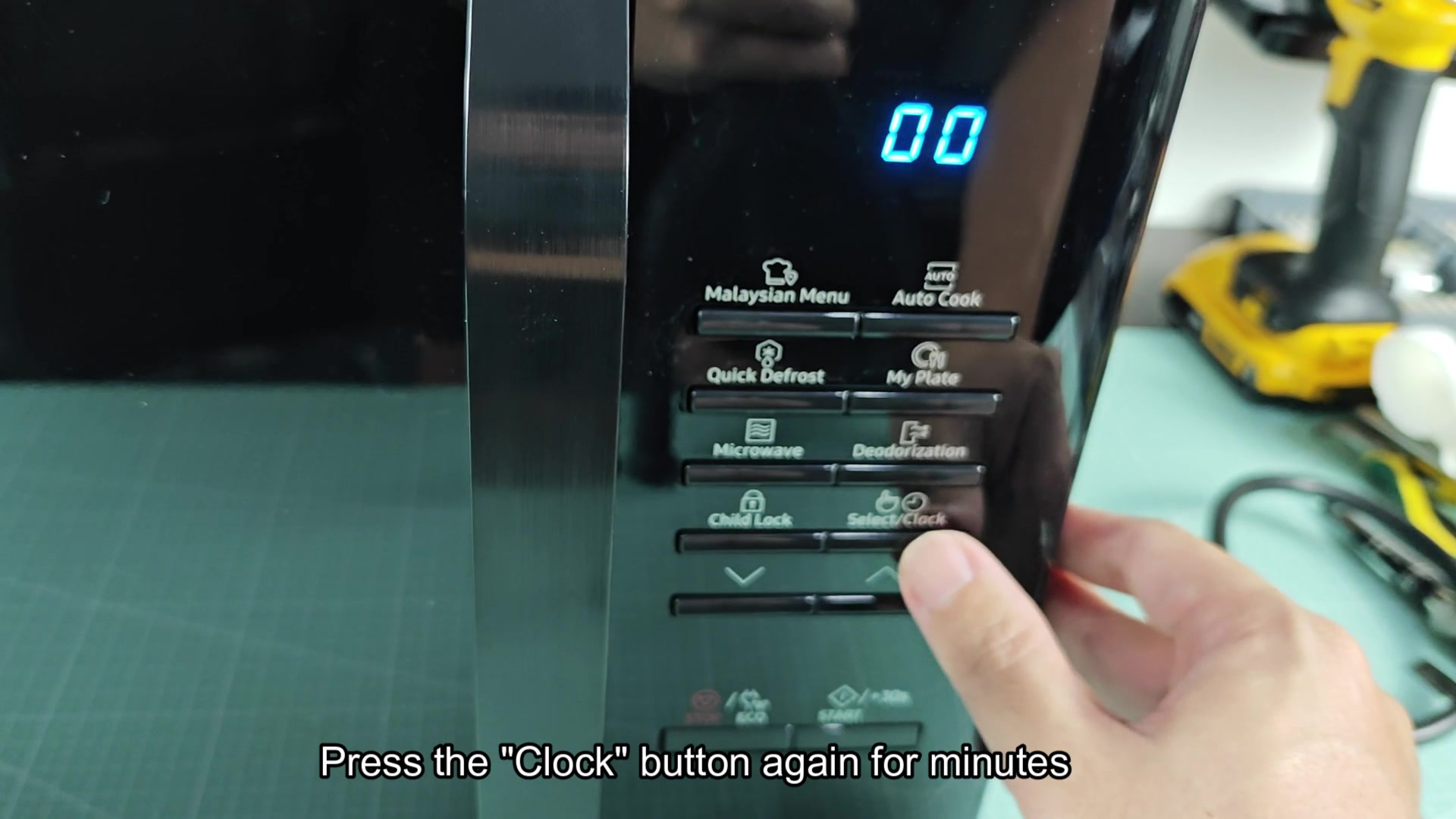
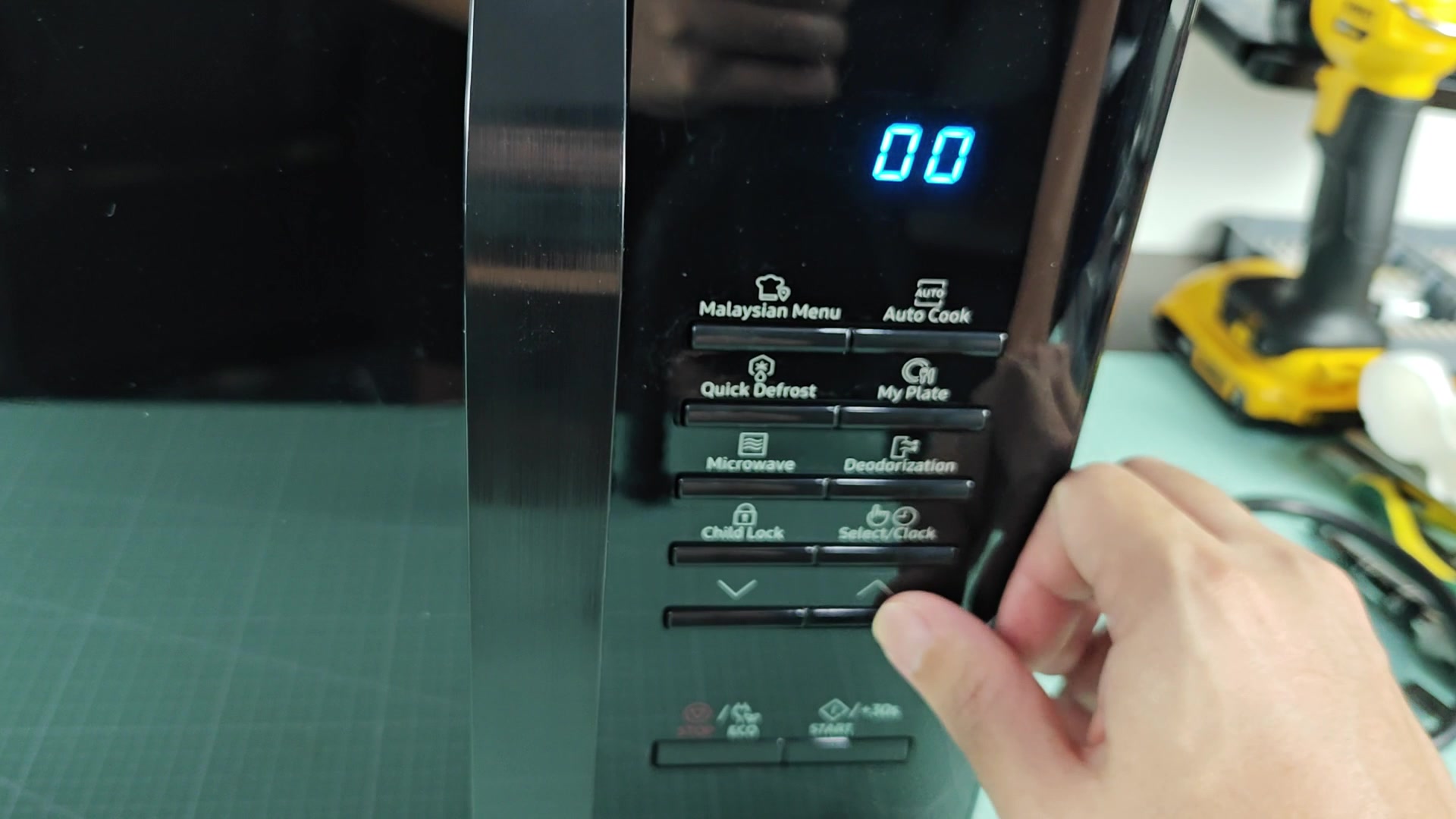
Was helping someone else out with there Samsung microwave the other day and the clock setting come up. Looked it up to see how to do it and it was simply cycling through the Clock button and arrow. Press Clock, use arrows to select hour, press Clock for minute, press Clock again to save. Thats it.
It seems much simpler than most brands out there who requires holding a button for three seconds and then entering a five digit code to get into the time setting. Curious to know if this is the same across most Samsung microwaves or if the newer touch panel models has changed the procedure a bit. I would think that the over-the-range models might have a couple more steps for AM/PM but otherwise it would be the same.
Does anyone here has encountered a Samsung microwave model that did not adhere to this procedure? For instance, combo unit that come with a wall oven? Im curious what the model number would be for such a product.
Has anyone here worked on enough Samsung microwaves to say that this is a pretty universal feature across their product?
It seems much simpler than most brands out there who requires holding a button for three seconds and then entering a five digit code to get into the time setting. Curious to know if this is the same across most Samsung microwaves or if the newer touch panel models has changed the procedure a bit. I would think that the over-the-range models might have a couple more steps for AM/PM but otherwise it would be the same.
Does anyone here has encountered a Samsung microwave model that did not adhere to this procedure? For instance, combo unit that come with a wall oven? Im curious what the model number would be for such a product.
Has anyone here worked on enough Samsung microwaves to say that this is a pretty universal feature across their product?