
Setting the clock on a Samsung microwave, is it really just the Clock button?

May 5, 2026
121
0
6
toolcroze.com
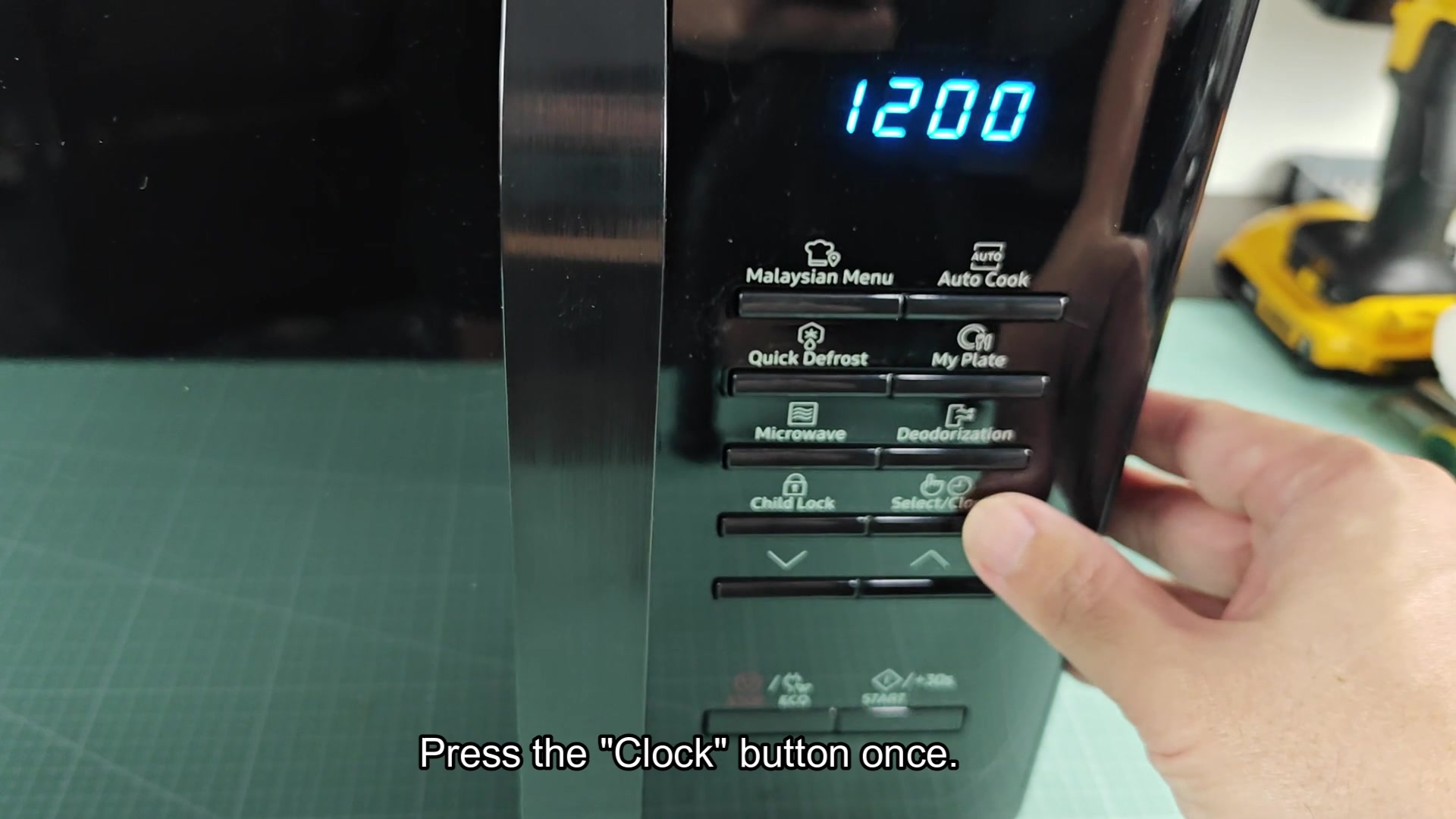
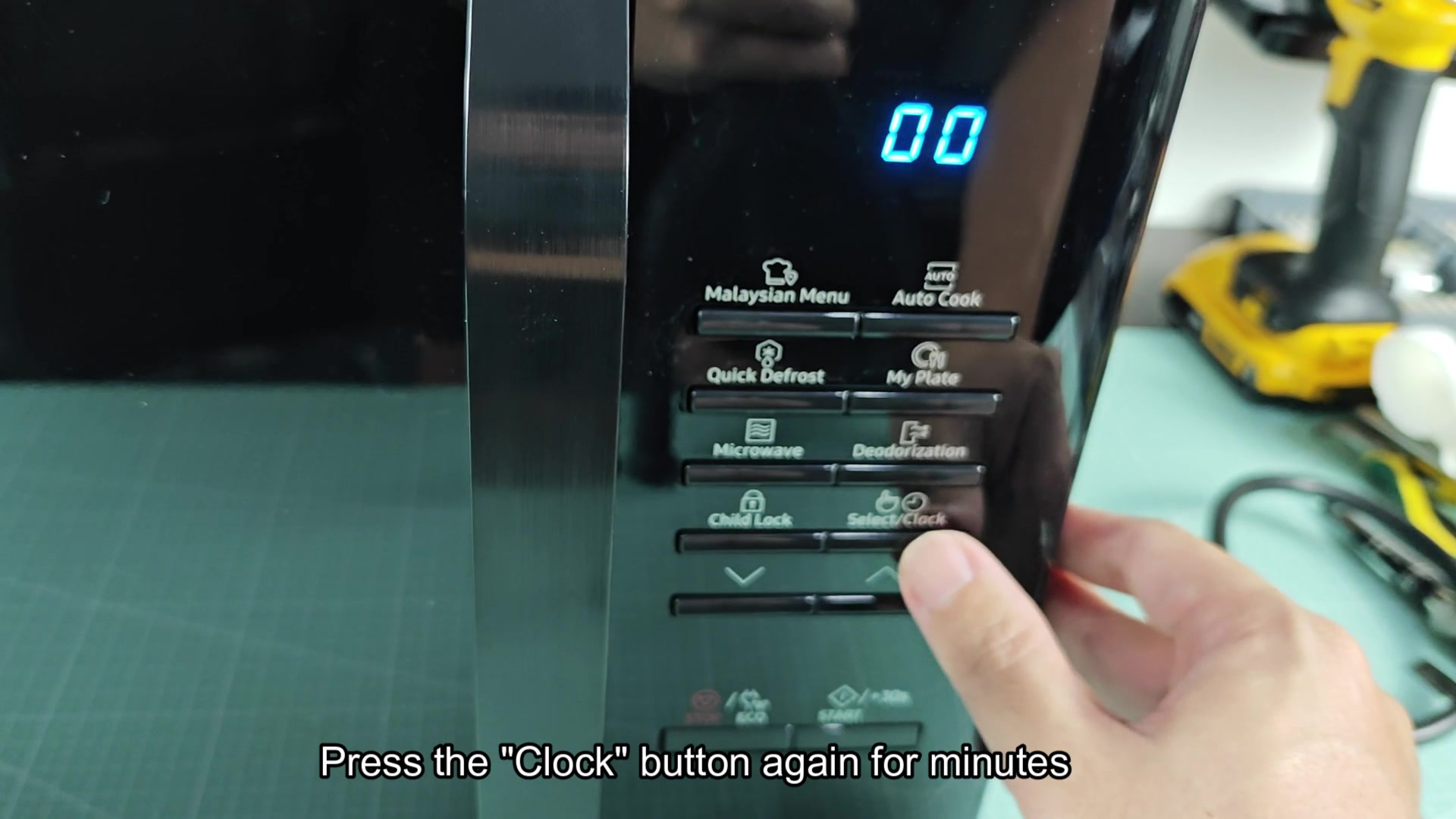
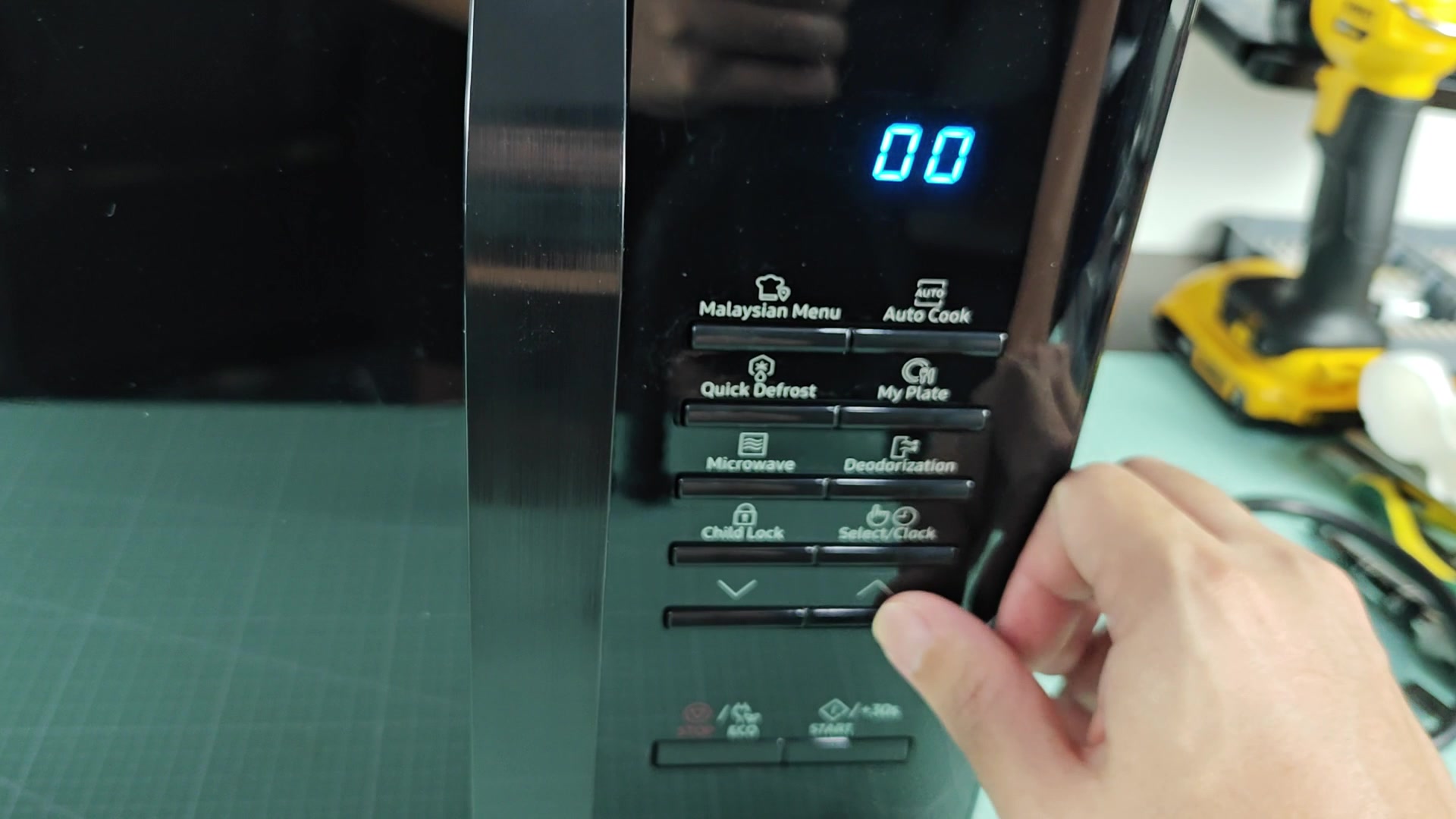
Was helping someone else out with there Samsung microwave the other day and the clock setting come up. Looked it up to see how to do it and it was simply cycling through the Clock button and arrow. Press Clock, use arrows to select hour, press Clock for minute, press Clock again to save. Thats it.
It seems much simpler than most brands out there who requires holding a button for three seconds and then entering a five digit code to get into the time setting. Curious to know if this is the same across most Samsung microwaves or if the newer touch panel models has changed the procedure a bit. I would think that the over-the-range models might have a couple more steps for AM/PM but otherwise it would be the same.
Does anyone here has encountered a Samsung microwave model that did not adhere to this procedure? For instance, combo unit that come with a wall oven? Im curious what the model number would be for such a product.
Has anyone here worked on enough Samsung microwaves to say that this is a pretty universal feature across their product?
setting-the-clock-on-a-samsung-microwave-is-it-really-just-the-clock-button-1.jpg

setting-the-clock-on-a-samsung-microwave-is-it-really-just-the-clock-button-2.jpg

setting-the-clock-on-a-samsung-microwave-is-it-really-just-the-clock-button-3.jpg
 
My own ME21 over the range is the same as described above. It takes three taps on the clock button and the arrows and there is no AM/PM button to cycle through to 24 hour mode.
 
Does pressing the clock button four time do anything or does it just exit the time setting mode? Curious as I thought it would cycle into 24 hour mode when I pressed it four times.
 
Honestly clocks on microwaves are pointless. If Im not using the microwave I always unplug it. It saves a few watt of energy and I dont have to deal with the microwave blinking whenever there is a power outage.
 
It depends on the model year. I seem to recall that older models made around 2010 requires you to hold the clock button for three seconds before you could change the time.
 
Does pressing the clock button four time do anything or does it just exit the time setting mode? Curious as I thought it would cycle into 24 hour mode when I pressed it four times.

The fourth press usually does nothing on the models I've worked on. It just exits the time setting mode. To get to 24 hour mode I believe you have to hold the clock button for a few seconds when you first enters the mode.
 
The fourth press usually does nothing on the models I've worked on. It just exits the time setting mode. To get to 24 hour mode I believe you have to hold the clock button for a few seconds when you first enters the mode.

Ah ok, got it. So holding the clock button gets you into 24 hour mode and the tap gets you to the 12 hour mode. Thats pretty clean for Samsung. Lol
 
Over the years I've worked on Samsung microwaves these models have been pretty universal in how their clock work. The only exception would be models with a combi wall oven like the NQ70 series. On these models the wall oven controls the clock for the microwave. You cant find a clock button on the microwave controls to set the clock. Furthermore, a few of the smart hub models requires setting the time through the Samsung Connect application the first time you use the microwave. After that synchronization the clock will stay in sync with your phones time. For the majority of the non-combo and non-smart hub models though three presses of the clock button is all there is to it.
 
I had one once where the clock button was broken on a Samsung. It would not allow me to change the clock on the unit and I had to buy a new control board for $180. The membrane switch were $15.