Samsung fridge reset, display vs full power cycle?

May 5, 2026
197
0
6
toolcroze.com
See, I saw a couple of posts about resetting Samsung fridges so I thought I’d open this up for discussion as there seems to be some confusion about the methods.
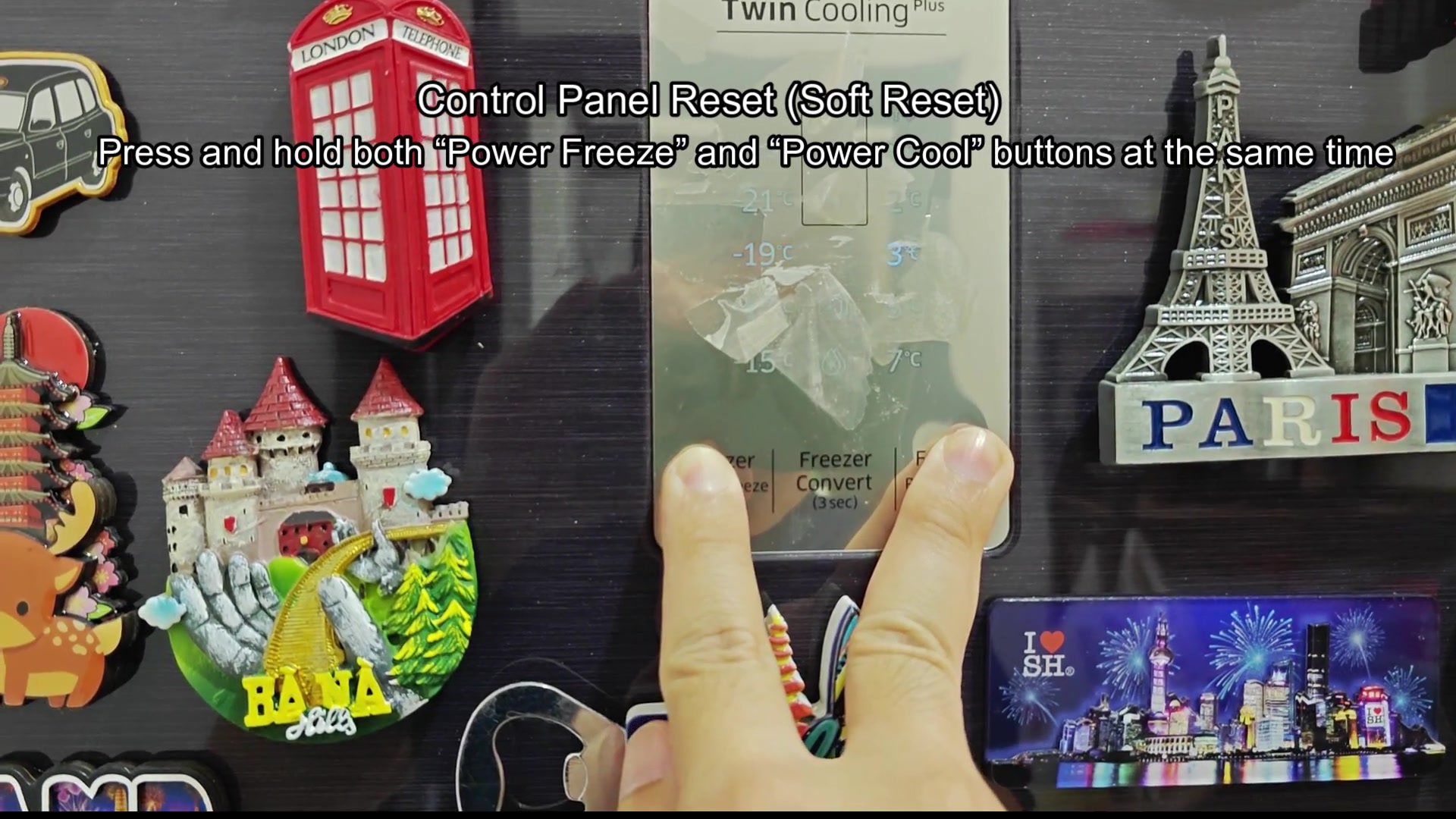
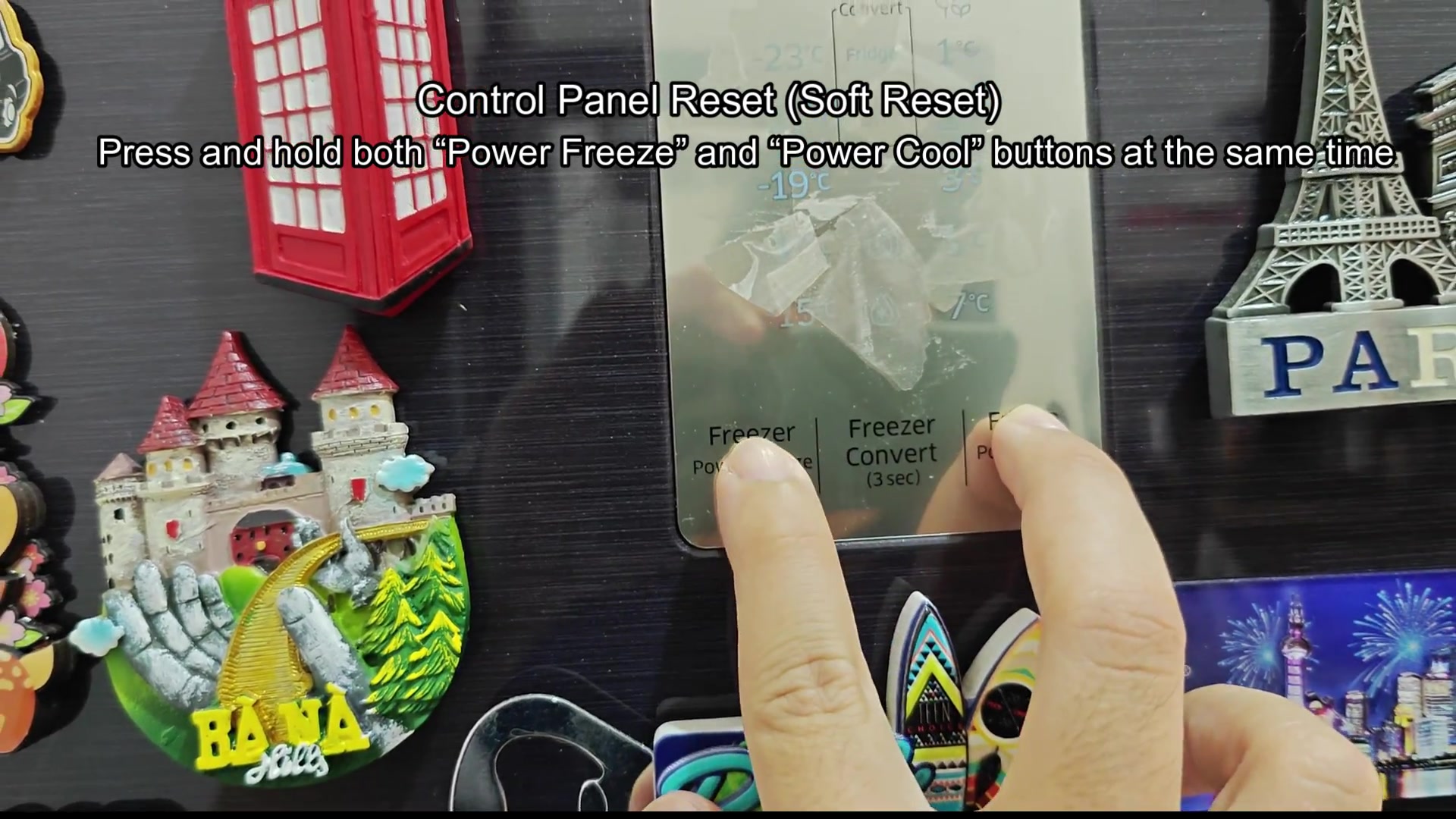
The first method is for those who has issues with the display and panel of the Samsung fridge. All you have to do is hold down the Power Freeze, Power Cool buttons at the same time for about 5 to 10 second. This will fix most issue with the display panel.
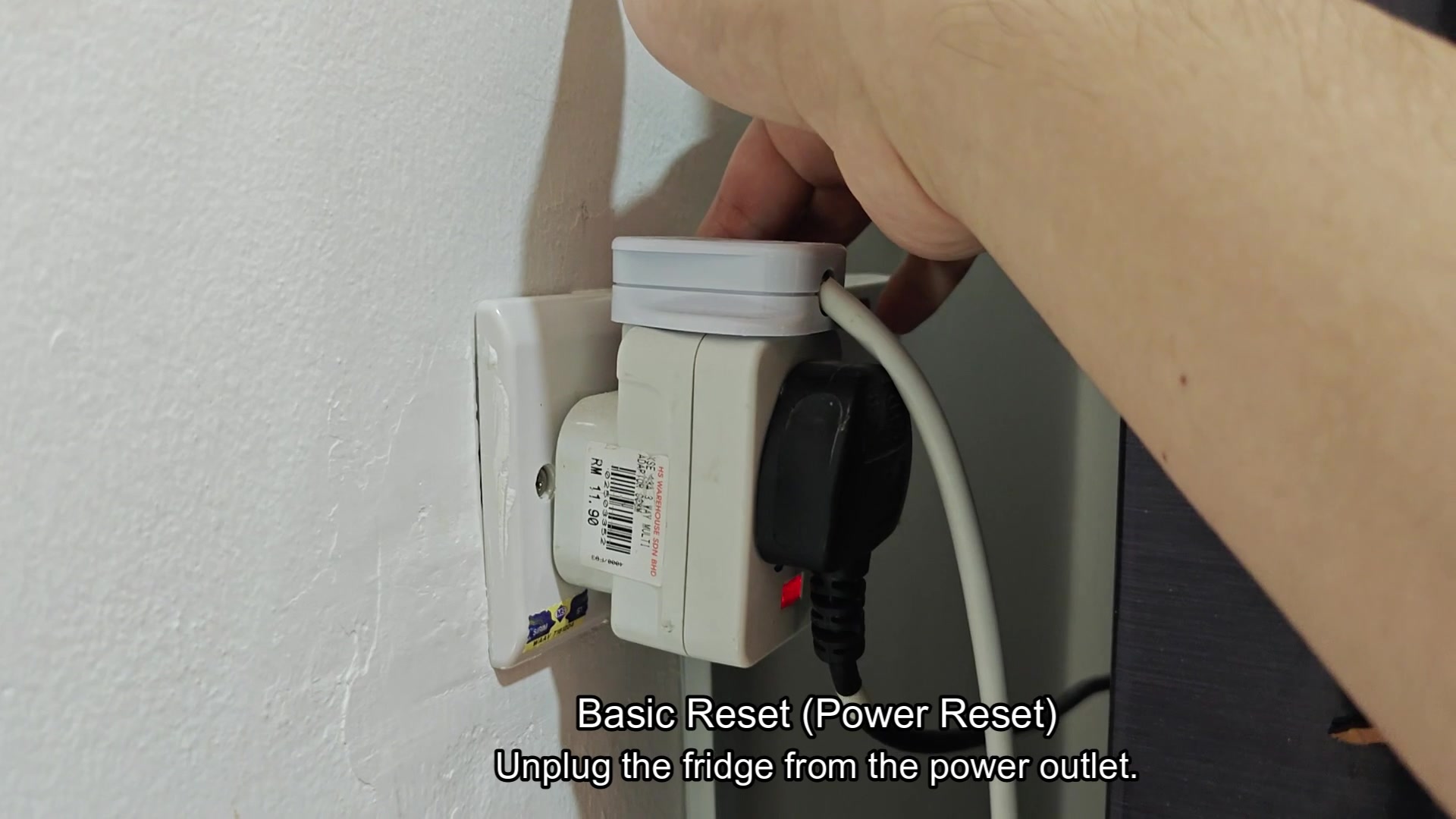
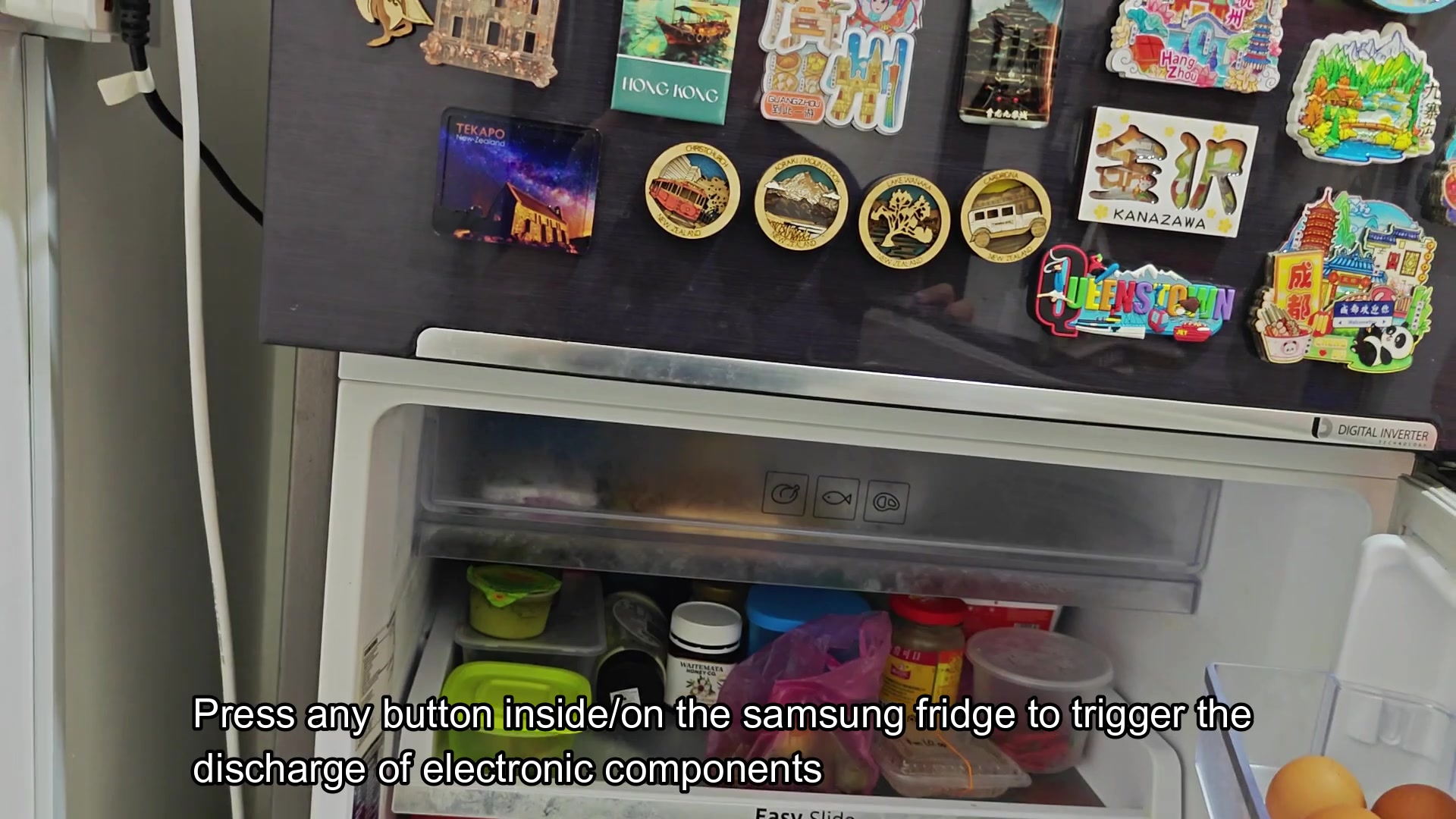
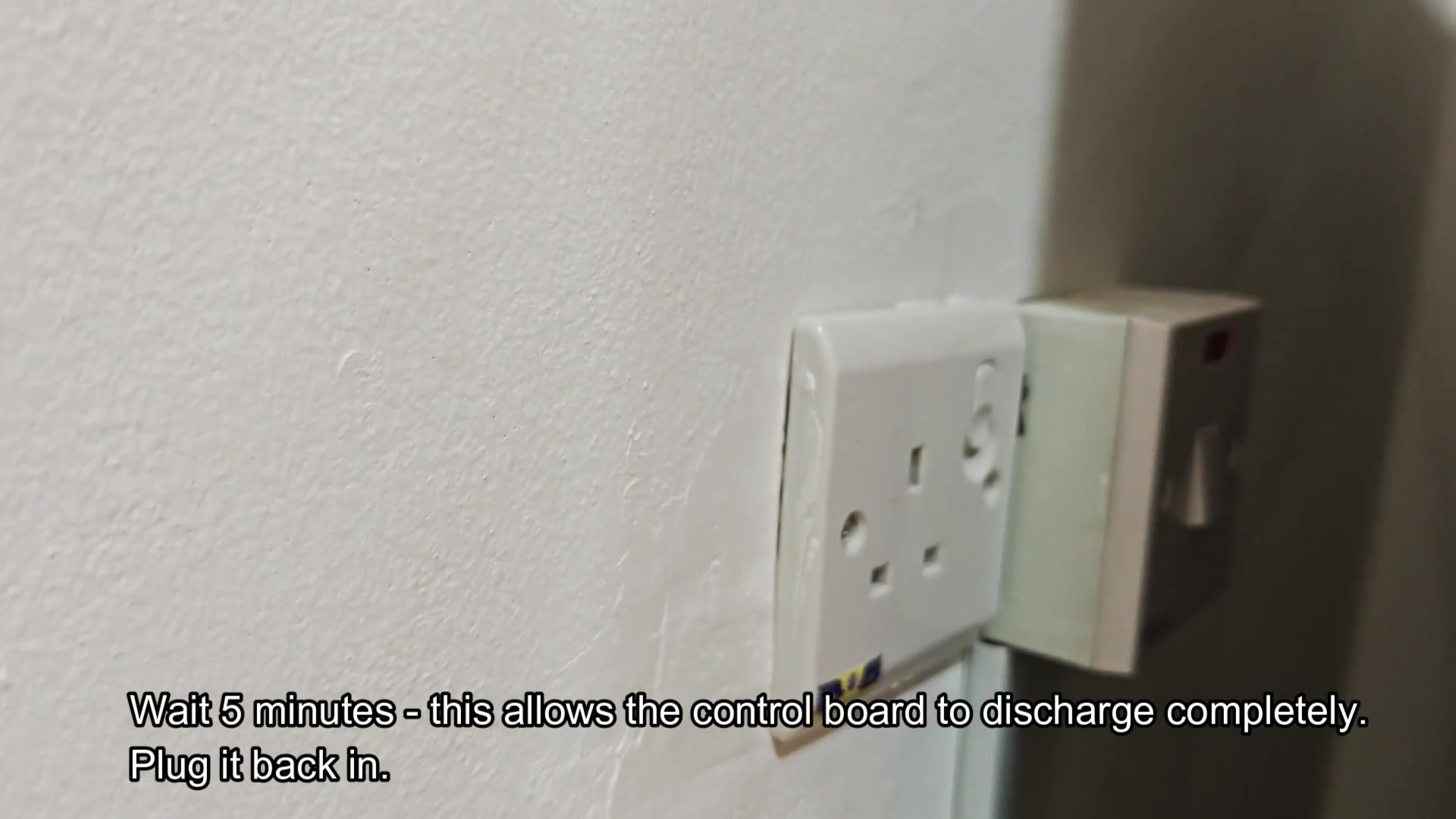
The other method is for people with actual fridge issues. For this one, unplug the fridge from the wall, press any button on the fridge panel to discharge the capacitors, then plug the fridge back in the wall. This will allow the fridge to undergo a hard reset and will fix most of the actual problems with the fridge’s operation.
I would say the panel reset is for cosmetic only.
samsung-fridge-reset-display-vs-full-power-cycle-1.jpg

samsung-fridge-reset-display-vs-full-power-cycle-2.jpg

samsung-fridge-reset-display-vs-full-power-cycle-3.jpg

samsung-fridge-reset-display-vs-full-power-cycle-4.jpg

samsung-fridge-reset-display-vs-full-power-cycle-5.jpg

samsung-fridge-reset-display-vs-full-power-cycle-6.jpg
 
panel reset is honestly 90% cosmetic in my experience. If the compressor isnt kicking in or you've got an actual sensor fault that button combo aint doing anything for you
 
The step to discharge is real and people just dont understand why unplugging the fridge isnt working. The control boards can hold a charge for 30+ seconds. The relays dont drop out completely so the MCU doesn't get a cold boot when unplugged. Pressing a button while unplugged will properly discharge the board. Same logic to plugging in the laptop battery.
 
The step to discharge is real and people just dont understand why unplugging the fridge isnt working. The control boards can hold a charge for 30+ seconds. The relays dont drop out completely so the MCU doesn't get a cold boot when unplugged. Pressing a button while unplugged wil…

why does pressing a button actualy discharge the caps tho? like is it just closing a circuit to bleed them or is there something specific the firmware does on shutdown
 
why does pressing a button actualy discharge the caps tho? like is it just closing a circuit to bleed them or is there something specific the firmware does on shutdown

It’s just closing a circuit. The button doesn’t do anything smart because there’s no power to the fridge firmware. It’s just a path for the capacitors to drain through the load of the button that’s being pressed.
 
Worked on these for 8 years as an appliance tech and the button combo is basically useless. Any actual fridge issues, fault codes, ice maker won’t make ice, fridge fan doesn’t spin, fridge won’t maintain temp, none of these will go away with the button combo. The panel will reset for ~12 hour then the issue will come up again. The full power cycle gives the fridge a chance to read the temperature sensors which sometimes resets the fault condition. Neither of these methods will fix your fridge, especially since if they do, it will happen again within the week.
 
mine was flashing 22E for weeks, tried the button combo, unplugged for 5 mins nothing, ended up being the defrost sensor. The resets are placebo for half the time
 
the button combo stopped working on my model (RF28) with the latest firmware update. Used to work but now its just power cool and power freeze separately