

See, I saw a couple of posts about resetting Samsung fridges so I thought I’d open this up for discussion as there seems to be some confusion about the methods.
The first method is for those who has issues with the display and panel of the Samsung fridge. All you have to do is hold down the Power Freeze, Power Cool buttons at the same time for about 5 to 10 second. This will fix most issue with the display panel.
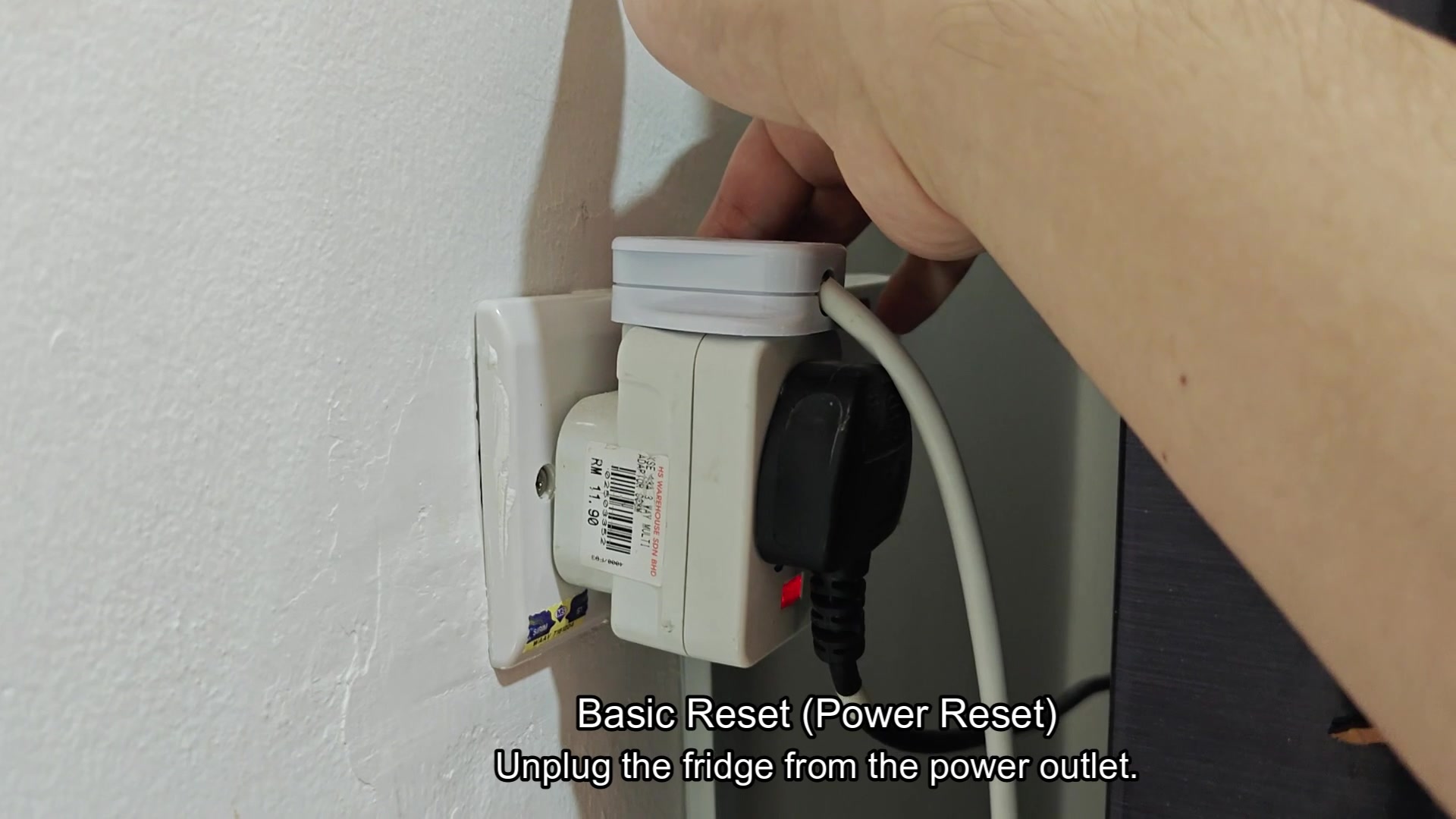
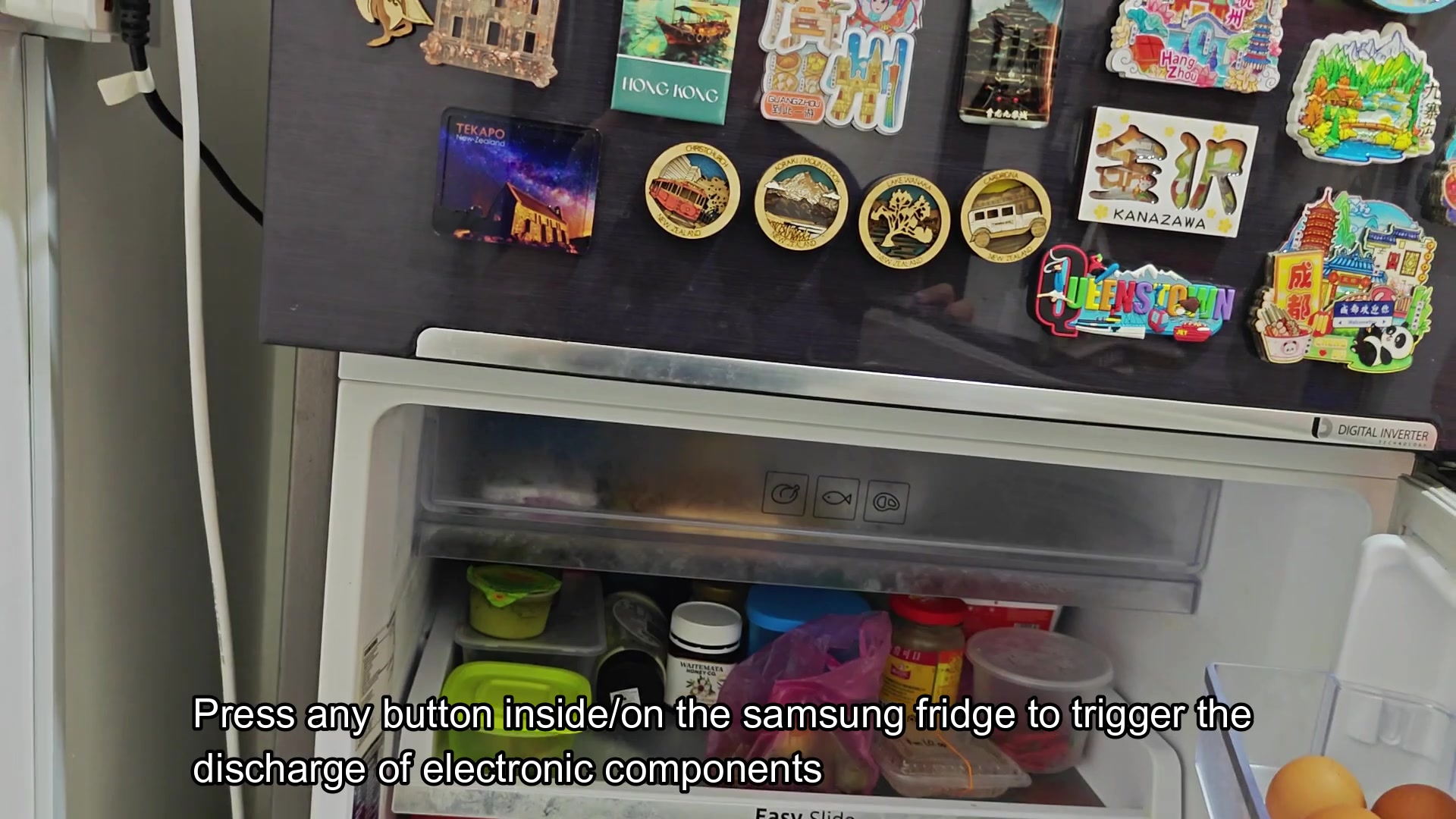
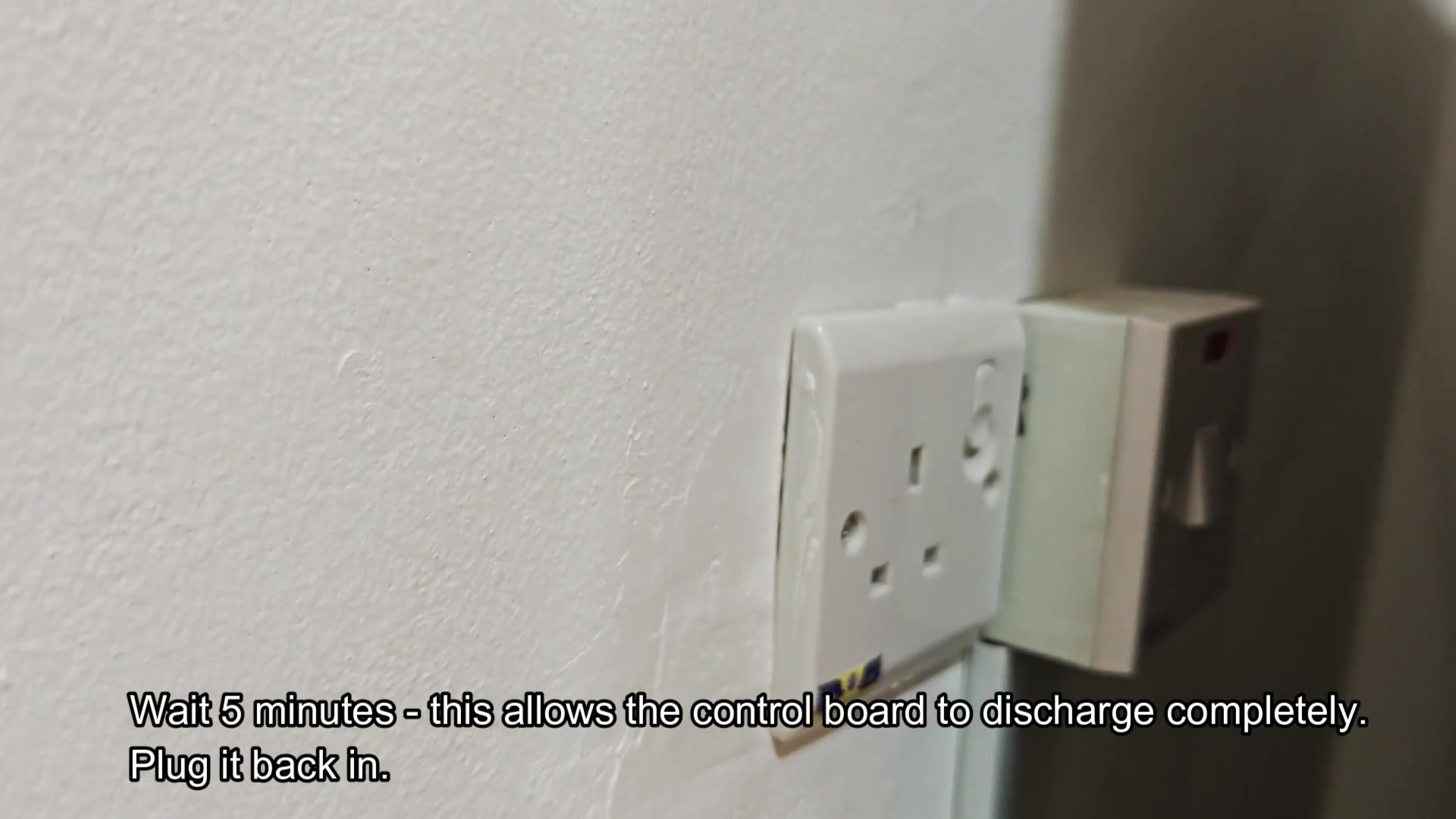
The other method is for people with actual fridge issues. For this one, unplug the fridge from the wall, press any button on the fridge panel to discharge the capacitors, then plug the fridge back in the wall. This will allow the fridge to undergo a hard reset and will fix most of the actual problems with the fridge’s operation.
I would say the panel reset is for cosmetic only.
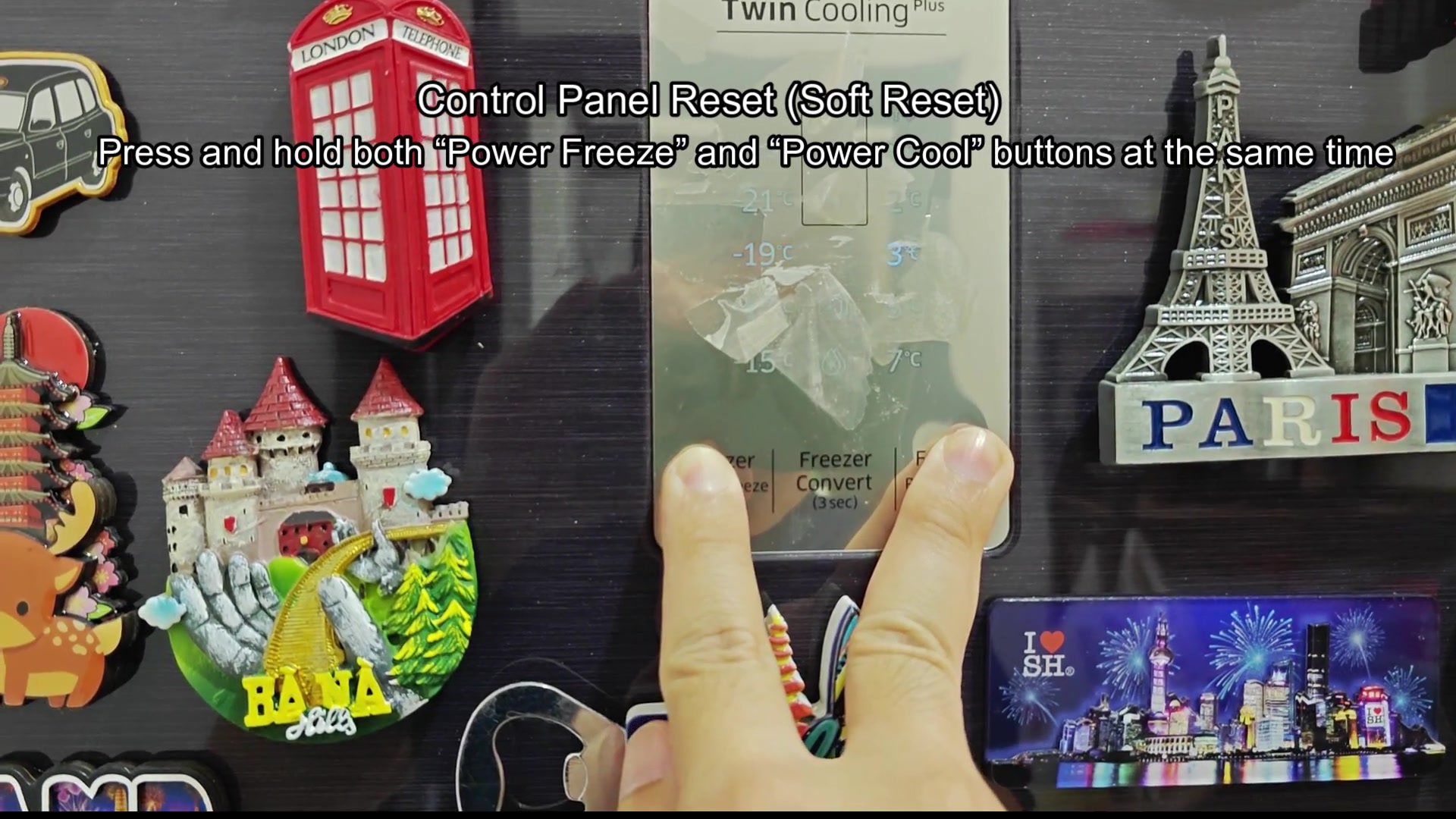
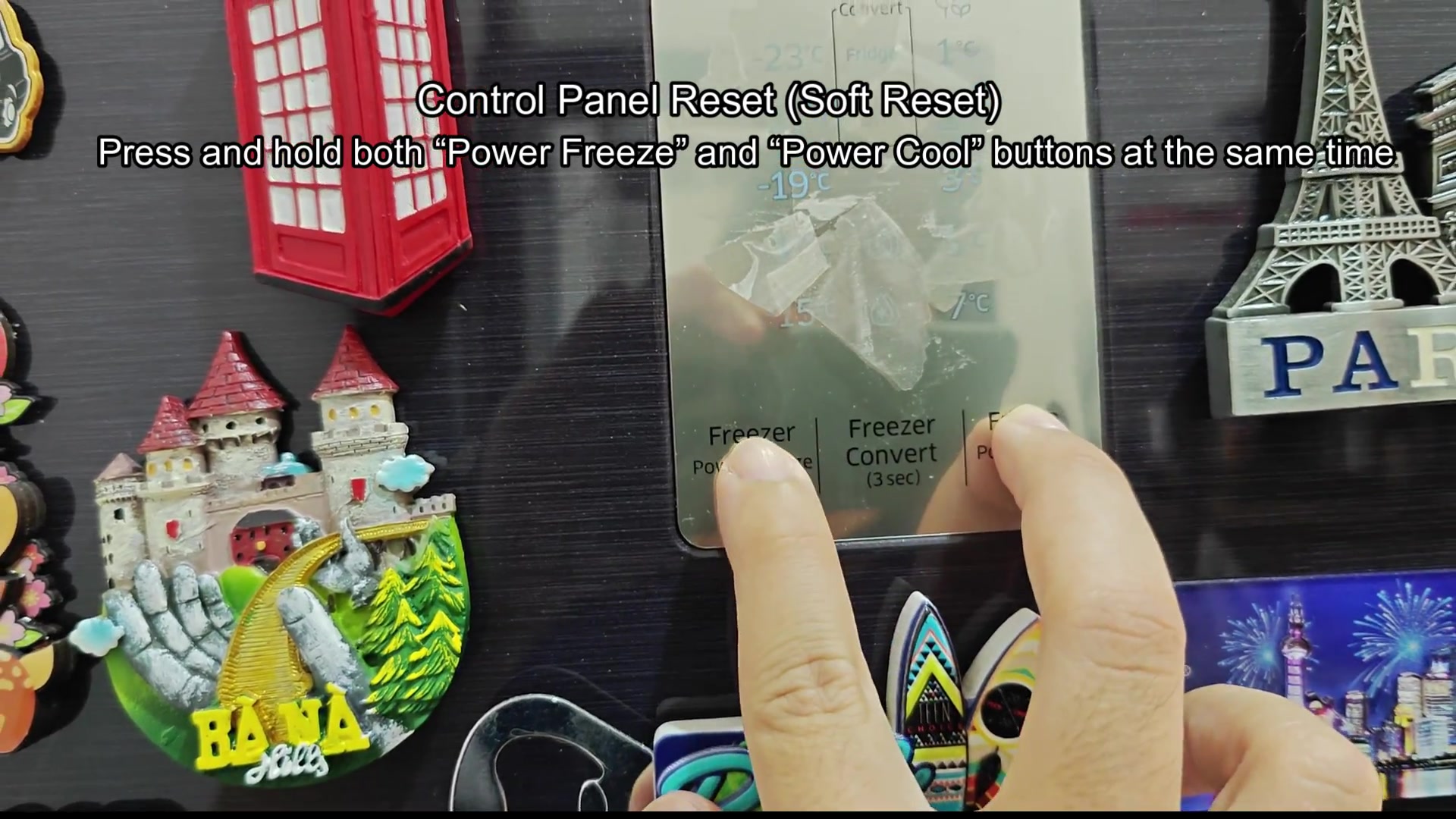
The first method is for those who has issues with the display and panel of the Samsung fridge. All you have to do is hold down the Power Freeze, Power Cool buttons at the same time for about 5 to 10 second. This will fix most issue with the display panel.
The other method is for people with actual fridge issues. For this one, unplug the fridge from the wall, press any button on the fridge panel to discharge the capacitors, then plug the fridge back in the wall. This will allow the fridge to undergo a hard reset and will fix most of the actual problems with the fridge’s operation.
I would say the panel reset is for cosmetic only.