
Quick reference for what the BlendJet light colors actually mean

May 5, 2026
190
0
6
toolcroze.com
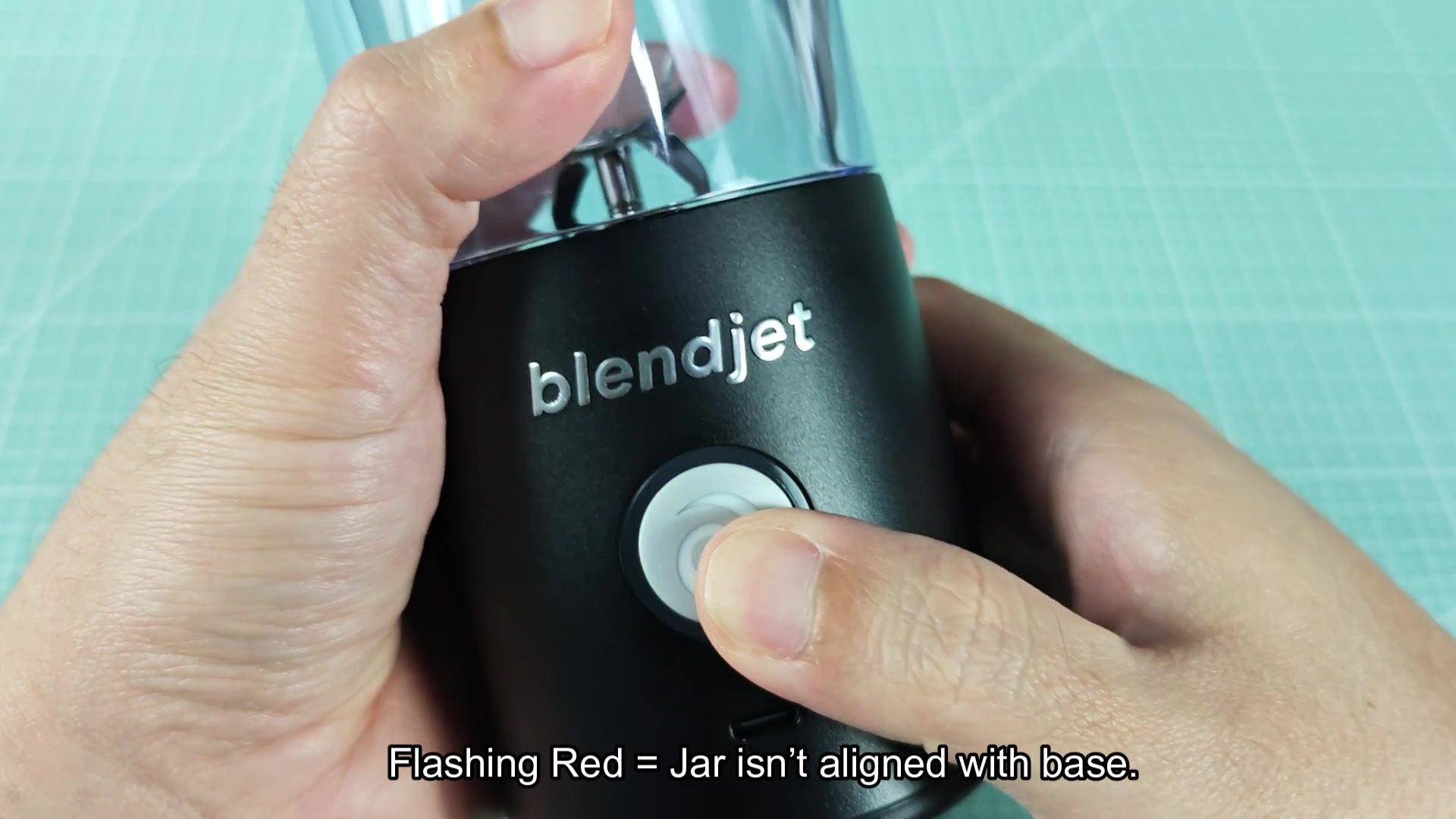
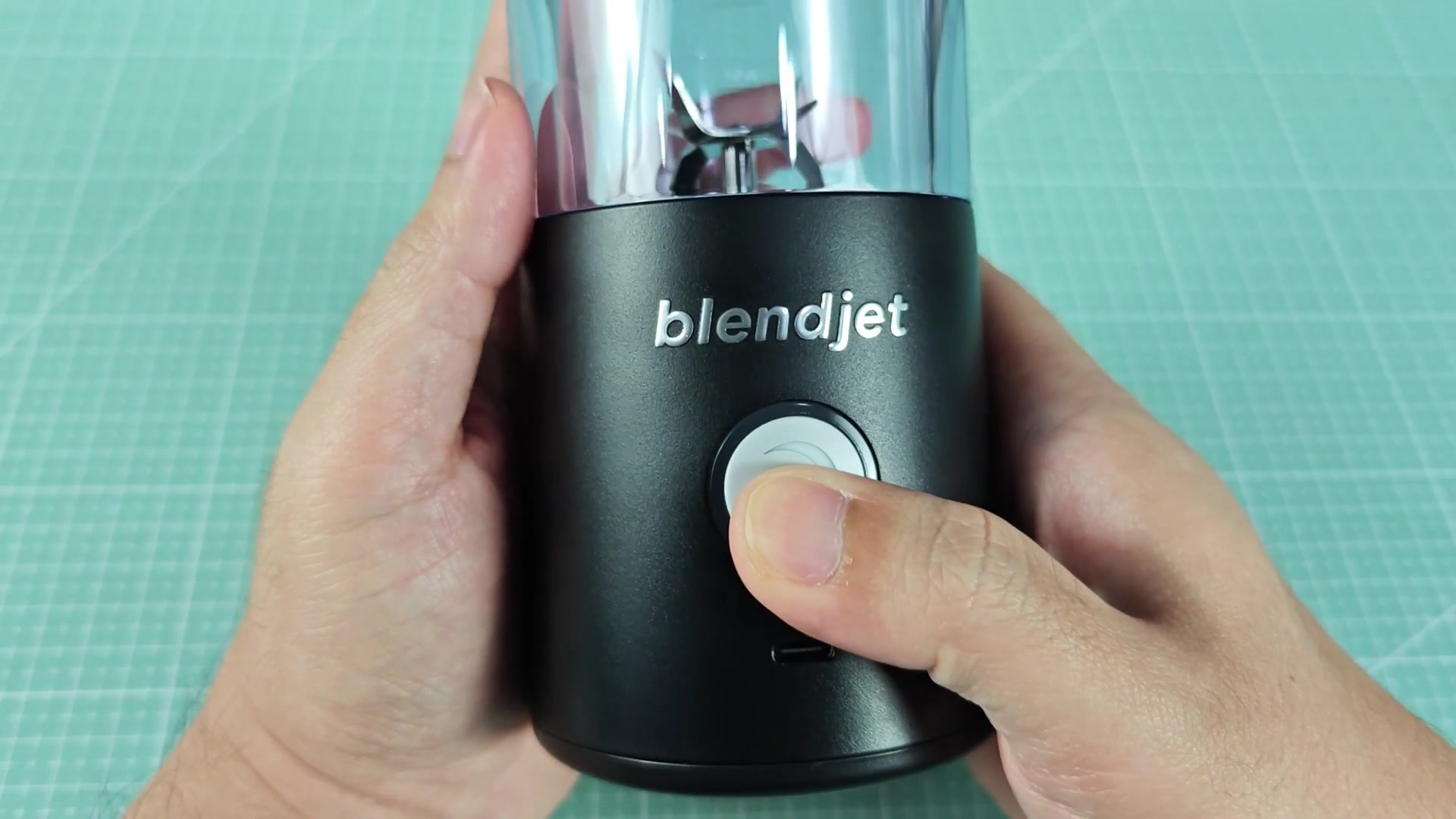
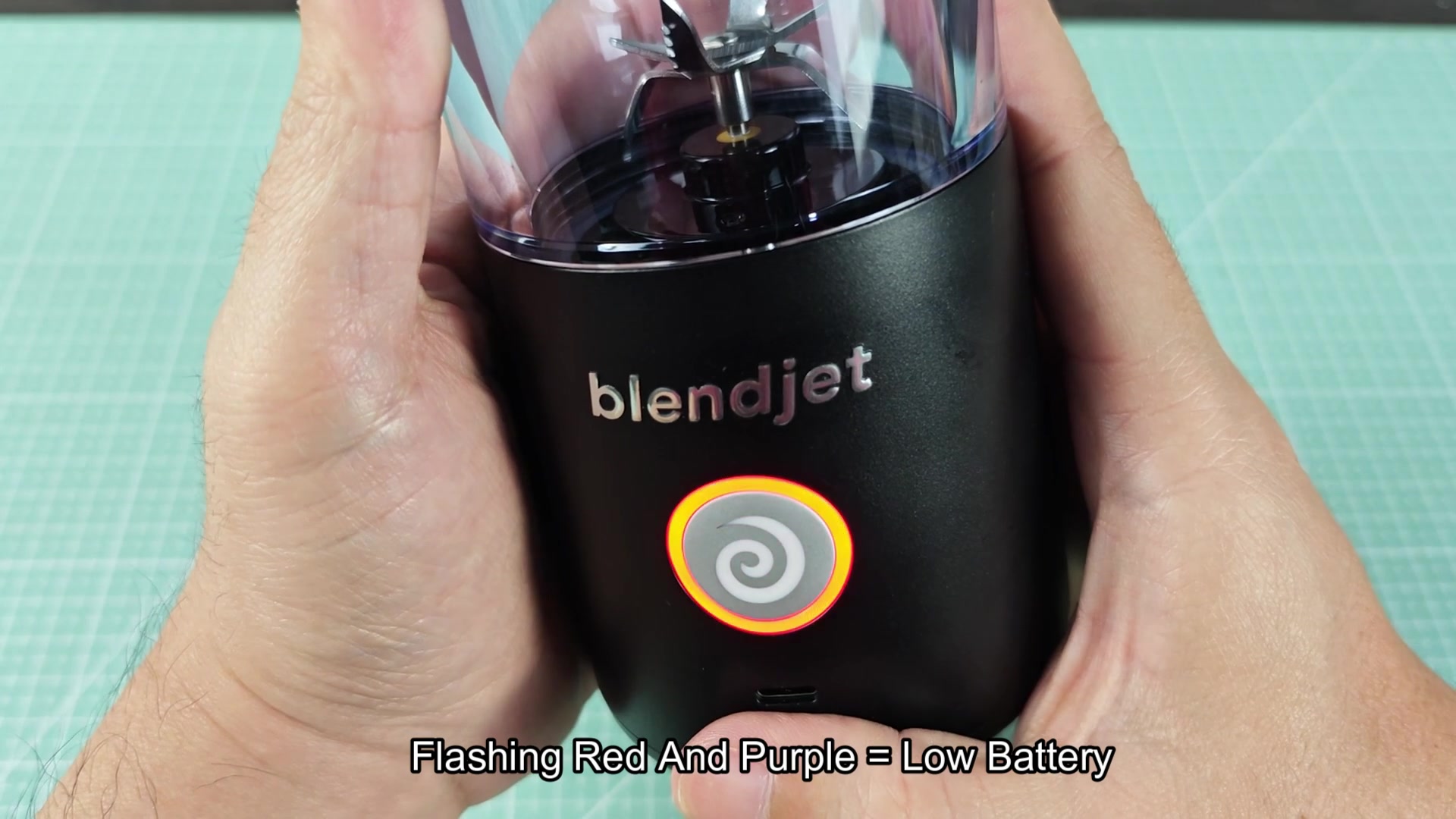
see other threads discussing this issue, someone commented that blue means battery is fine. Flashing red means the jar are not correctly aligned with the blades. Solid red indicates the blade is stuck. Flashing purple means its in lock mode (kid mode?), spinning purple means battery is getting low. Flashing red and purple means battery is completely flat. So purple relates to the battery and red relate to the machine itself.
quick-reference-for-what-the-blendjet-light-colors-actually-mean-1.jpg

quick-reference-for-what-the-blendjet-light-colors-actually-mean-2.jpg

quick-reference-for-what-the-blendjet-light-colors-actually-mean-3.jpg
 
Why re-use red for two different thing? This is amateur hour. You would think for any equipment out there, you would get a specific code for a specific fault. This is a toy though so whatever.
 
Flashing red alignment problem got me twice before I realized the lid wasnt screw on properly. Once you know what it means its pretty obvious.
 
Does the blade stuck error clear on its own or does the blendjet have to be unplugged to reset the error? I had an instance of a frozen strawberry wedge once that would not go through.
 
Why re-use red for two different thing? This is amateur hour. You would think for any equipment out there, you would get a specific code for a specific fault. This is a toy though so whatever.

The use of red for both blade stuck and alignment isnt actually that bad for the user experience. Flashing lights are commonly used to indicate different error states for cars, microwaves and other industrial machinery. The problem with the blendjet is that there is no legend for the colors on the device. If there was a diagram on the underside of the machine for example, no one would have to post about this.
 
For BlendJets the main issue is the batteries degrades very quickly. I’ve used one for a year and a half and its starting to give me low battery warnings constantly even with a full battery. I could blend three smoothies on a charge but now I can barely make one. The battery cells are cheap and not readily replaceable. So while its good to know what spinning purple means, the blendjet battery is on its way out for most BlendJet owners.
 
For BlendJets the main issue is the batteries degrades very quickly. I’ve used one for a year and a half and its starting to give me low battery warnings constantly even with a full battery. I could blend three smoothies on a charge but now I can barely make one. The battery cell…

Is there any way to test battery health on a BlendJet other than simply blending and seeing how many smoothies it can make at a time?
 
Is there any way to test battery health on a BlendJet other than simply blending and seeing how many smoothies it can make at a time?

Its more a matter of vibes. There is no service mode or app to check battery health. You have to simply blend as many smoothies as you can until you cant any more.