Ember mug pairing process, anyone find it weird?

May 5, 2026
160
0
6
toolcroze.com
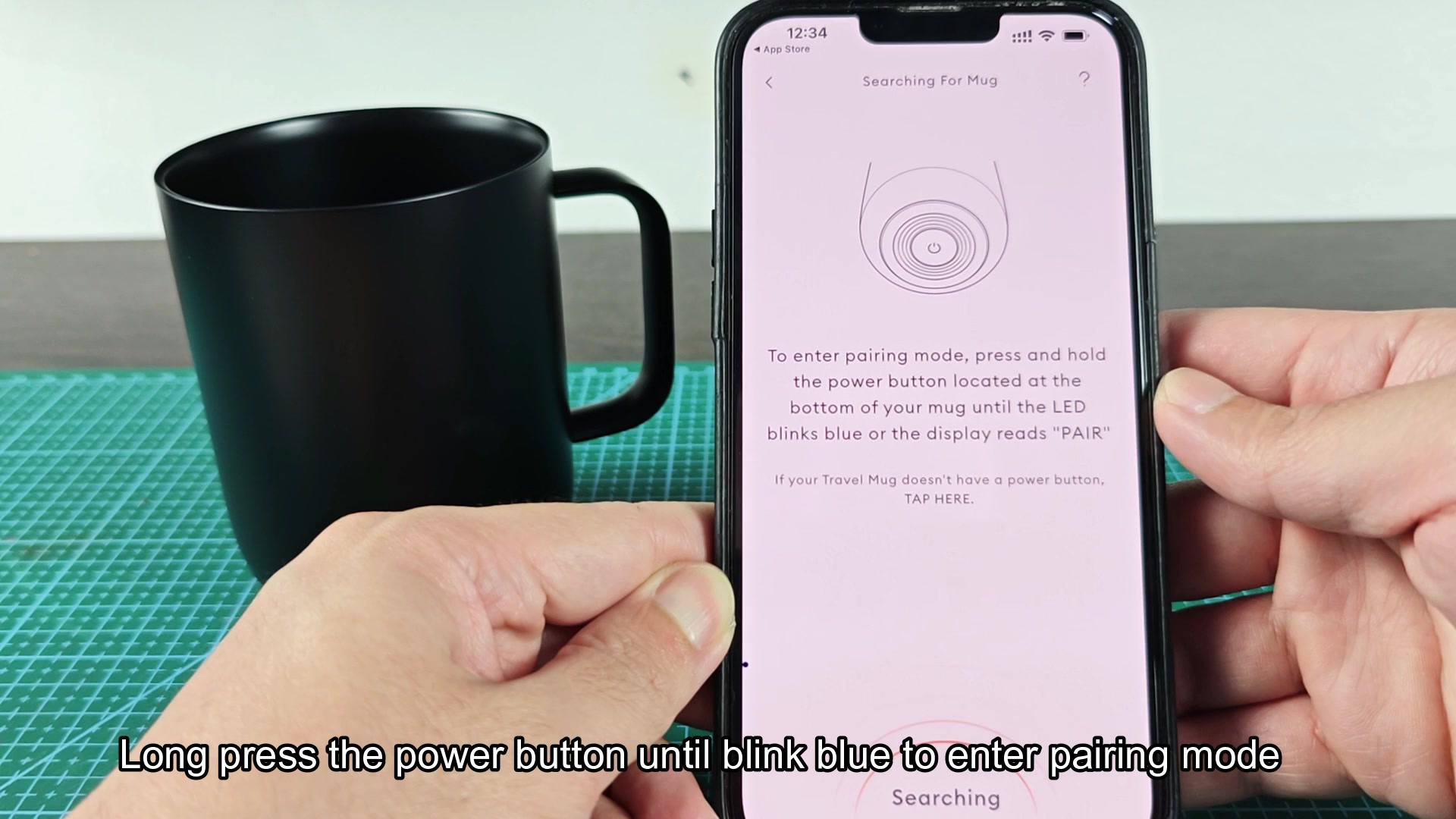
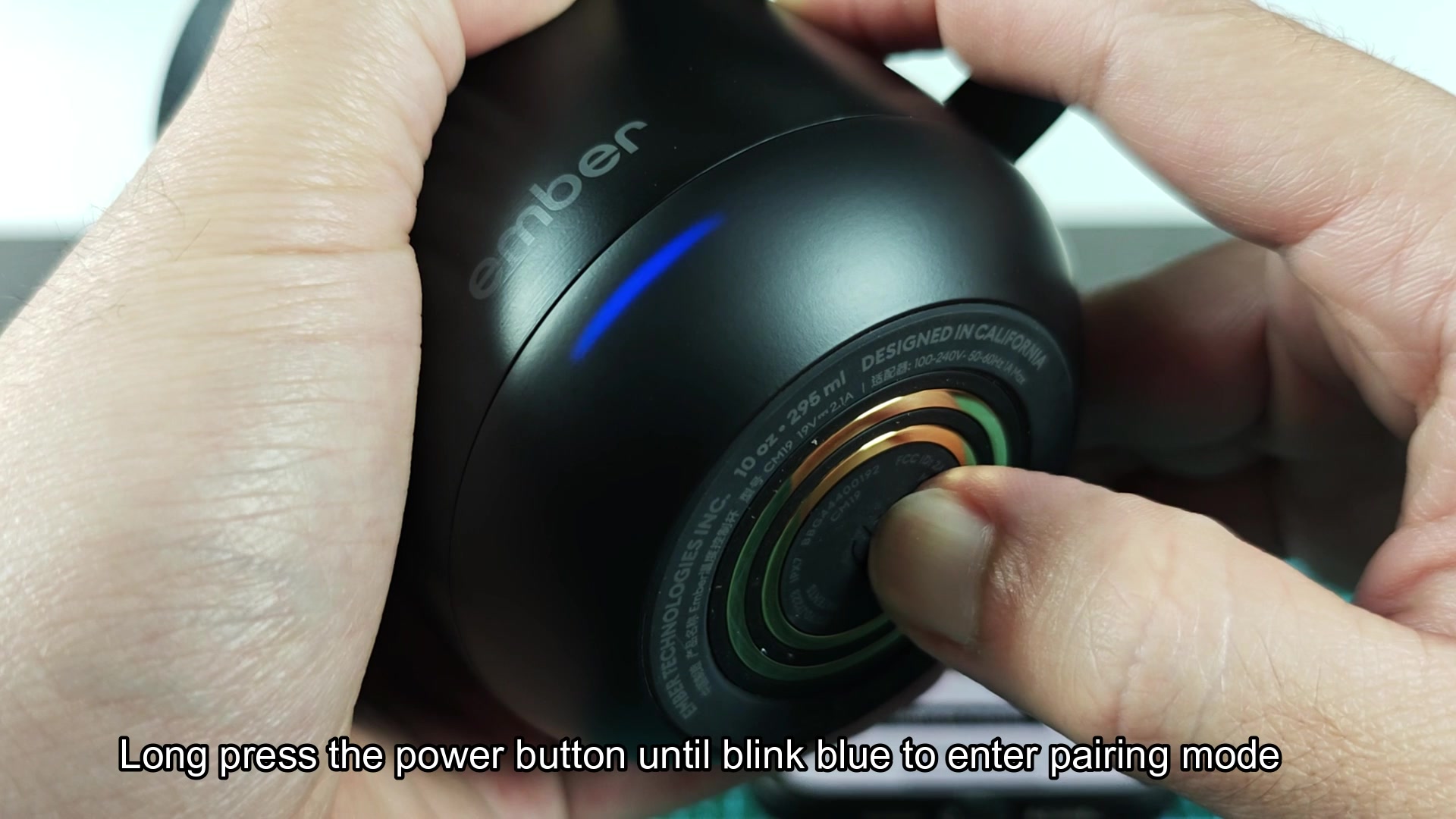
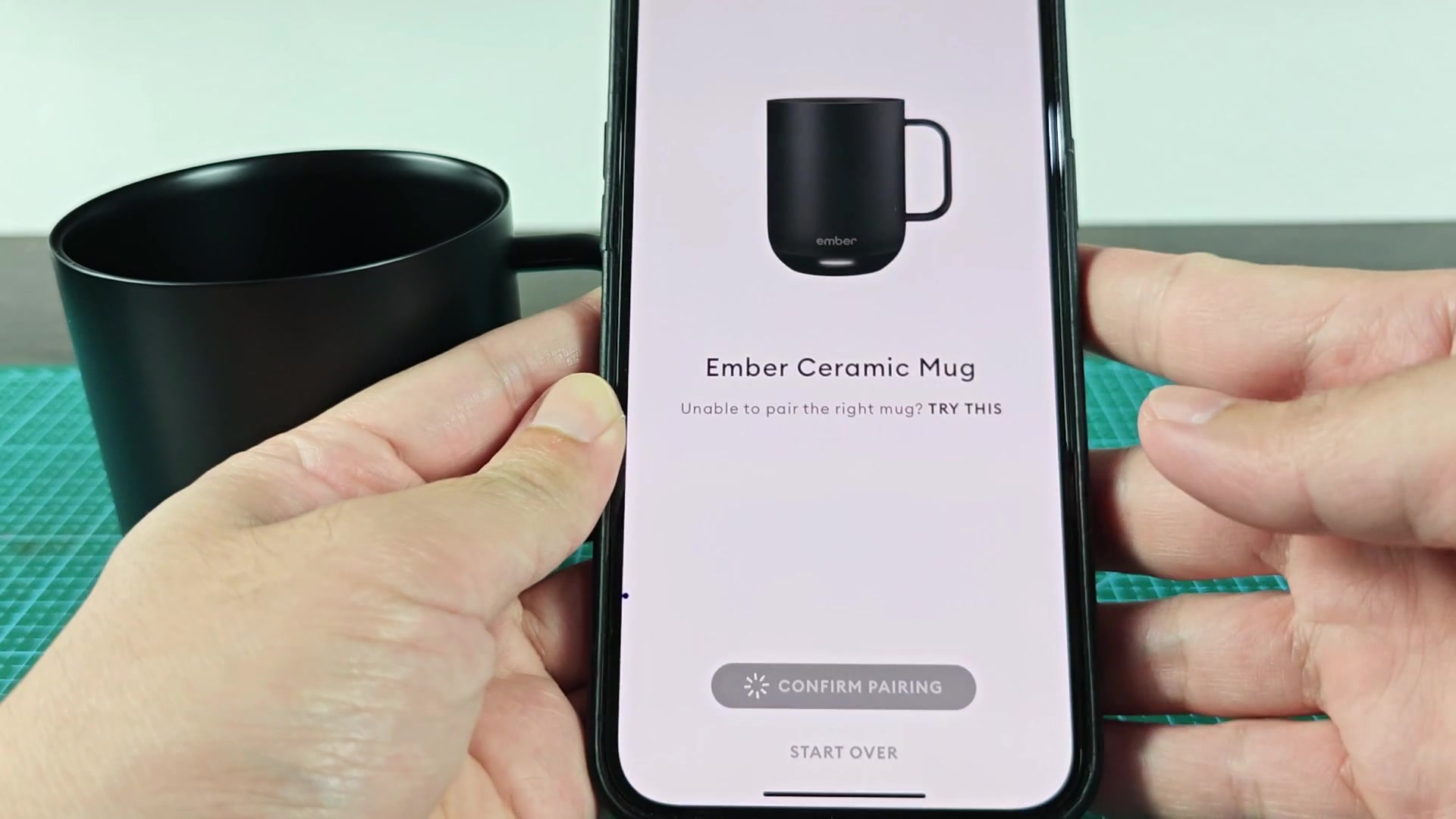
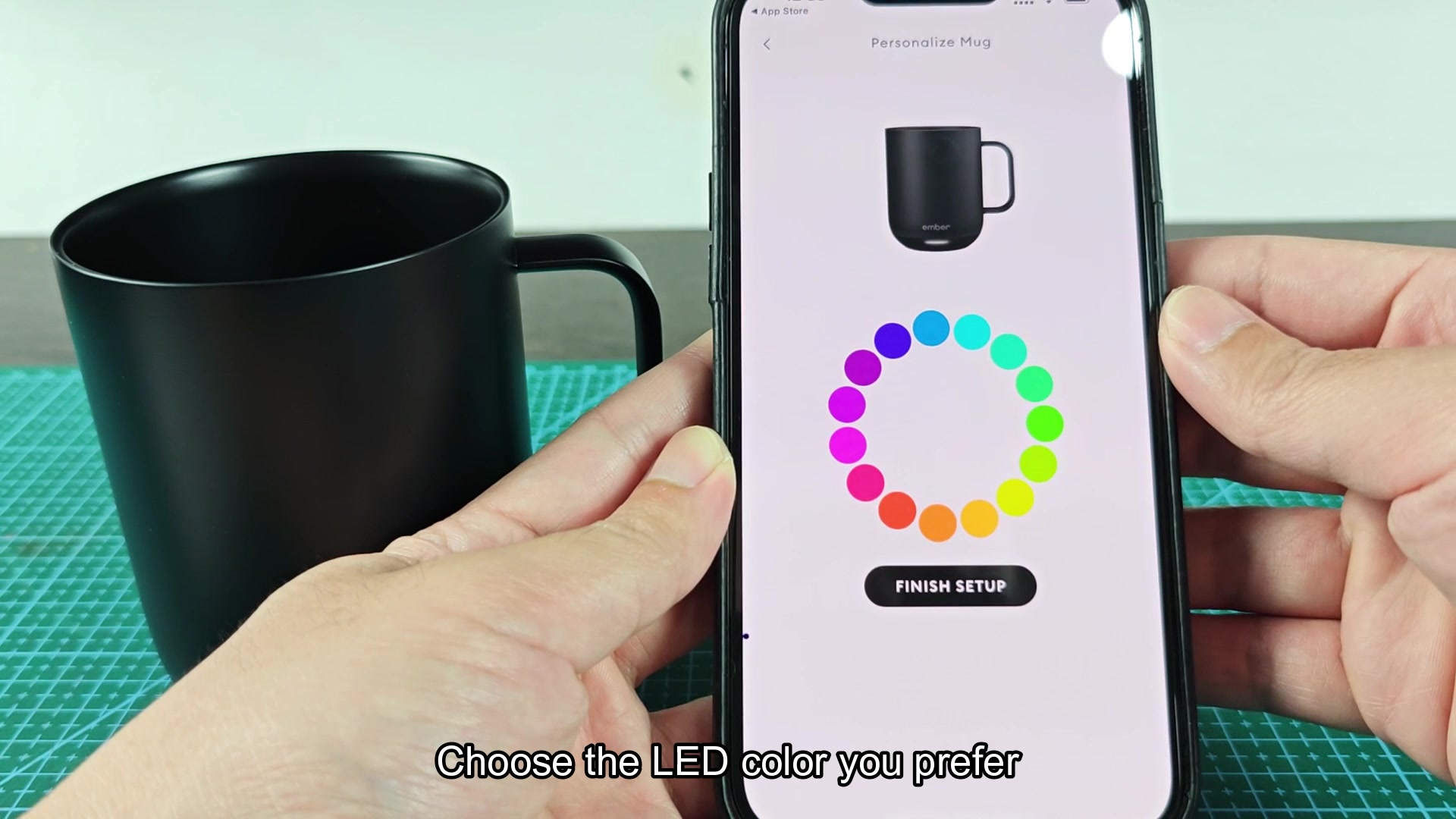
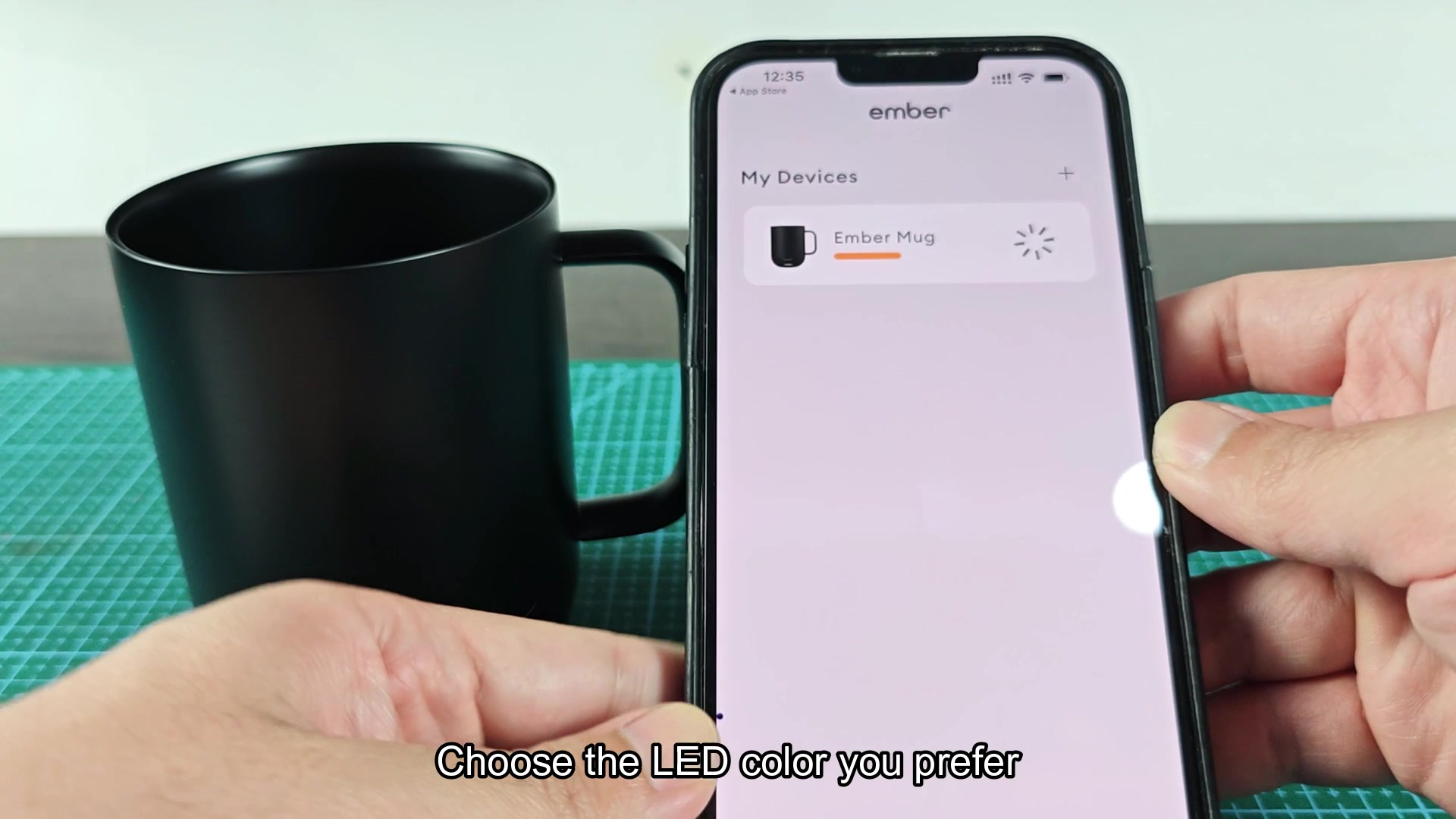
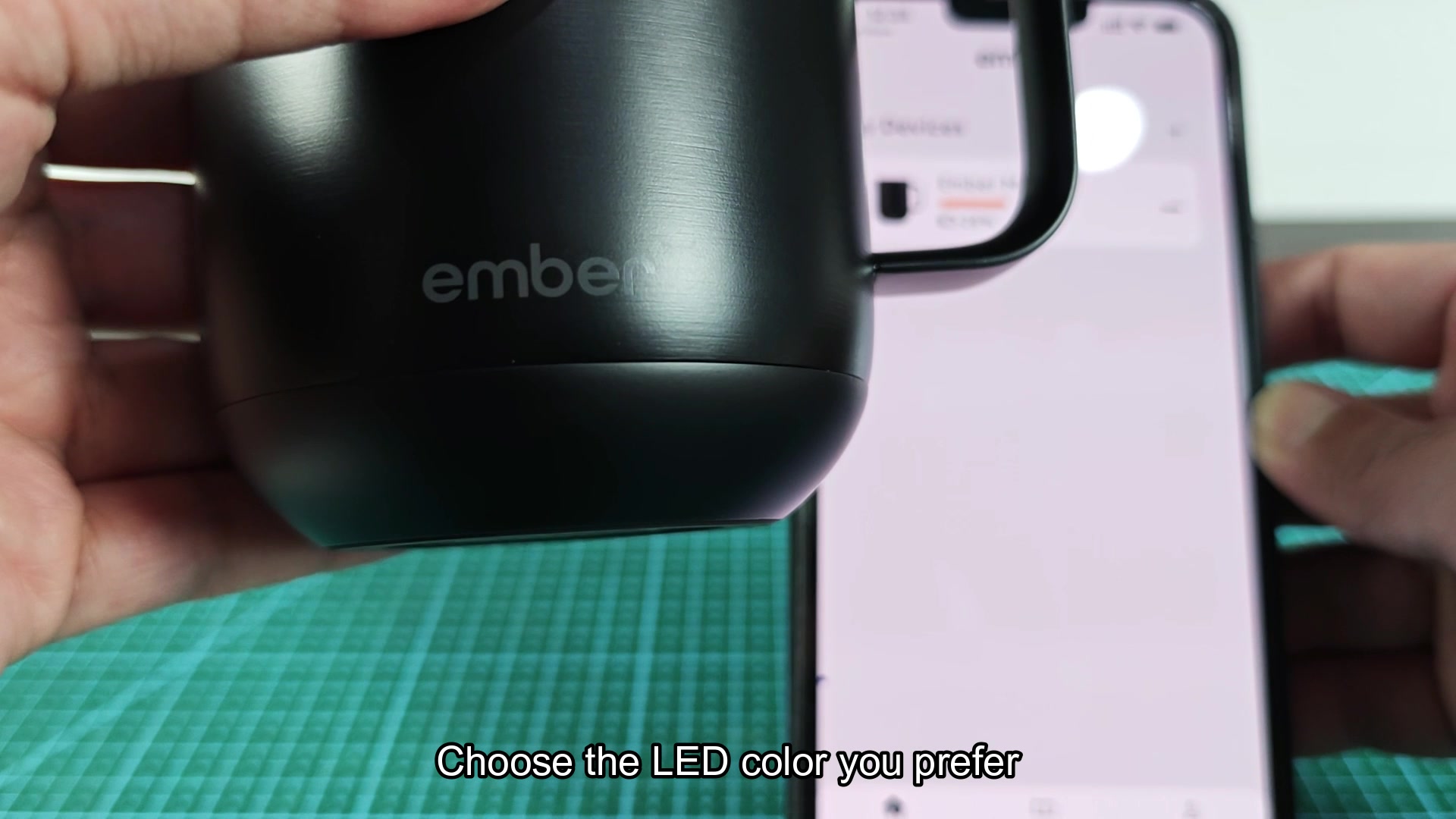
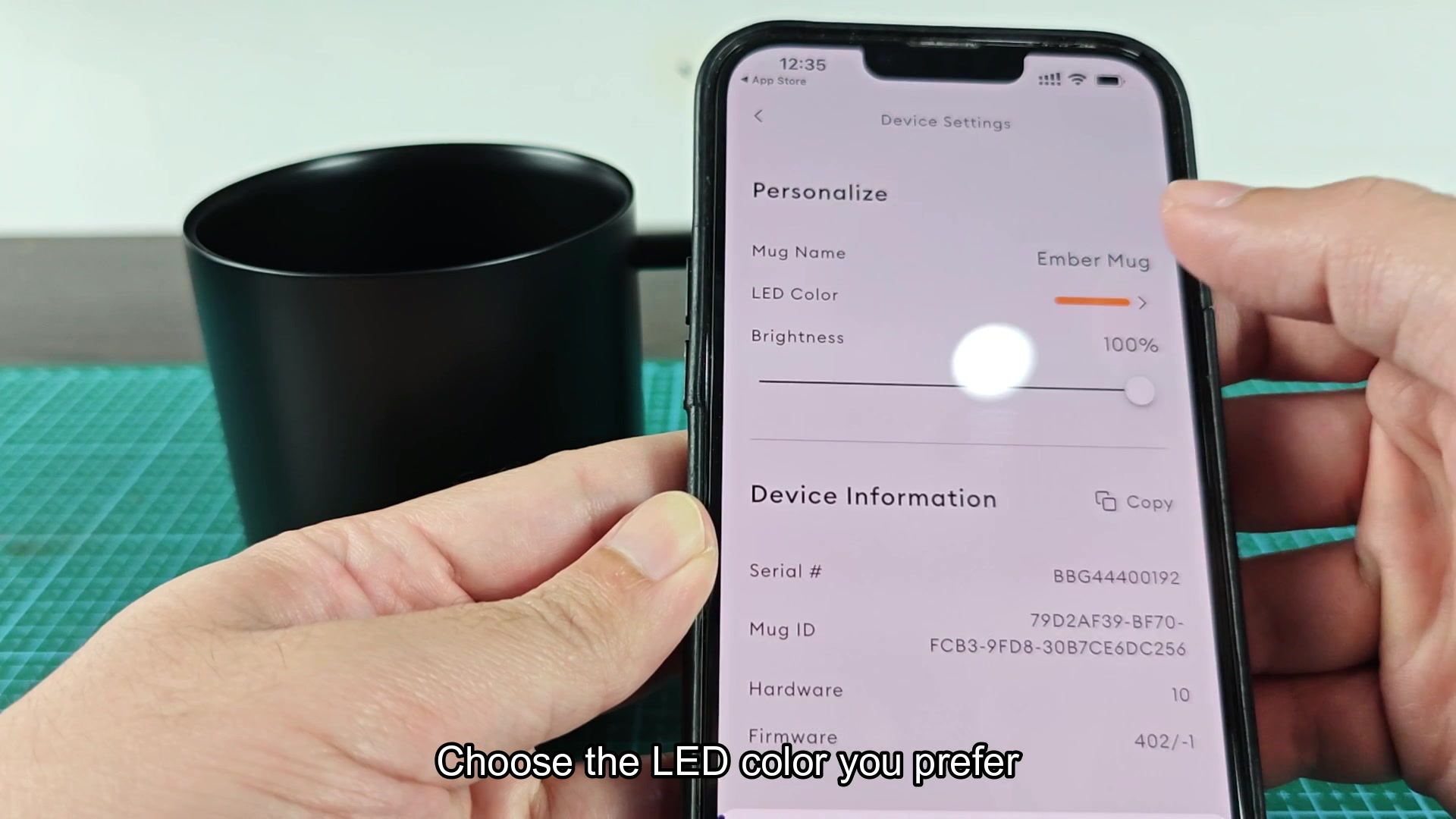
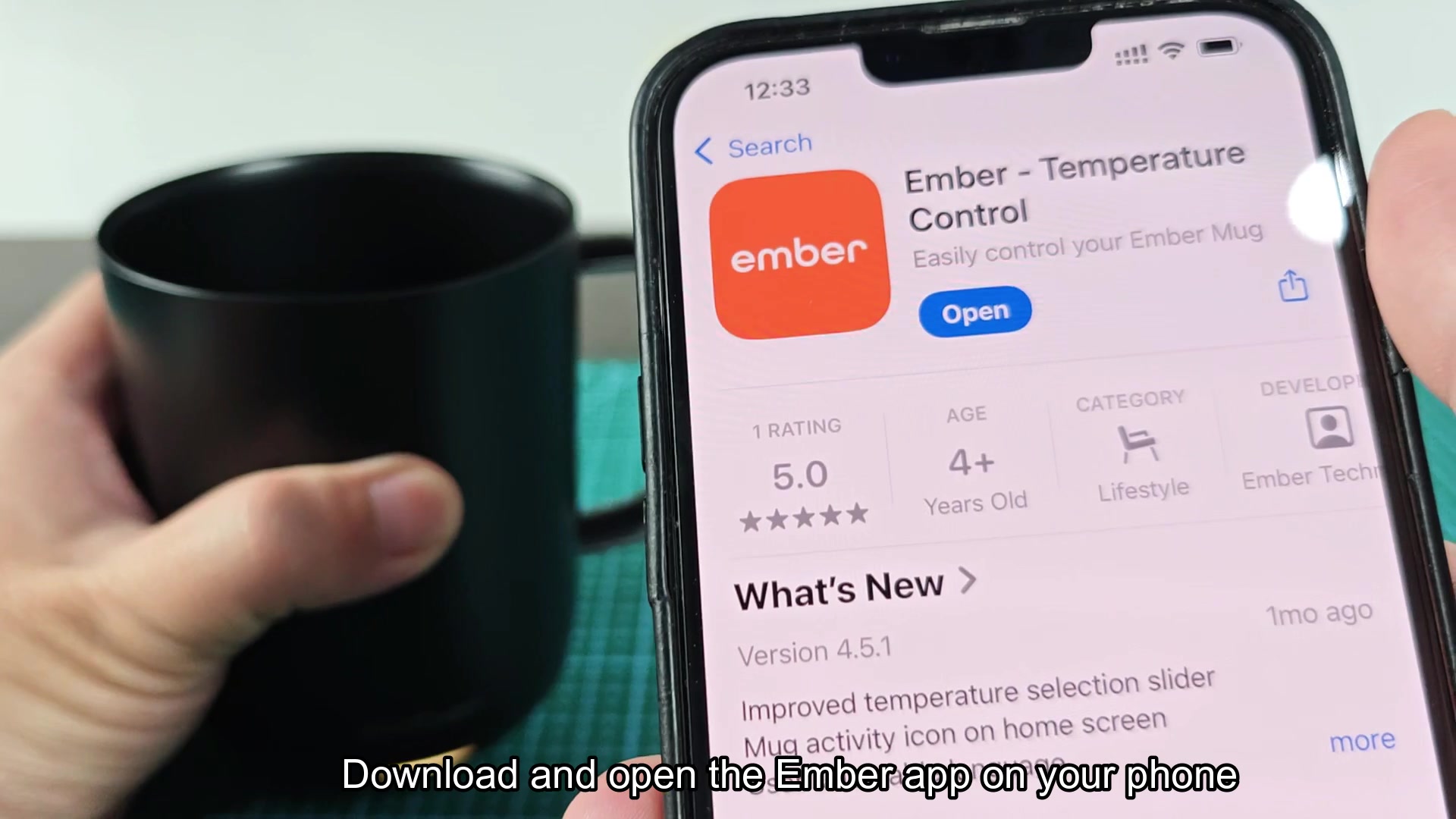
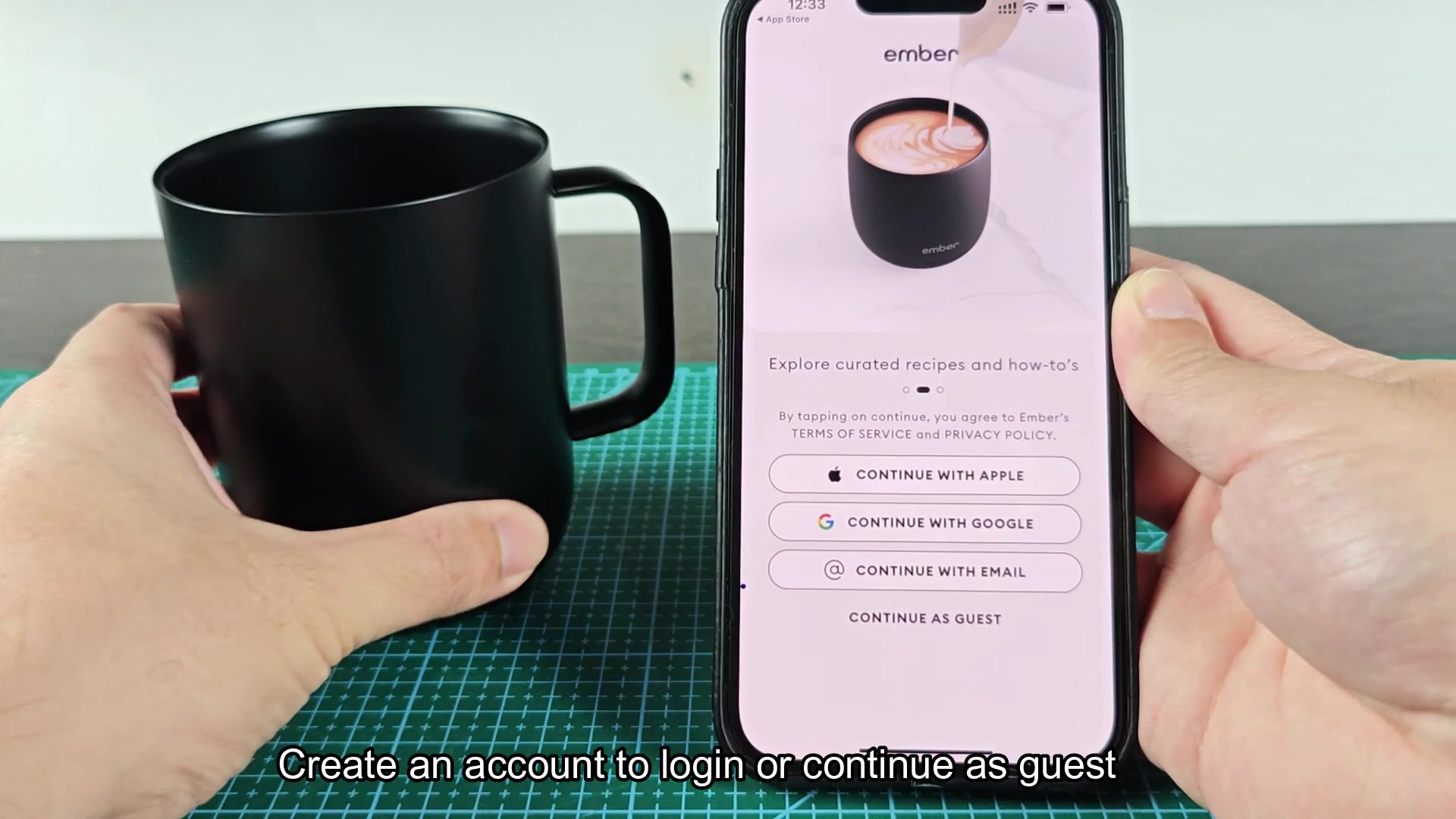
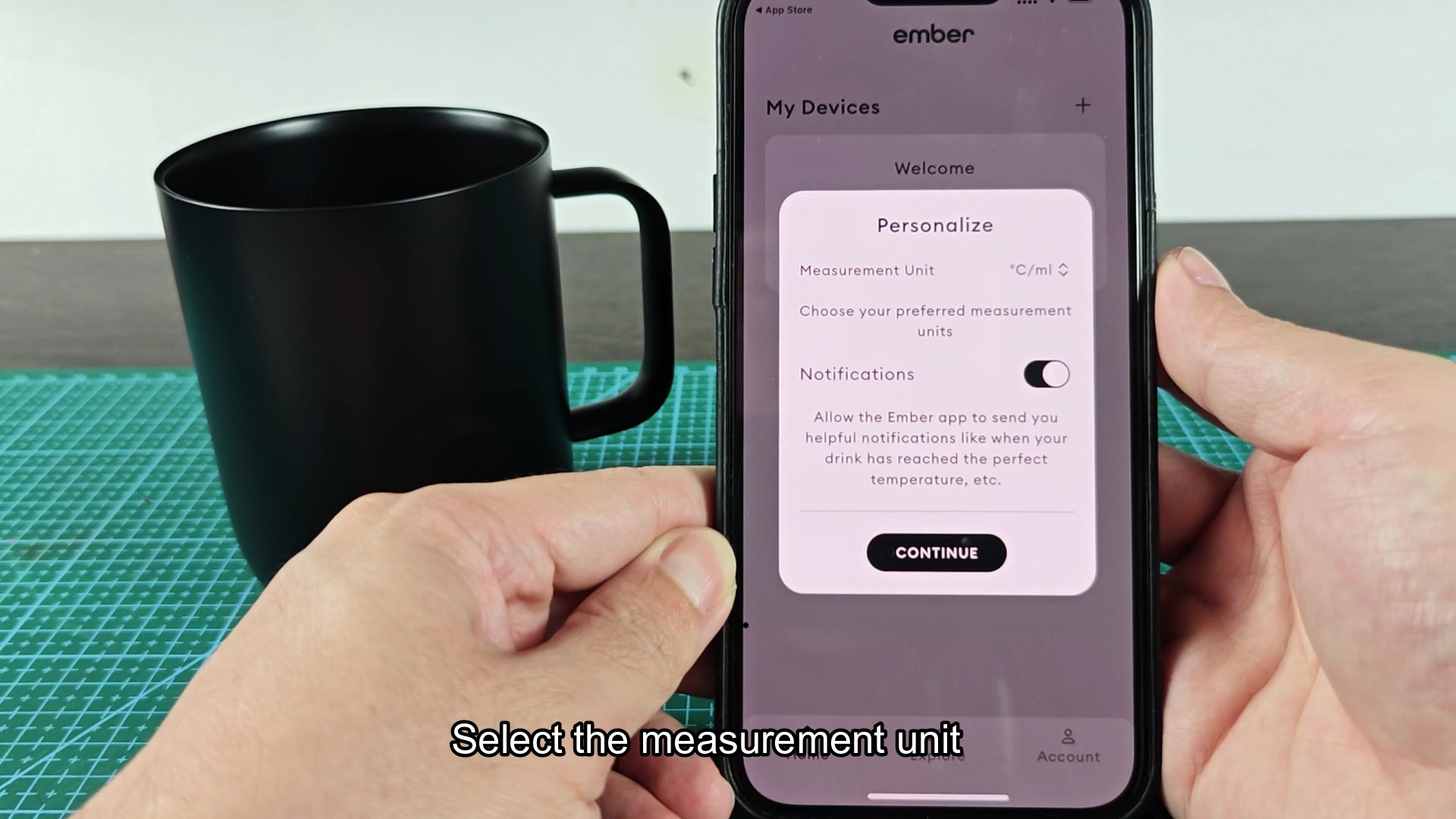
While looking at the docs for an Ember mug, someone mentioned that their mug would not pair to the app. The instructions are relatively simple: install the Ember app on your phone, open it, and hold the power button on the mug until the LED indicator begins to blink blue. After blinking blue, the app should recognize the mug and take you through the pairing steps.
Has anyone else experienced difficulty getting the mug to recognize the phone? From what I understand, there have been complaints that the app will not recognize the mug even while it is blinking blue. I would think this could be a permissions issue on newer phones or that the hold on the power button needs to be longer then the app suggests.
The app makes no mention of what to do if the LED on the mug does not turn blue upon pressing and holding the power button. Would this indicate that the mug need to be charged or that there is some issue with the firmware on the mug?
ember-mug-pairing-process-anyone-find-it-weird-1.jpg

ember-mug-pairing-process-anyone-find-it-weird-2.jpg

ember-mug-pairing-process-anyone-find-it-weird-3.jpg

ember-mug-pairing-process-anyone-find-it-weird-4.jpg

ember-mug-pairing-process-anyone-find-it-weird-5.jpg

ember-mug-pairing-process-anyone-find-it-weird-6.jpg

ember-mug-pairing-process-anyone-find-it-weird-7.jpg

ember-mug-pairing-process-anyone-find-it-weird-8.jpg

ember-mug-pairing-process-anyone-find-it-weird-9.jpg

ember-mug-pairing-process-anyone-find-it-weird-10.jpg
 
The press and hold has to be for at least 5-8 seconds. Shorter than that and the mug just power cycles. I find it annoying that the app does not make this clear.
 
Location permissions. That’s all. This is a known issue with android devices where bluetooth does not scan for bluetooth device if location services are off. That’s why 9 out of 10 times when the app does not recognize the mug, it’s because of this.
 
Location permissions. That’s all. This is a known issue with android devices where bluetooth does not scan for bluetooth device if location services are off. That’s why 9 out of 10 times when the app does not recognize the mug, it’s because of this.

This is the actual answer. On android devices, bluetooth scanning is enabled through location services for legacy reasons. The Ember app does not recognize this and does not help the user to turn on location services. Apple is a bit more forgiving in that if bluetooth is permitted on the device in settings, then it will scan for other bluetooth devices. However, if it is not permitted, then it will not be able to recognize the mug via bluetooth.
 
This is the actual answer. On android devices, bluetooth scanning is enabled through location services for legacy reasons. The Ember app does not recognize this and does not help the user to turn on location services. Apple is a bit more forgiving in that if bluetooth is permitte…

If location services is the issue for pairing to the mug, does that mean that the location services has to be on indefinitely for the mug to be recognized by the phone or can that be turned off after initial pairing?
 
If location services is the issue for pairing to the mug, does that mean that the location services has to be on indefinitely for the mug to be recognized by the phone or can that be turned off after initial pairing?

Once it’s paired with the phone, the app utilizes the bond between the two devices to recognize the mug when it’s within bluetooth range. Location services can therefore be turned off and the phone will still control the mug. The location services is only required for discovering the device during the initial pairing.
 
Had to factory reset my mug to get it to pair with my phone after updating the Ember app. Held the power button for 10 seconds until the LED turned red and continued to hold until it completed cycling. Found this on a reddit forum from 2019.