

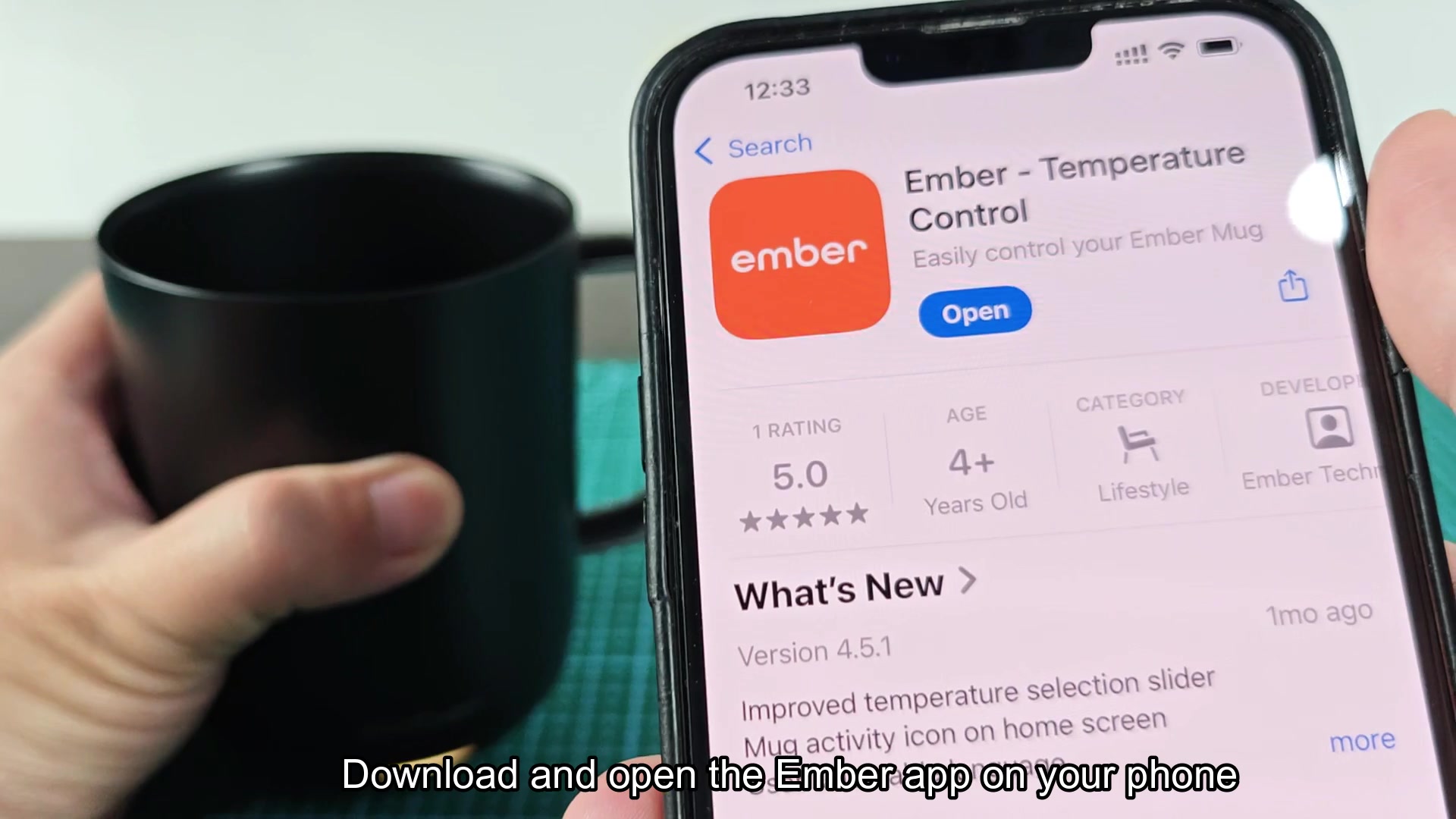
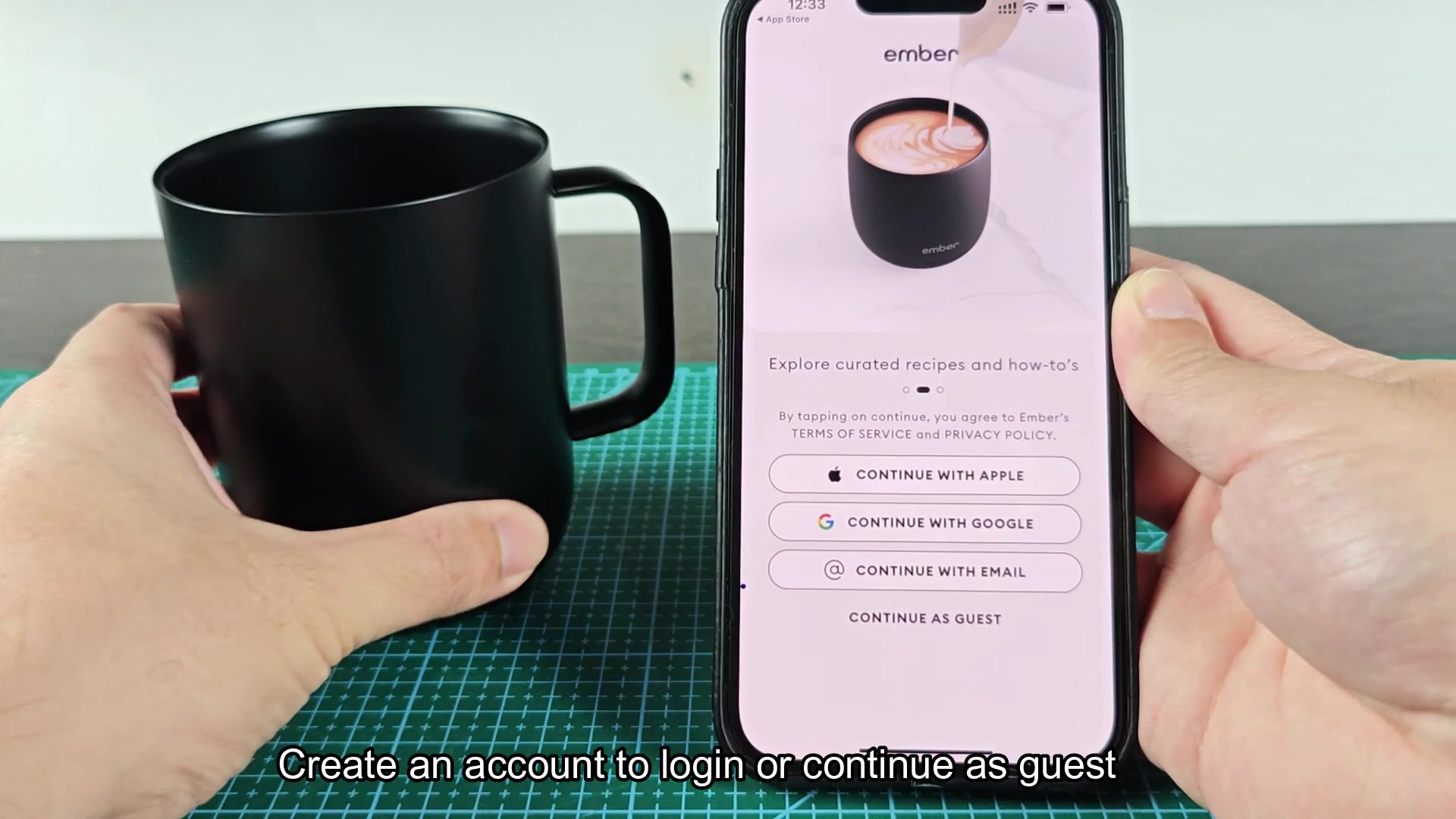
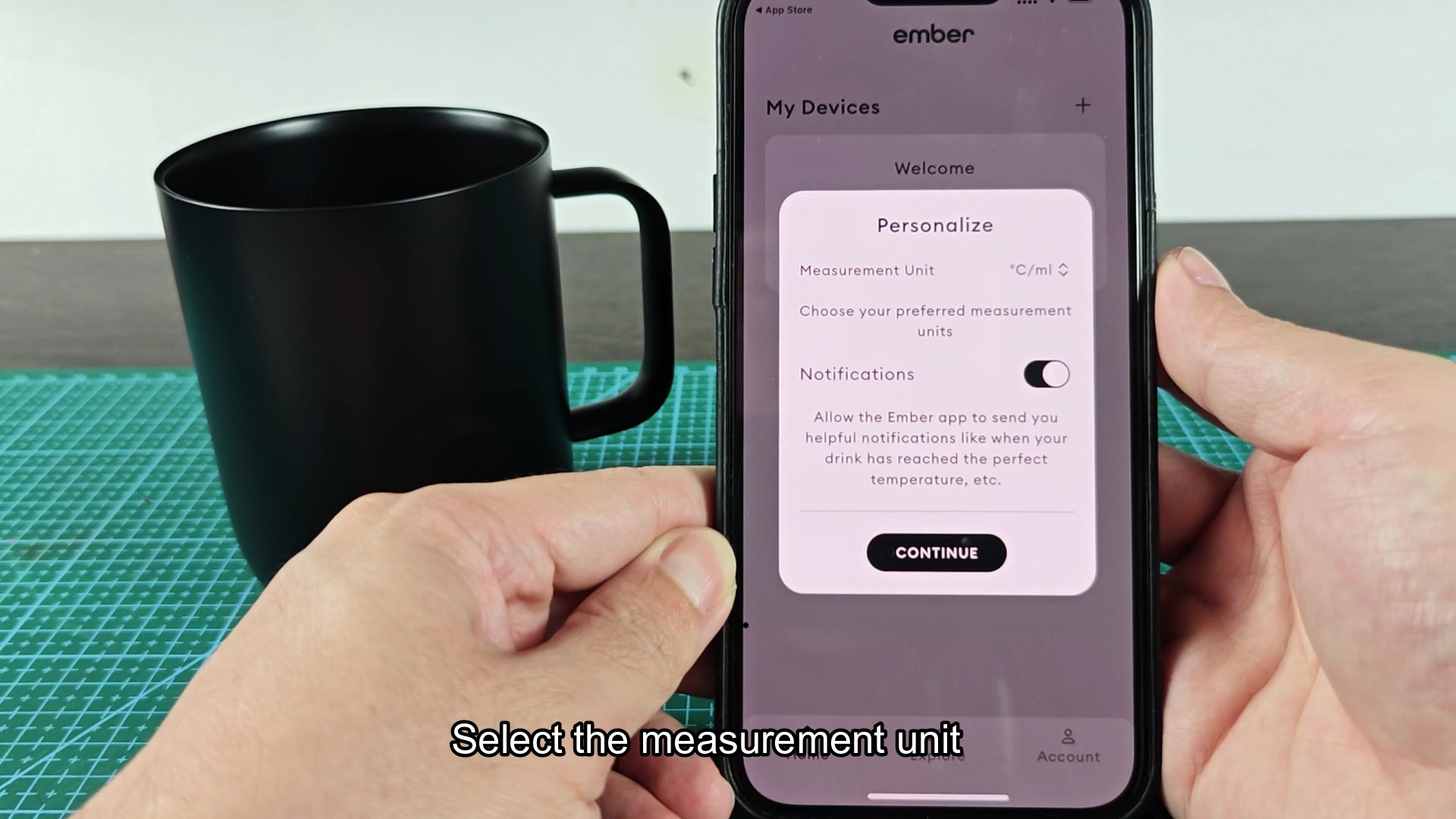
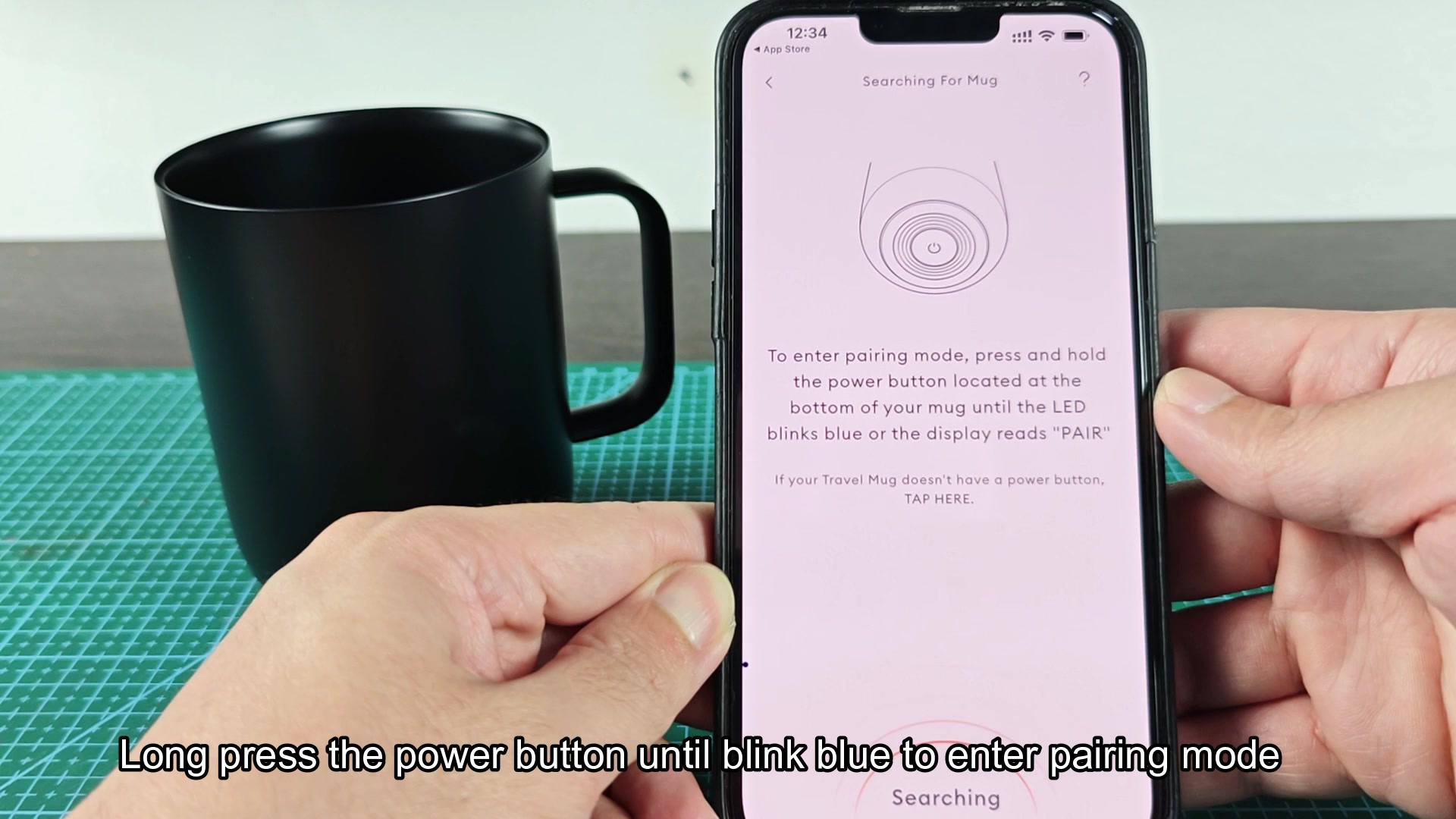
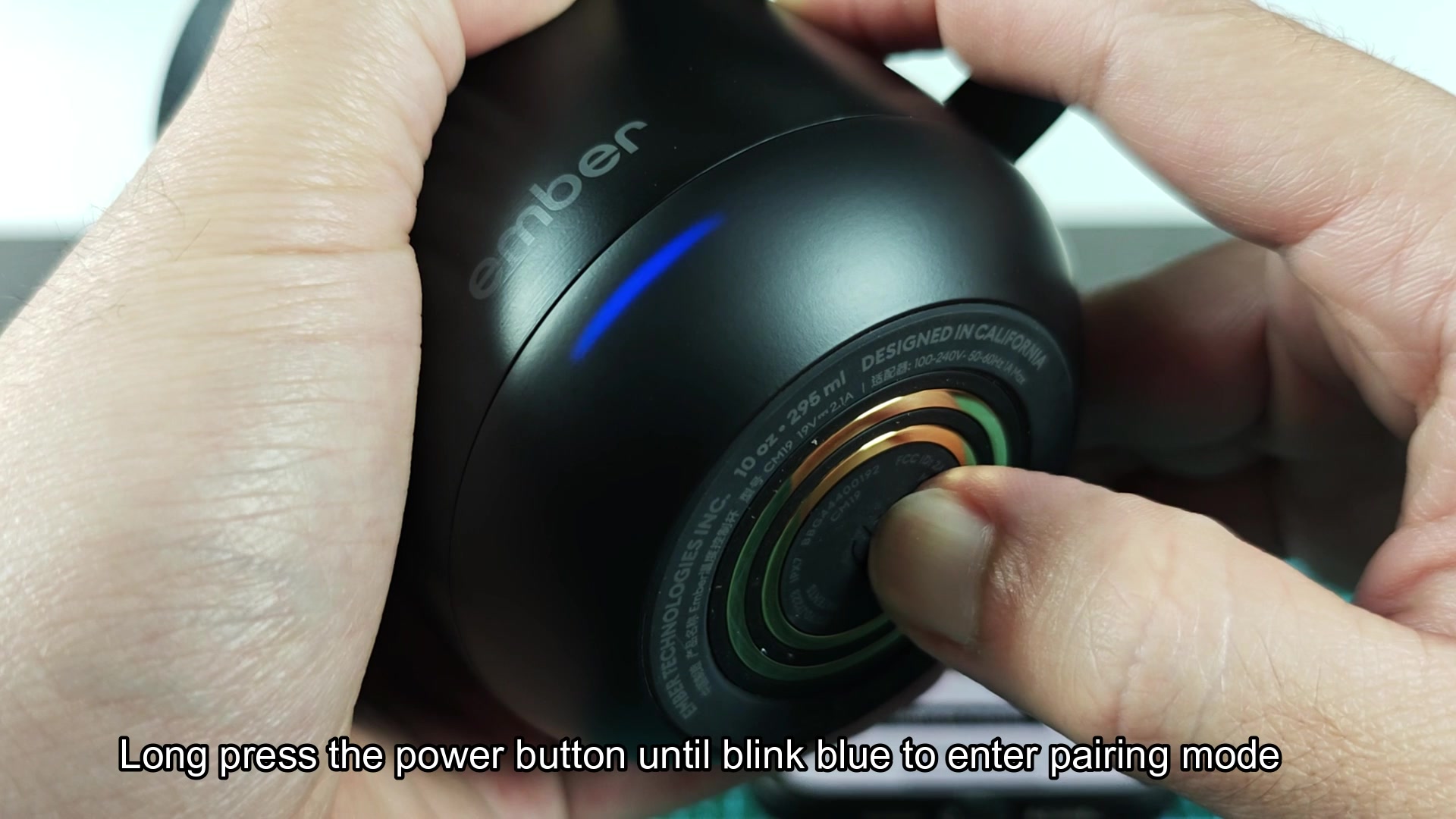
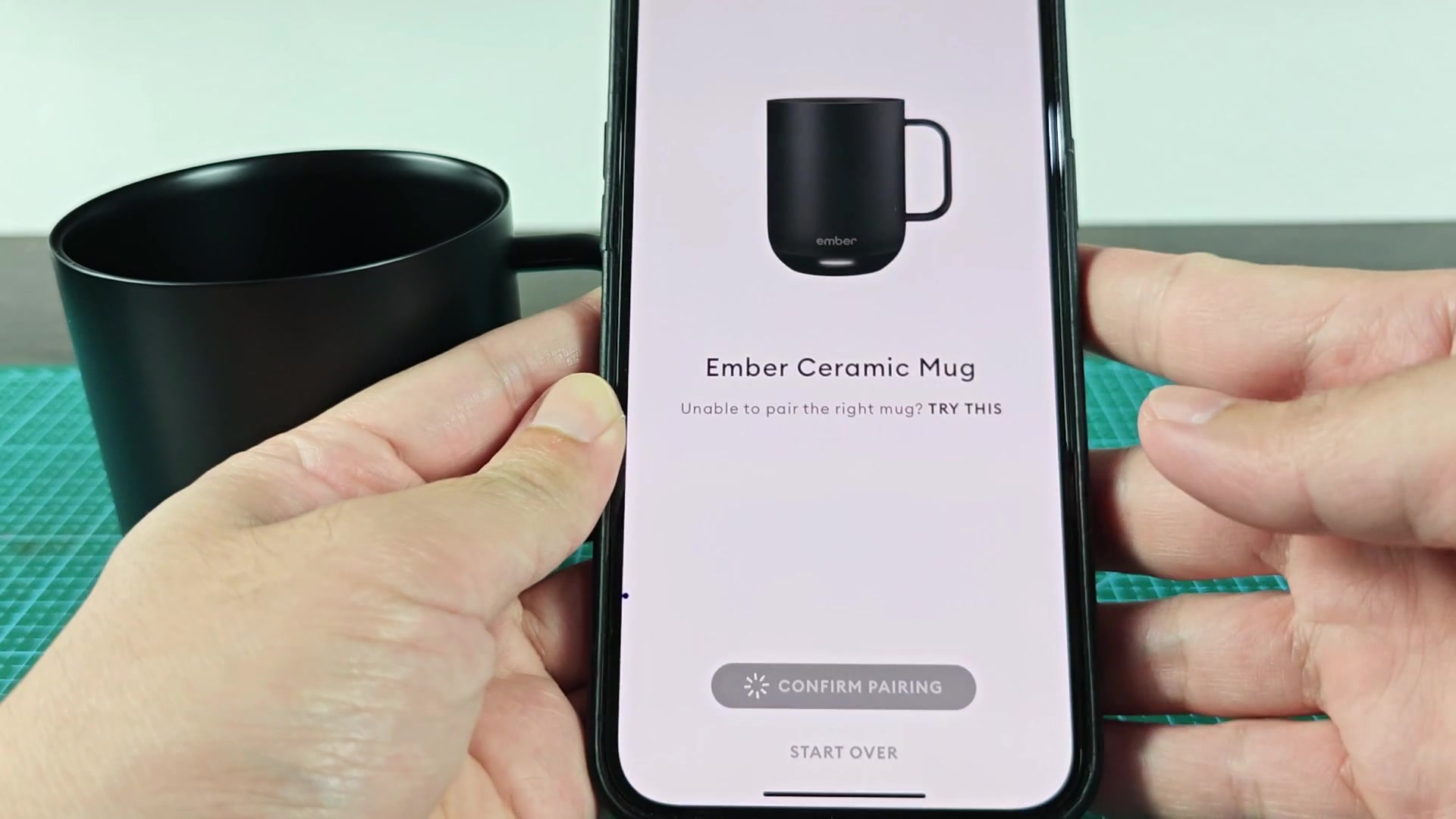
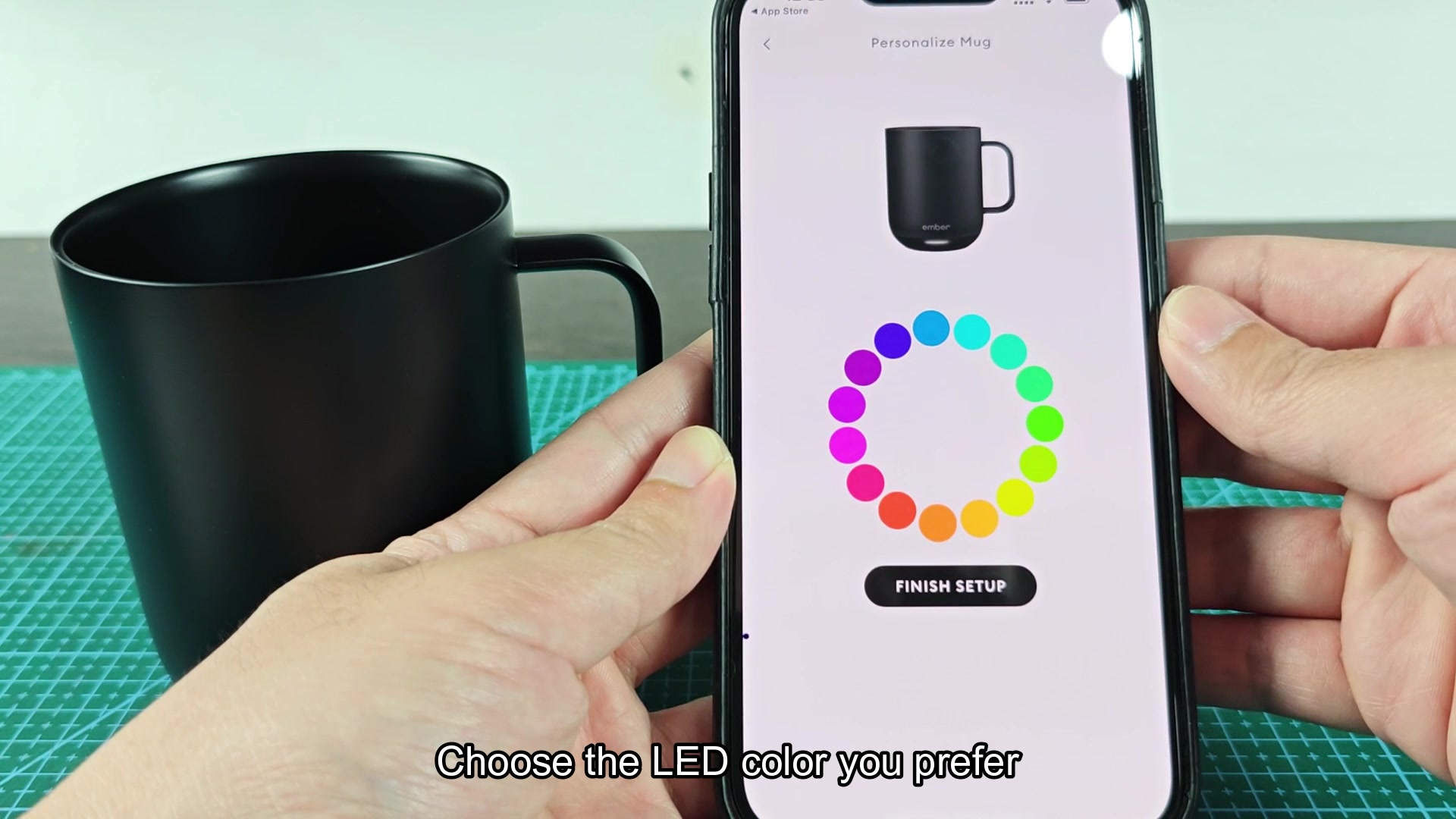
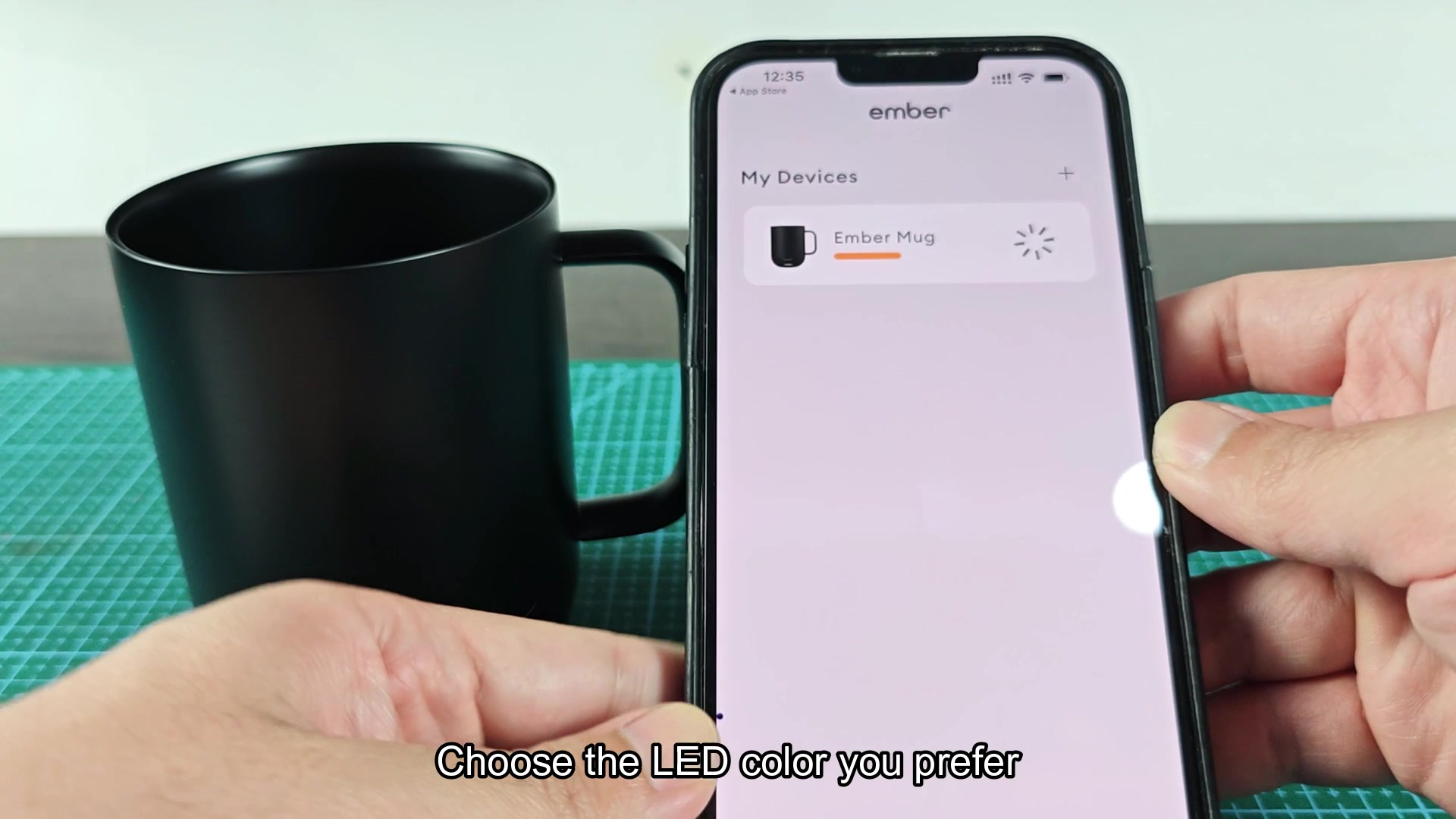
While looking at the docs for an Ember mug, someone mentioned that their mug would not pair to the app. The instructions are relatively simple: install the Ember app on your phone, open it, and hold the power button on the mug until the LED indicator begins to blink blue. After blinking blue, the app should recognize the mug and take you through the pairing steps.
Has anyone else experienced difficulty getting the mug to recognize the phone? From what I understand, there have been complaints that the app will not recognize the mug even while it is blinking blue. I would think this could be a permissions issue on newer phones or that the hold on the power button needs to be longer then the app suggests.
The app makes no mention of what to do if the LED on the mug does not turn blue upon pressing and holding the power button. Would this indicate that the mug need to be charged or that there is some issue with the firmware on the mug?
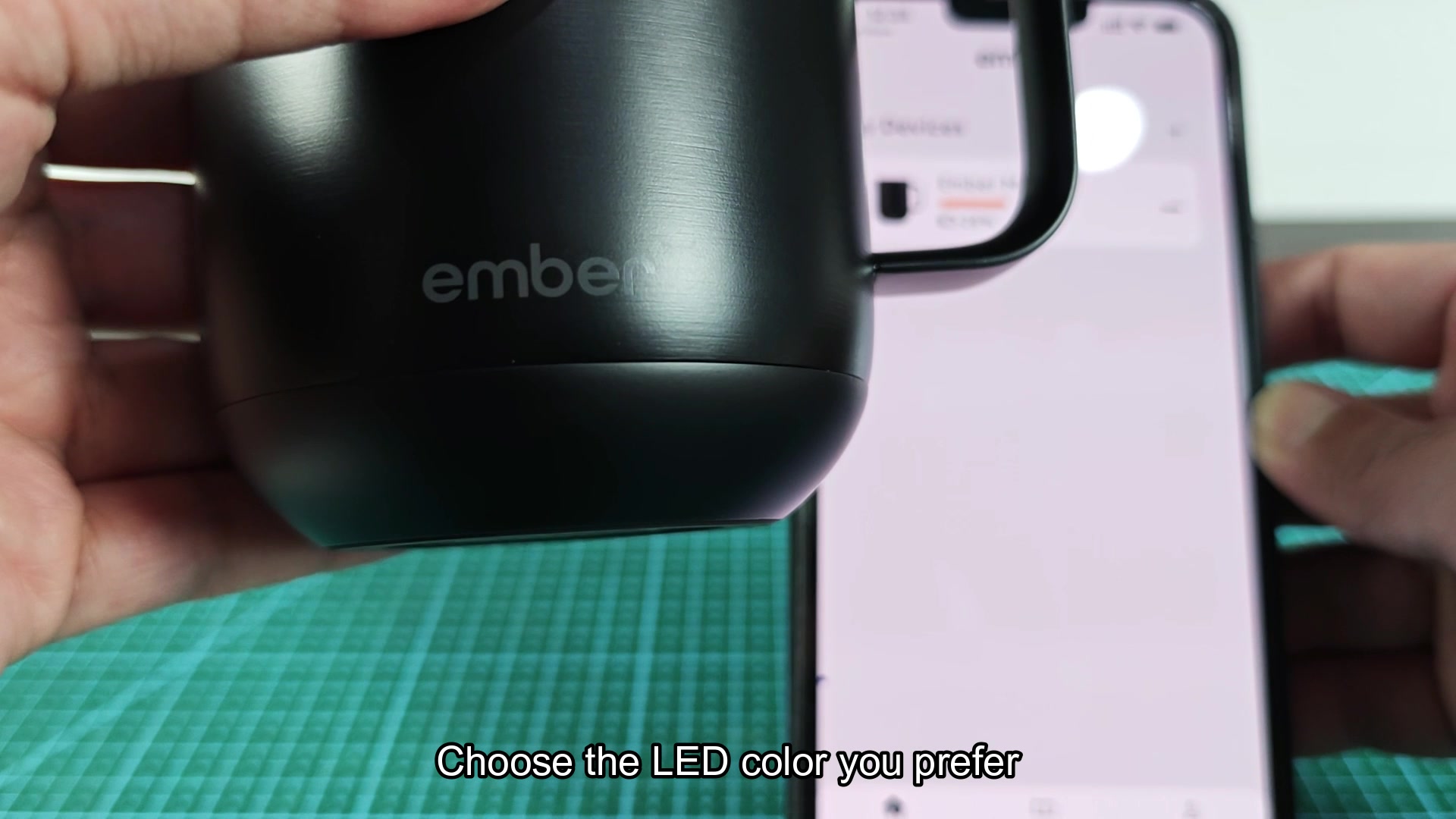
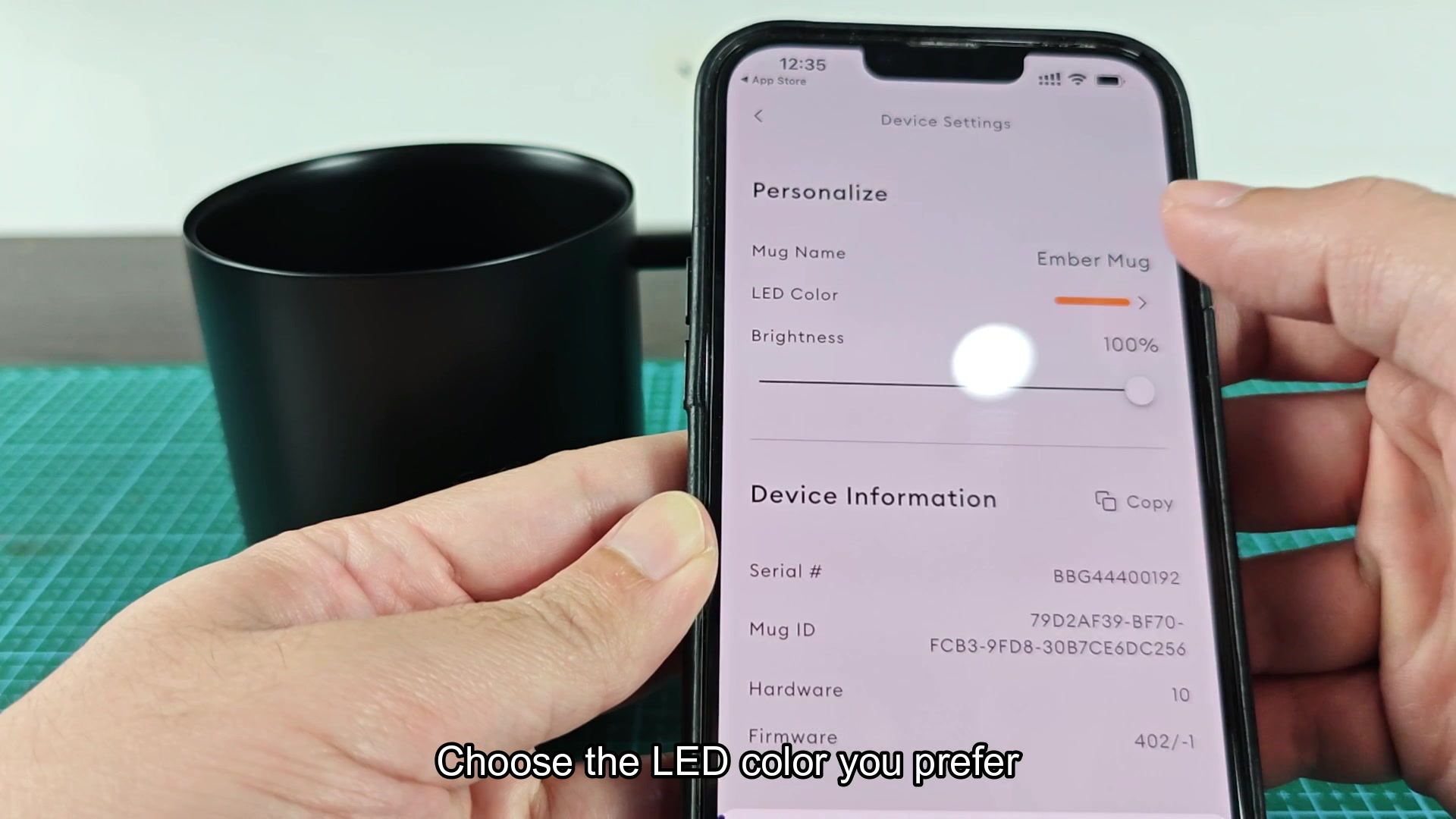
Has anyone else experienced difficulty getting the mug to recognize the phone? From what I understand, there have been complaints that the app will not recognize the mug even while it is blinking blue. I would think this could be a permissions issue on newer phones or that the hold on the power button needs to be longer then the app suggests.
The app makes no mention of what to do if the LED on the mug does not turn blue upon pressing and holding the power button. Would this indicate that the mug need to be charged or that there is some issue with the firmware on the mug?