

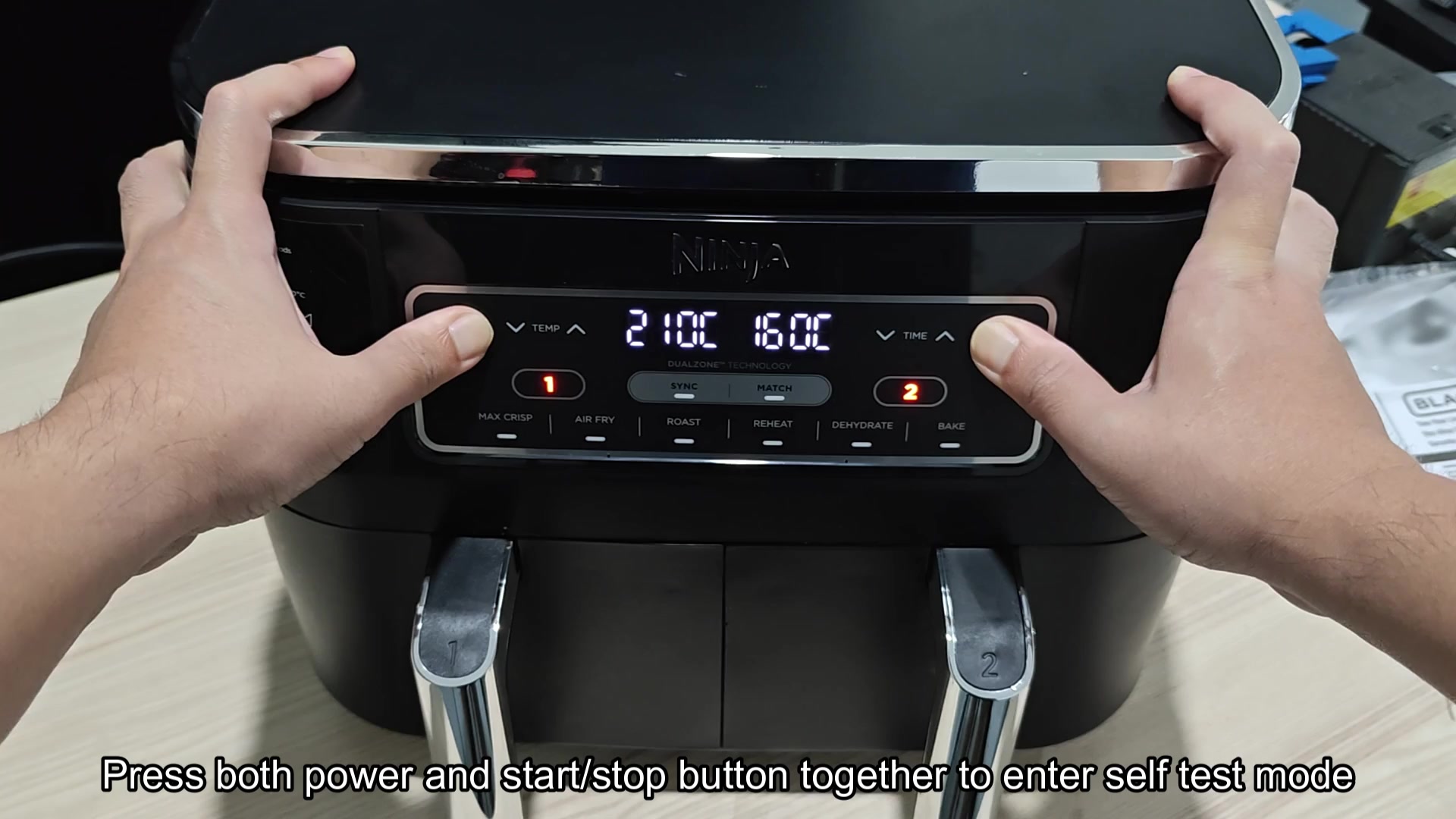
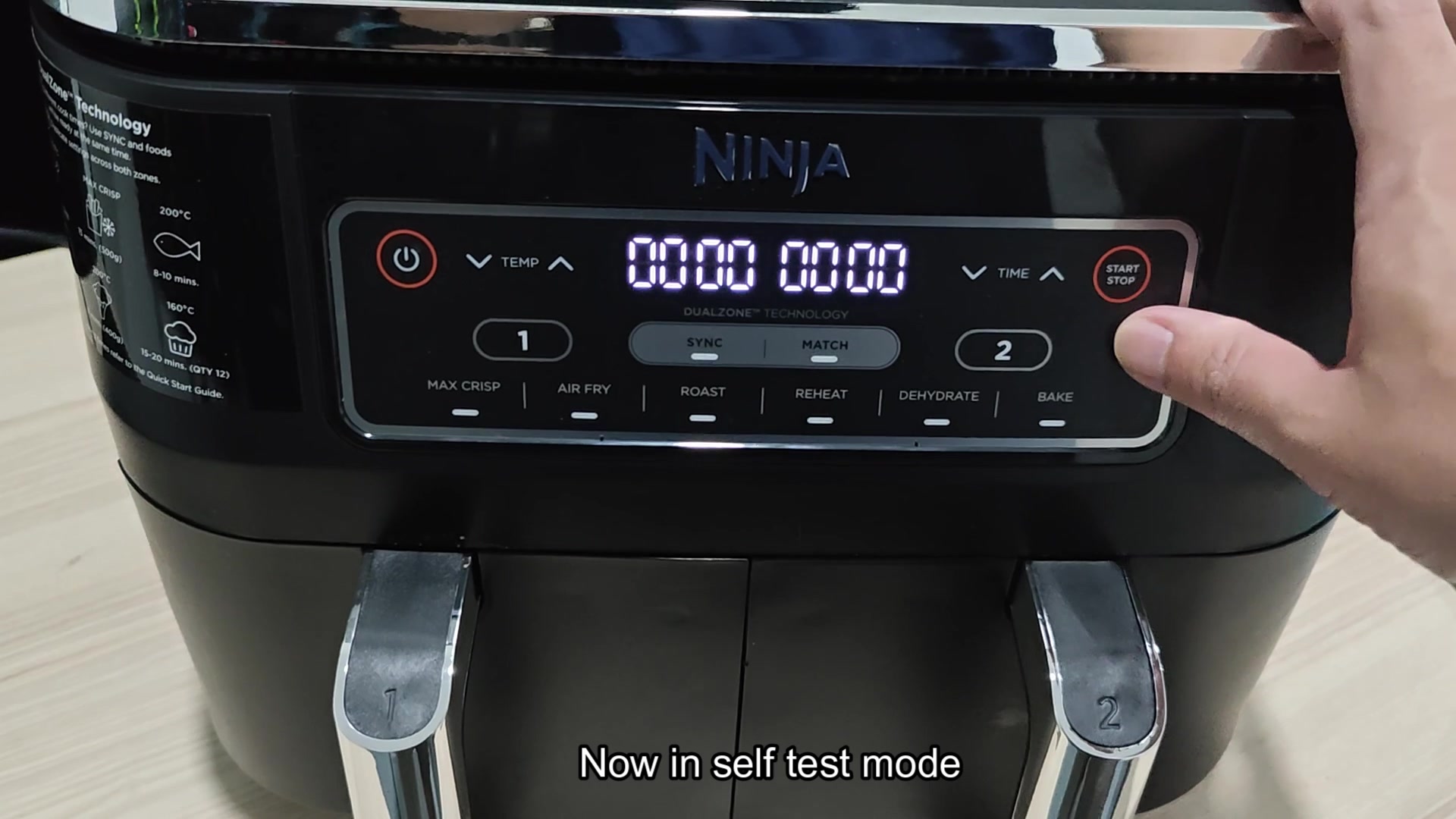
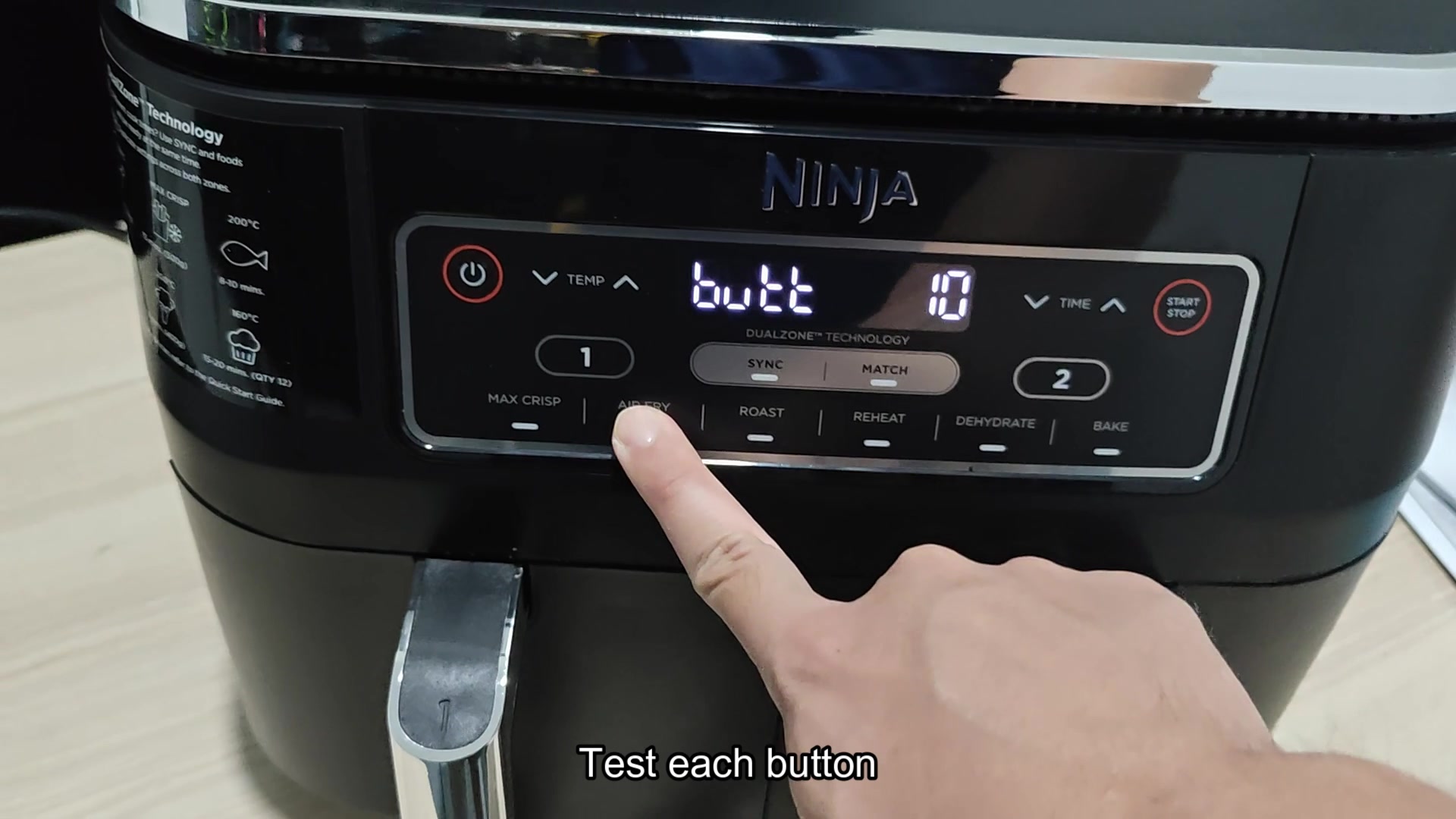
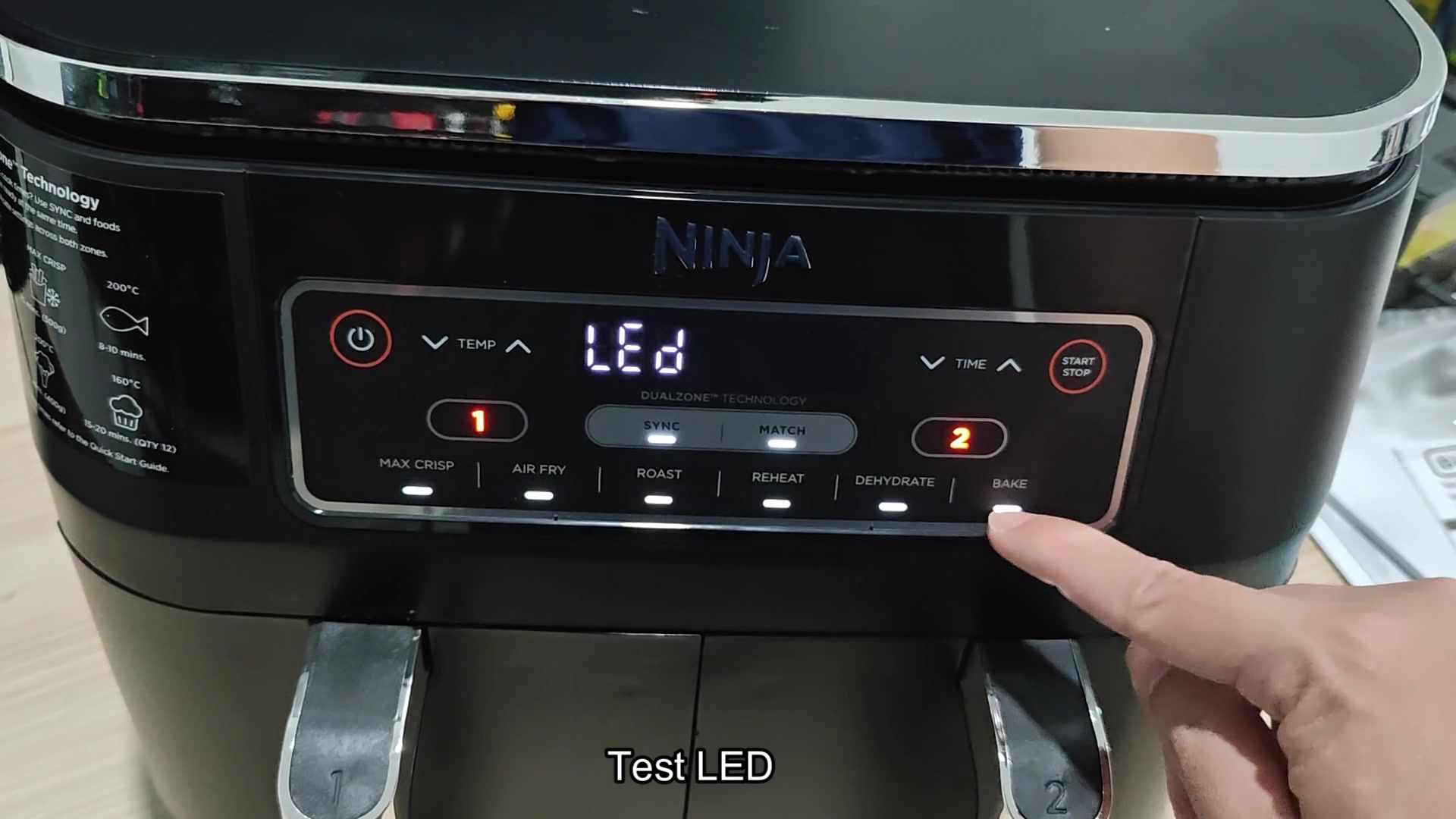
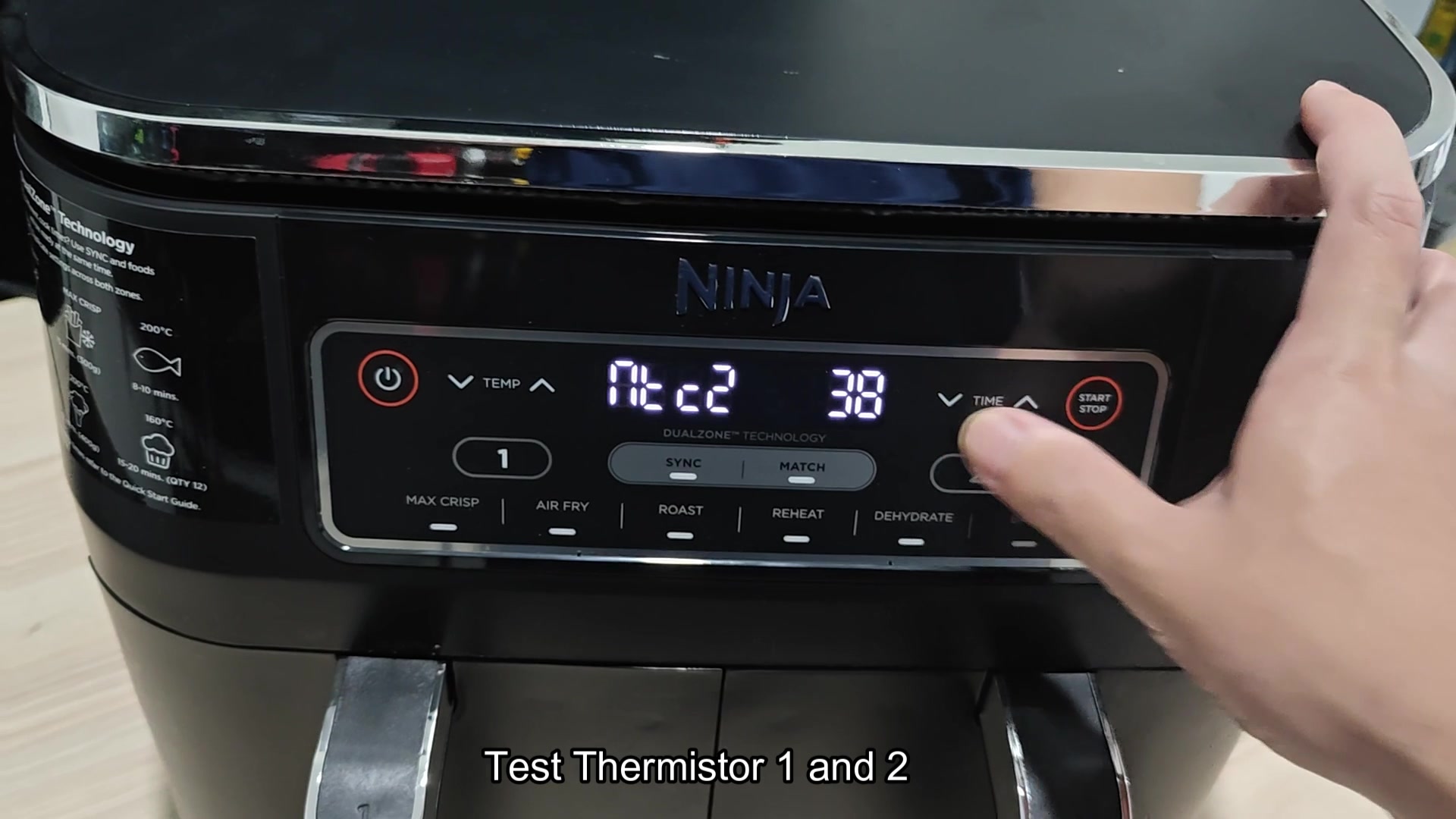
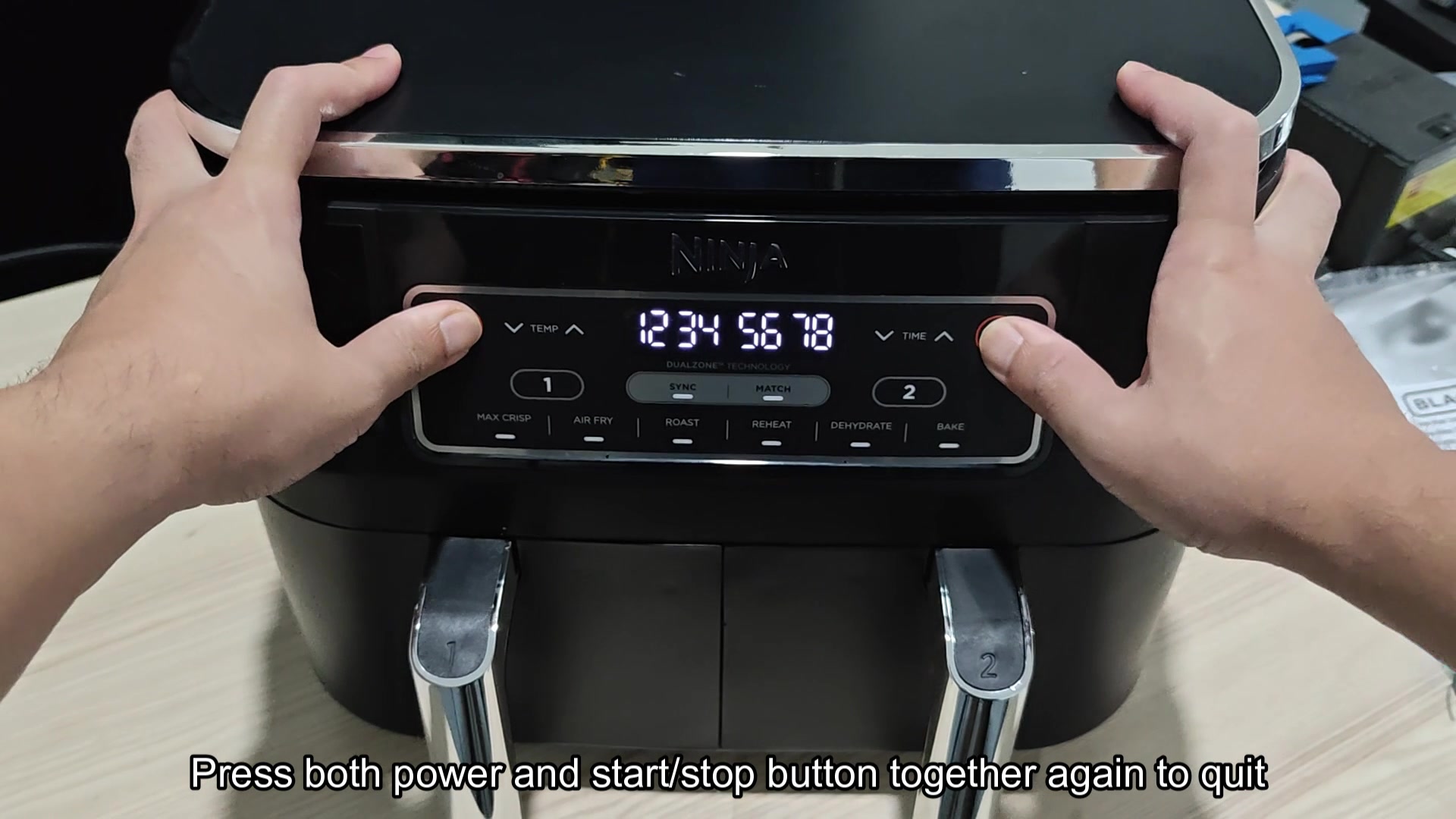
Found the hidden diagnostic mode on the touch boards on my Ninja Foodi air fryer! Just hold the Power and Start/Stop buttons simultaneously and it will enters a diagnostic screen that allows you to test each button on the touch board, check the LEDs, and view the live temperature readout from both Thermistor 1 and 2. When on diagnostic mode the units will display the string 12345678 which is just a way to check whether all of the digit on the display are working. This can be helpful in quickly determine whether the issue with the air fryer is with the touch board, the thermistors, or one of the button itself. I would assume that each button press will register on the screen so that you can confirm whether the membrane switch on the touch board is working correct.
What is displayed on the screen for the thermistors is what I am curious about. I know that it will show the temperature but is it in raw ADC mode or is it in Fahrenheit? Also, is this same button combination necessary on the other Foodi air fryer models or are there only specific models with this feature?
What is displayed on the screen for the thermistors is what I am curious about. I know that it will show the temperature but is it in raw ADC mode or is it in Fahrenheit? Also, is this same button combination necessary on the other Foodi air fryer models or are there only specific models with this feature?