

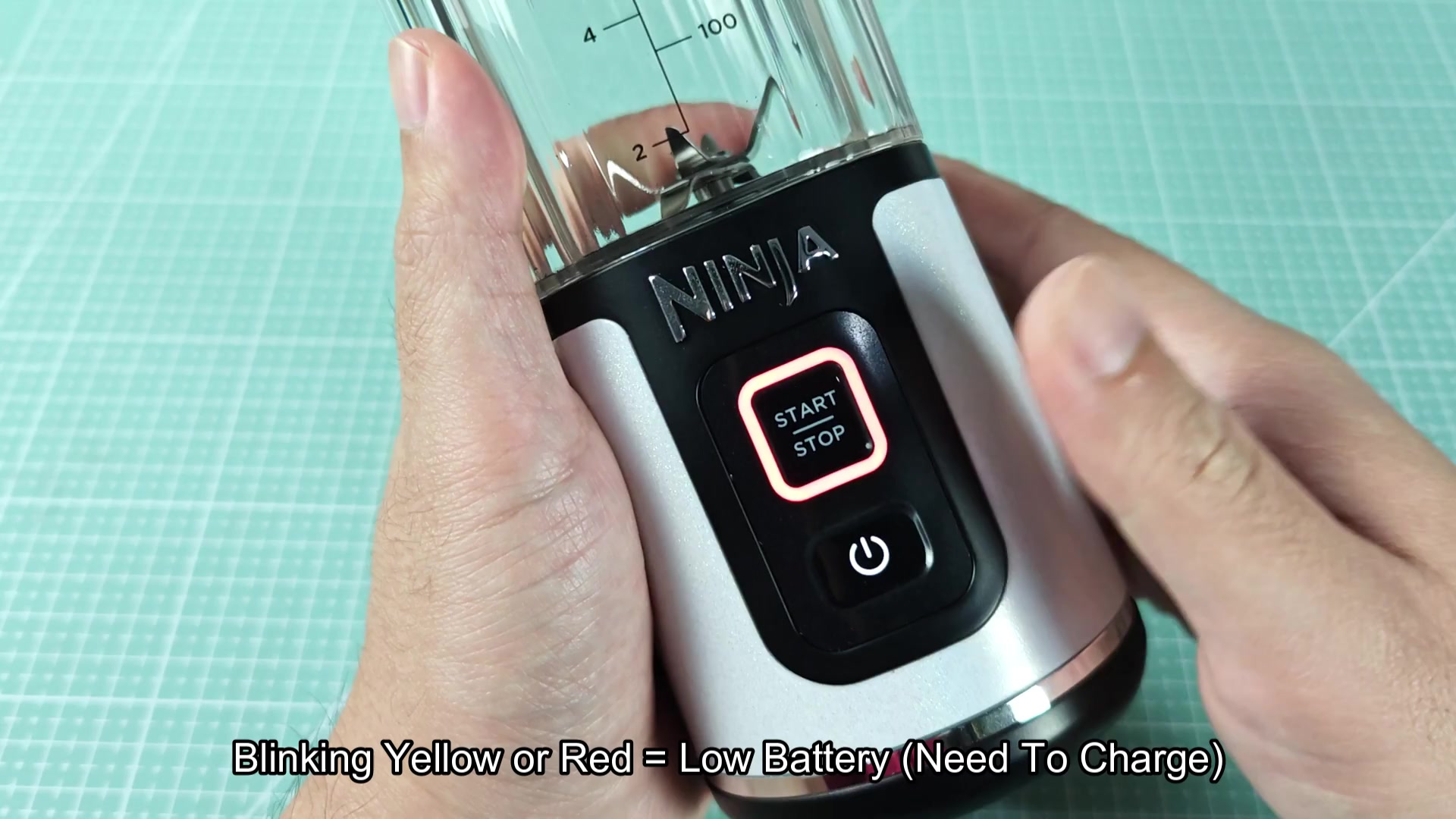
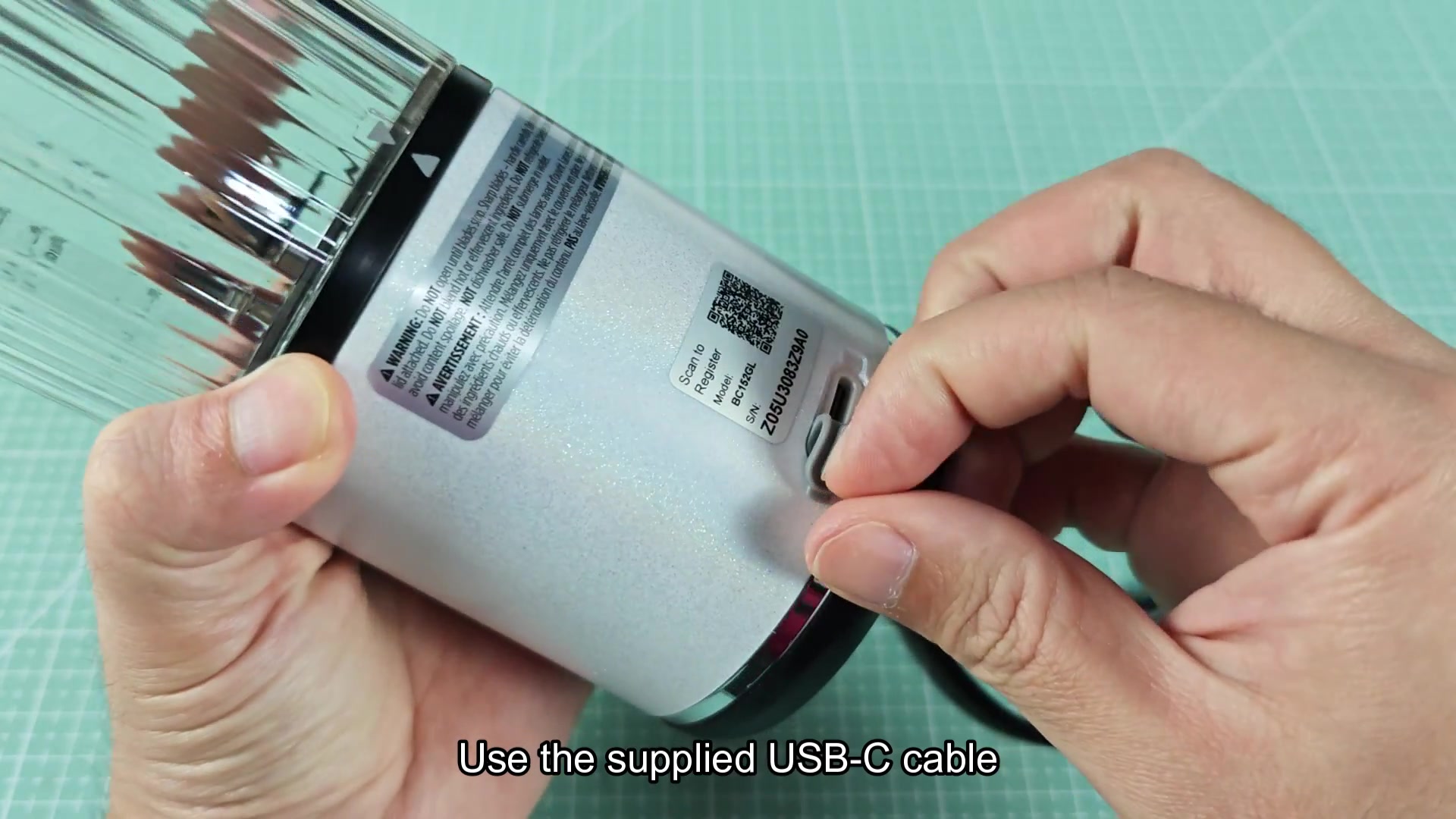
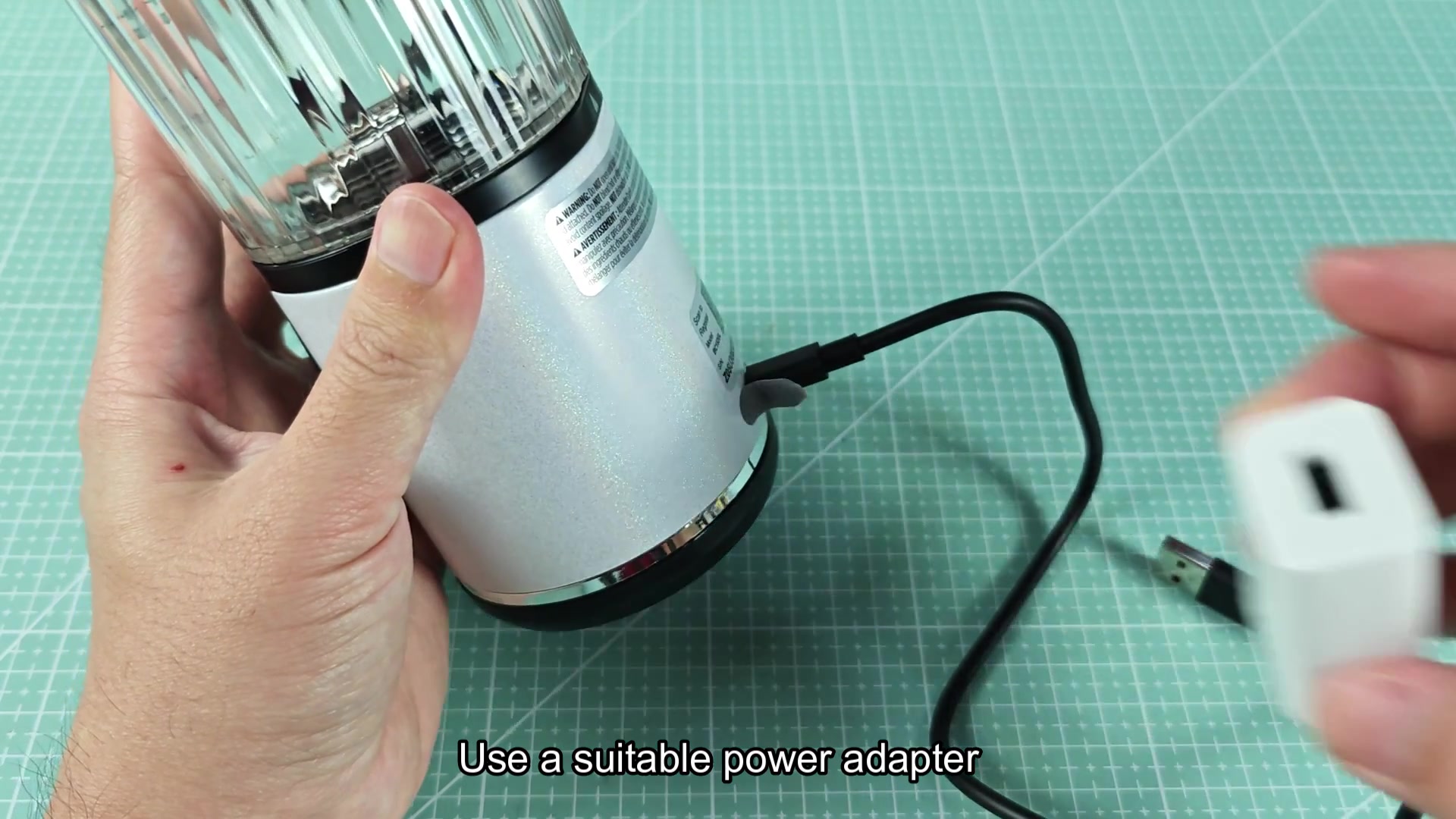
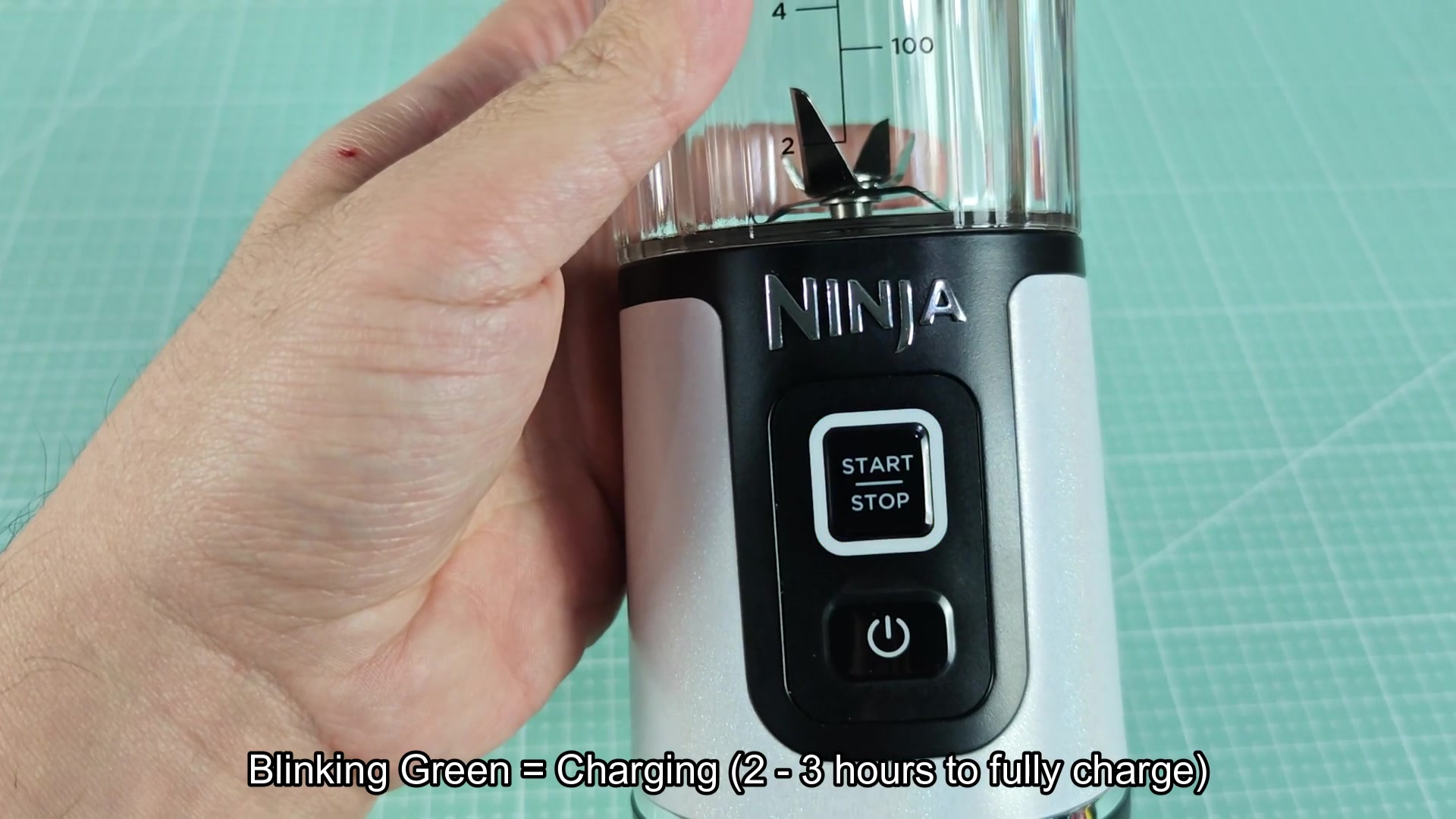
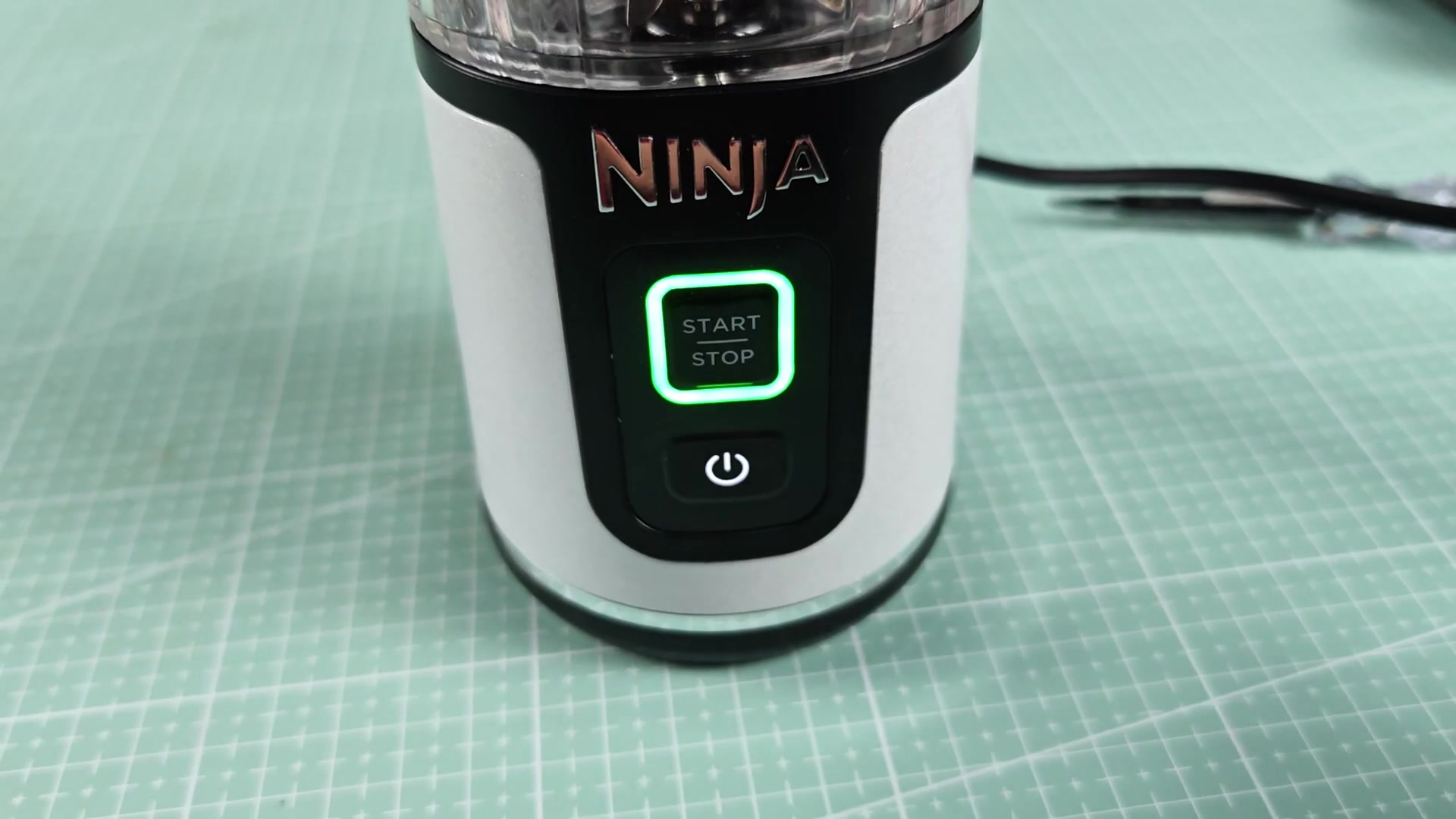
Finally saw a few people ask about the charging indicator so figured this was worth a discussion. The manual gets buried but the indicators are pretty simple. Essentially if the Ninja Blast show blinking yellow or red then the battery is low and require charging. When you plug it into a usb-c port the light will change to blinking green indicating it is charging. It will take approximately 2-3 hours to fully charge to solid green indicating it is ready to use. Most blender charger use blinking green for charging so this is somewhat expected however it might be somewhat confusing to new owner of the product.
Anyone here have experience with waiting until solid green before unplugging or just yanking it after an hour? Does anyone notice that yellow and red seem to mean different battery level or are they just indicating a low battery?
Anyone here have experience with waiting until solid green before unplugging or just yanking it after an hour? Does anyone notice that yellow and red seem to mean different battery level or are they just indicating a low battery?