

Just saw a quick rundown on how to charge the BlendJet. Thought I'd share this since alot of person get confused about the indicator light.
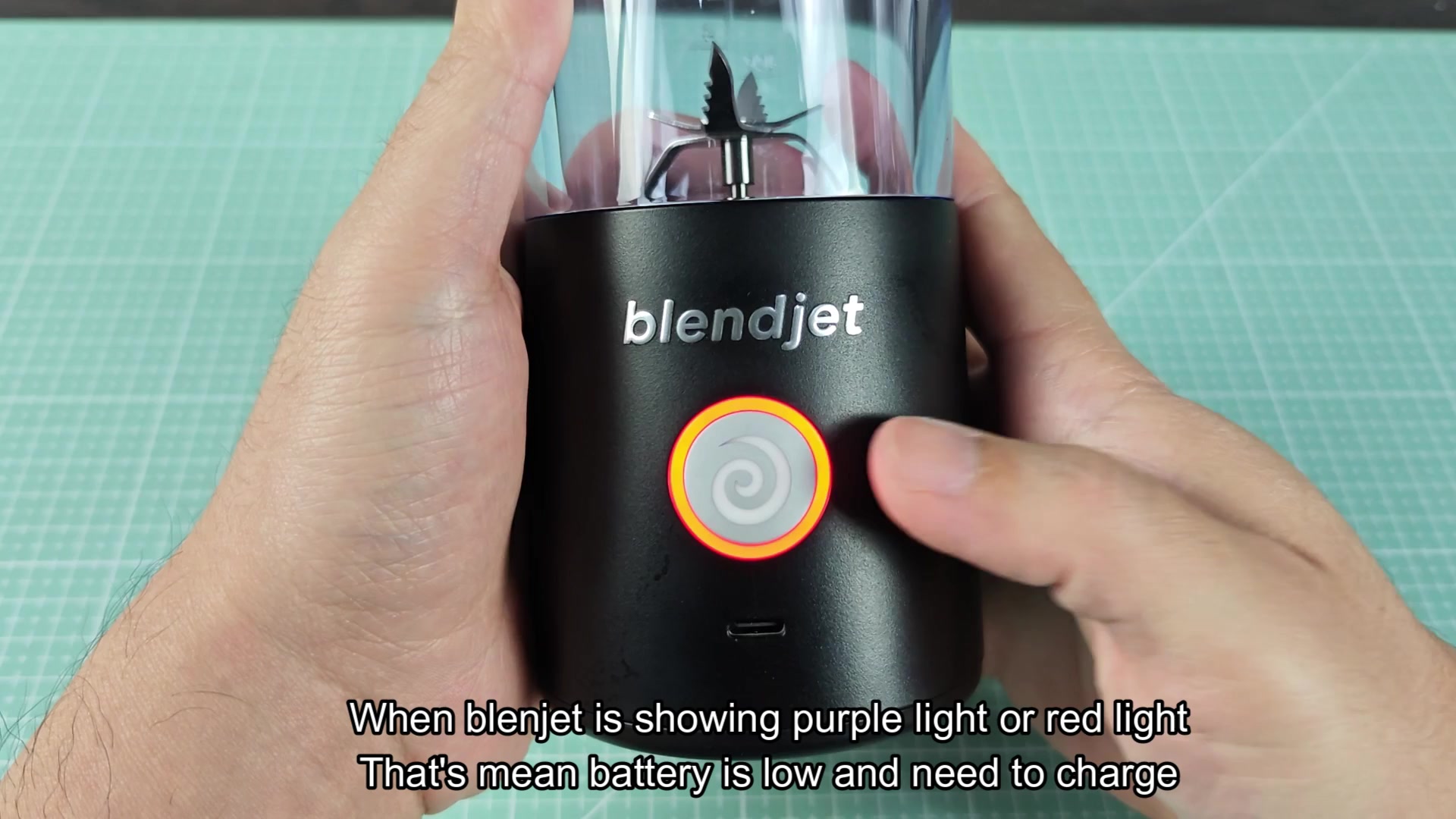
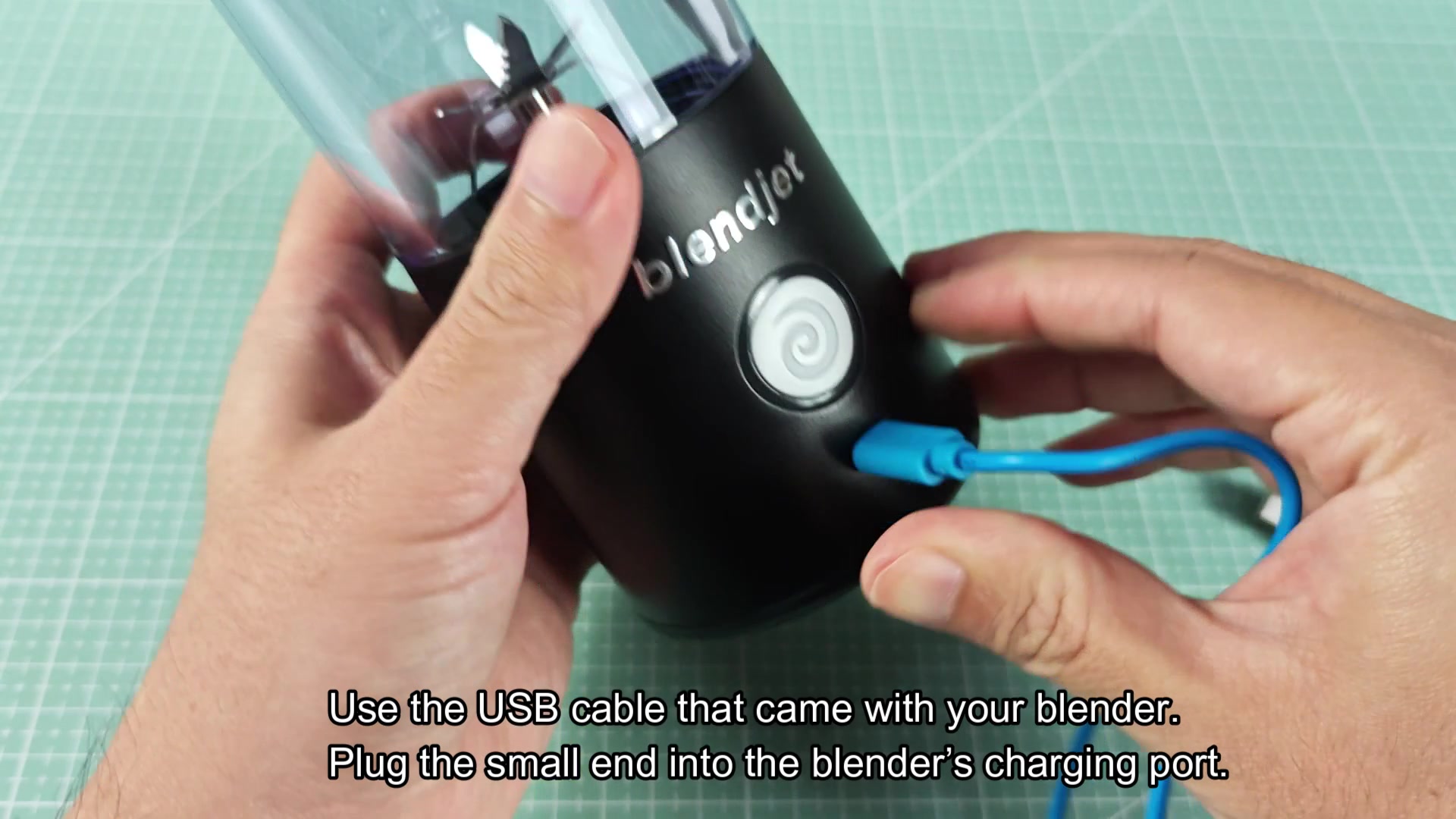
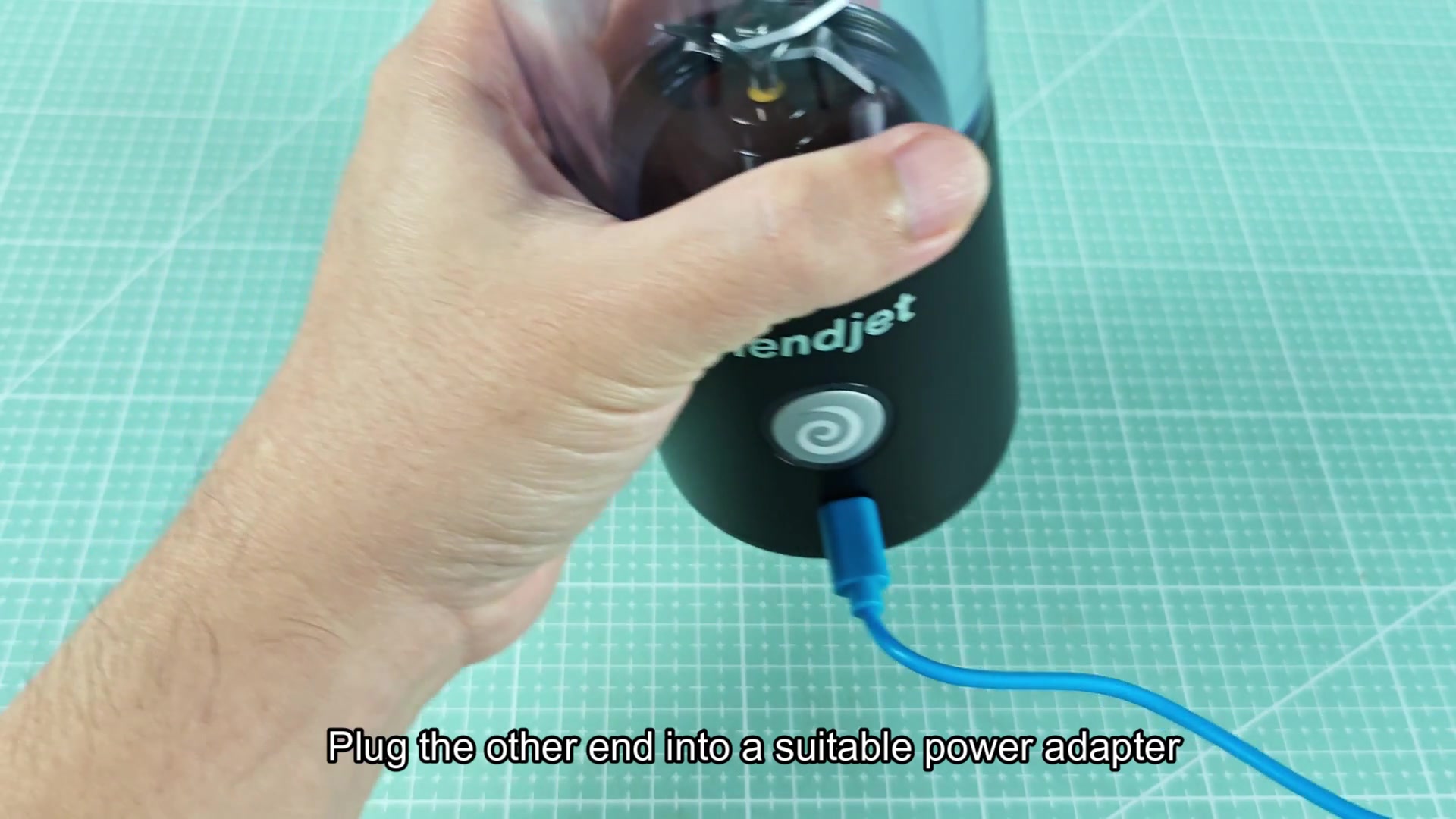
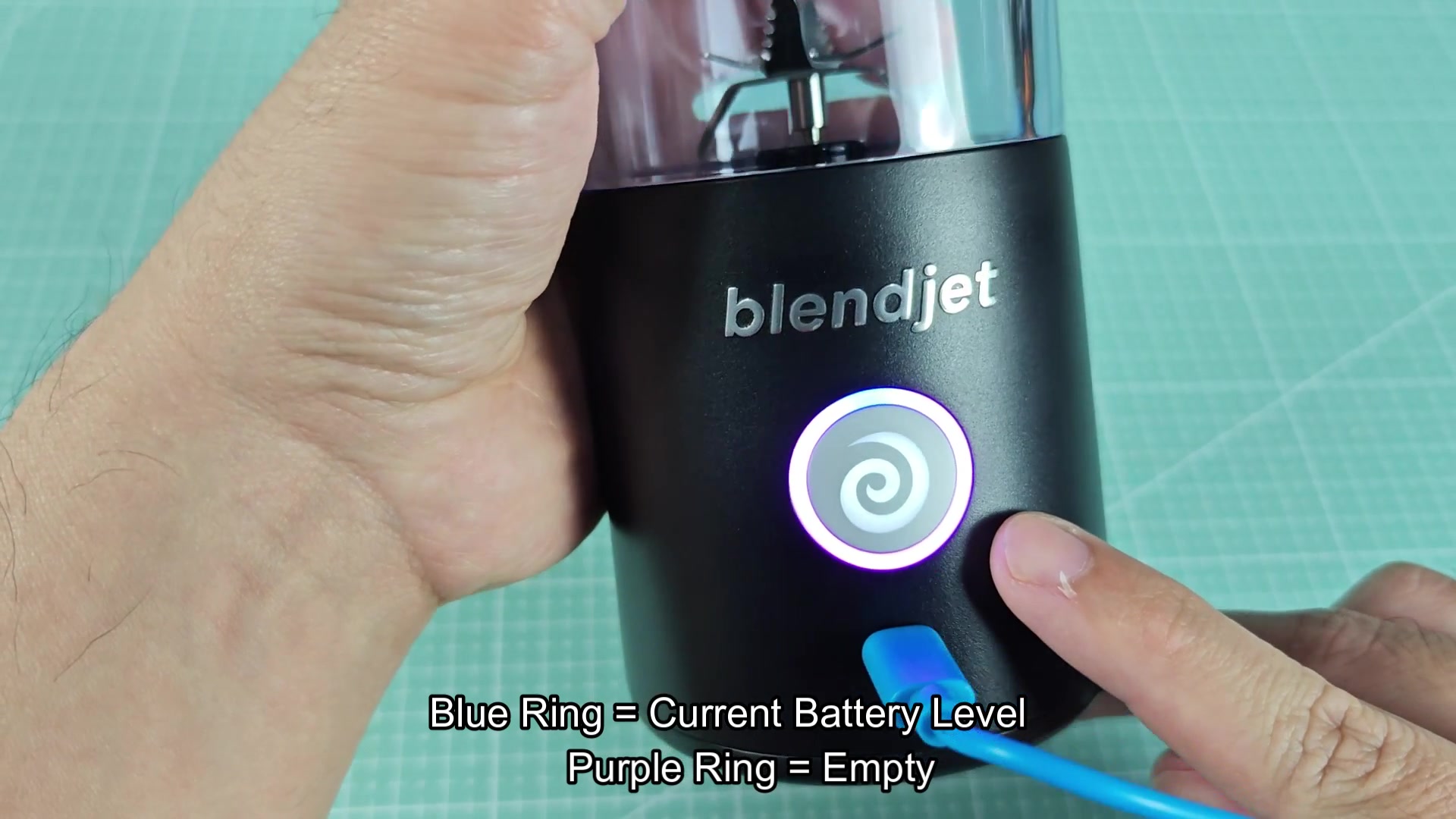
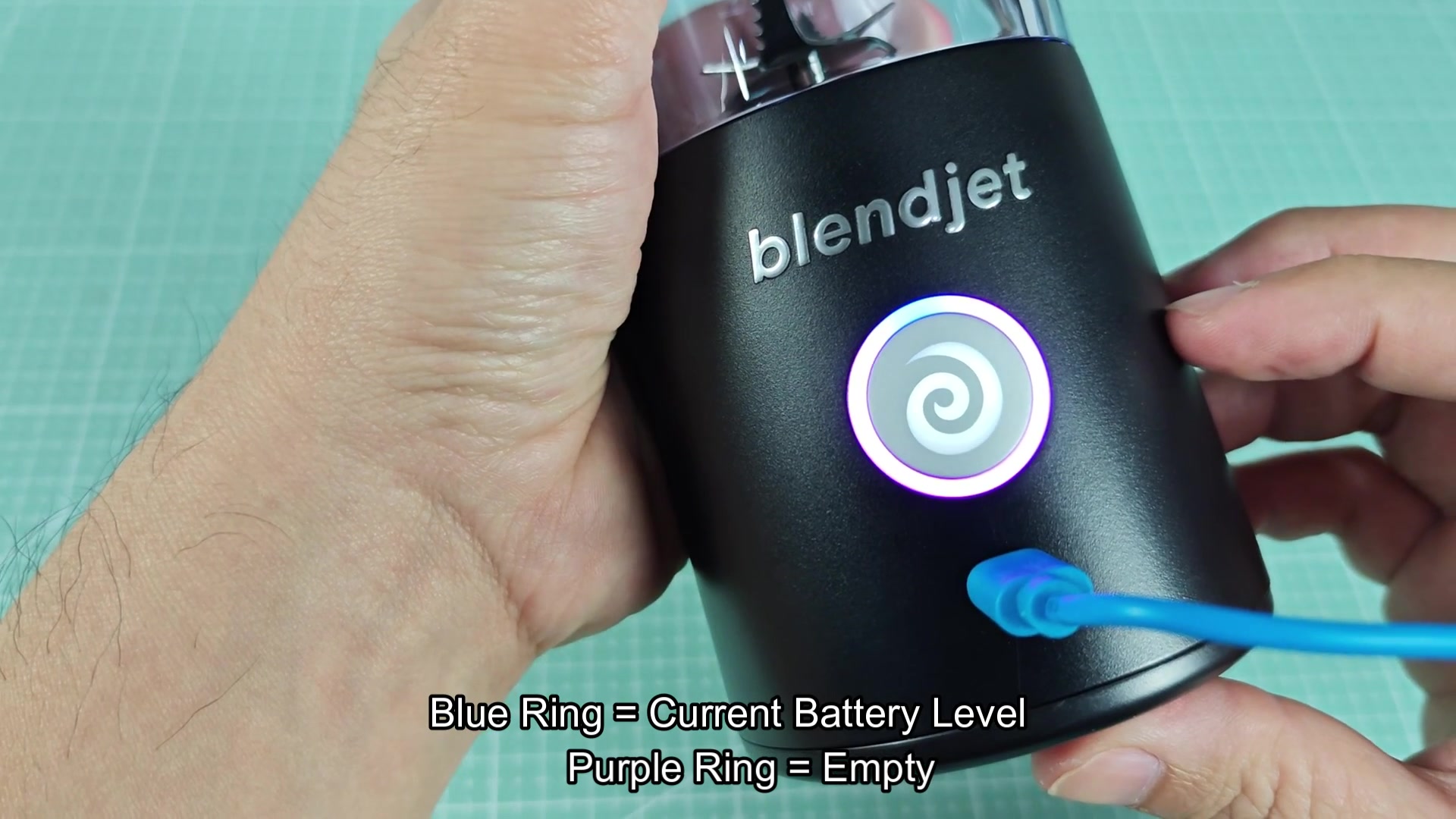
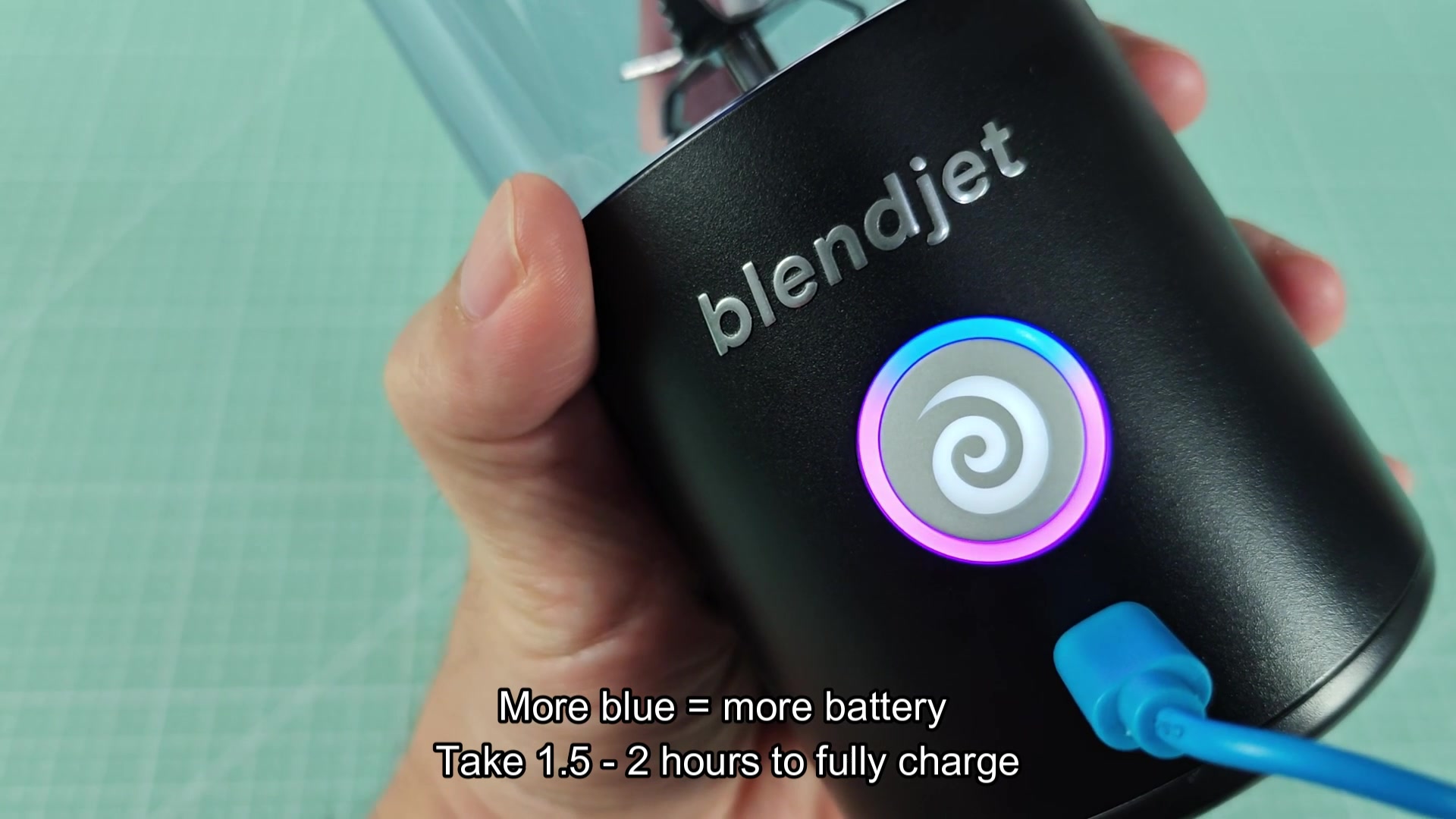
Charge it through the USB-C port using whatever adapter you use for your device. When the battery is low it will flash purple or red and purple indicators. Once you plug in the blender the blue indicator will shows the current charge level. When fully charged the ring will be blue with no blink. It takes around 1.5, 2 hour to charge the BlendJet from low to fully charged.
The purple indicator mean the battery is low but charged and the blue means it’s charging or charged. Simple once you know how but a lot of people think purple means it’s broken or the red means some fault code which it dont. I'd be curious to know from others if the charge time is actualy in the range stated or if it takes longer given how old the BlendJet is.
Charge it through the USB-C port using whatever adapter you use for your device. When the battery is low it will flash purple or red and purple indicators. Once you plug in the blender the blue indicator will shows the current charge level. When fully charged the ring will be blue with no blink. It takes around 1.5, 2 hour to charge the BlendJet from low to fully charged.
The purple indicator mean the battery is low but charged and the blue means it’s charging or charged. Simple once you know how but a lot of people think purple means it’s broken or the red means some fault code which it dont. I'd be curious to know from others if the charge time is actualy in the range stated or if it takes longer given how old the BlendJet is.