

Quick one for anyone who's poked around teh FlexBrew menus. Saw someone else ask about setting an time on a Flexbrew so figured I'd share what I found.
Press Set Time until the hour starts blinking. Then use the hour button to advance the time to the hour you want to set. Then wait a second or two and the minutes will start blinking. Adjust the minutes to what you want and wait a few seconds and it will save itself. Simple enough.
Though I cant promise that it's reliable though, I've noticed that sometimes the auto timeout can be a little finicky. If you're rushing to get to a certain minute the clock can sometimes time out before you're ready to adjust the minutes. Hence why people complain that their clock button is "broken" when all they did was try to adjust the time. Also, I dont believe this same time sequence work for all the Flexbrew models. For example, since the single serve Flexbrew models dont have a clock display, does that mean it doesnt have a Set Time button for those models as well? Not sure where Flex brew got the idea to include clocks on some models but not others though.
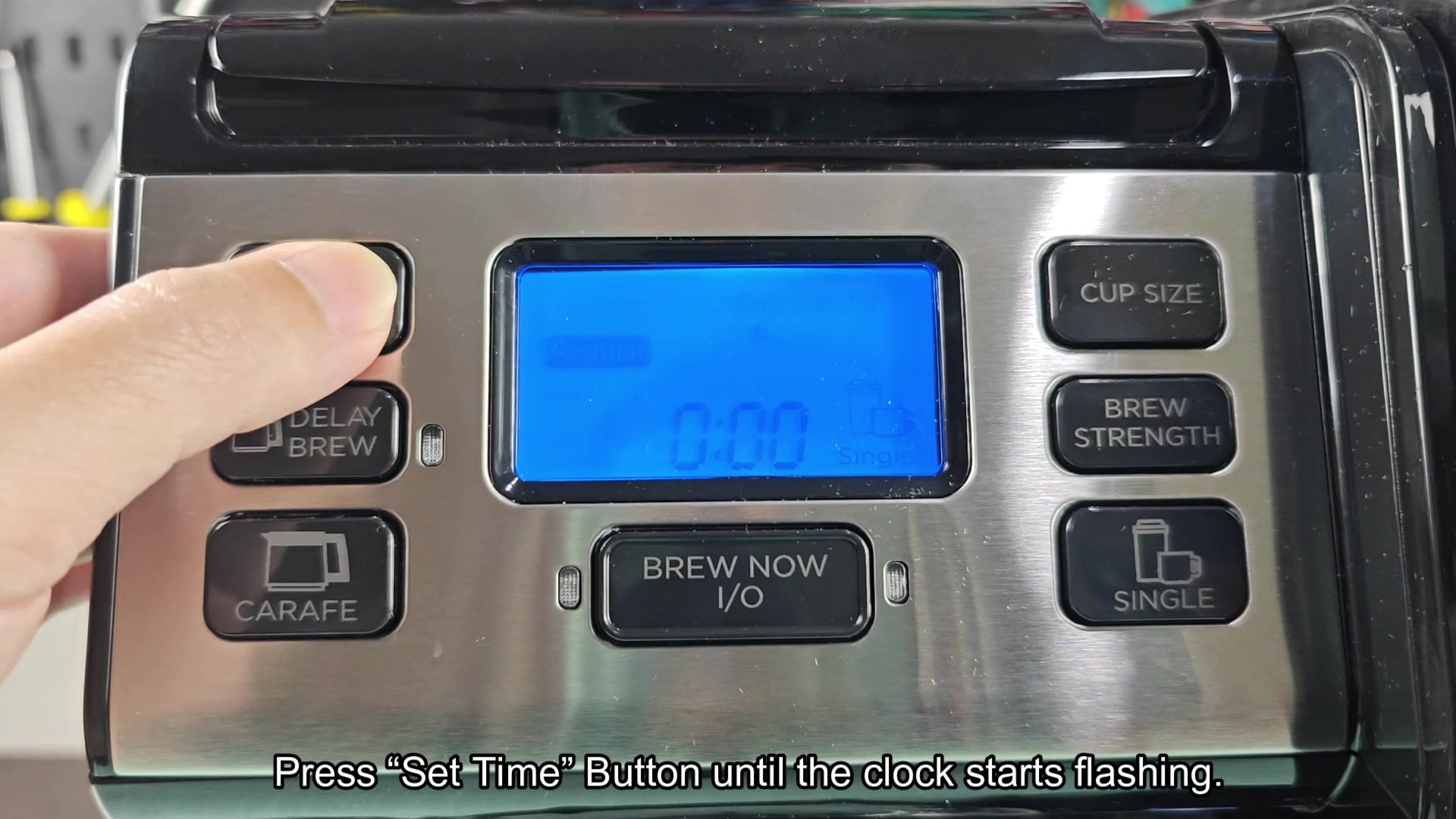
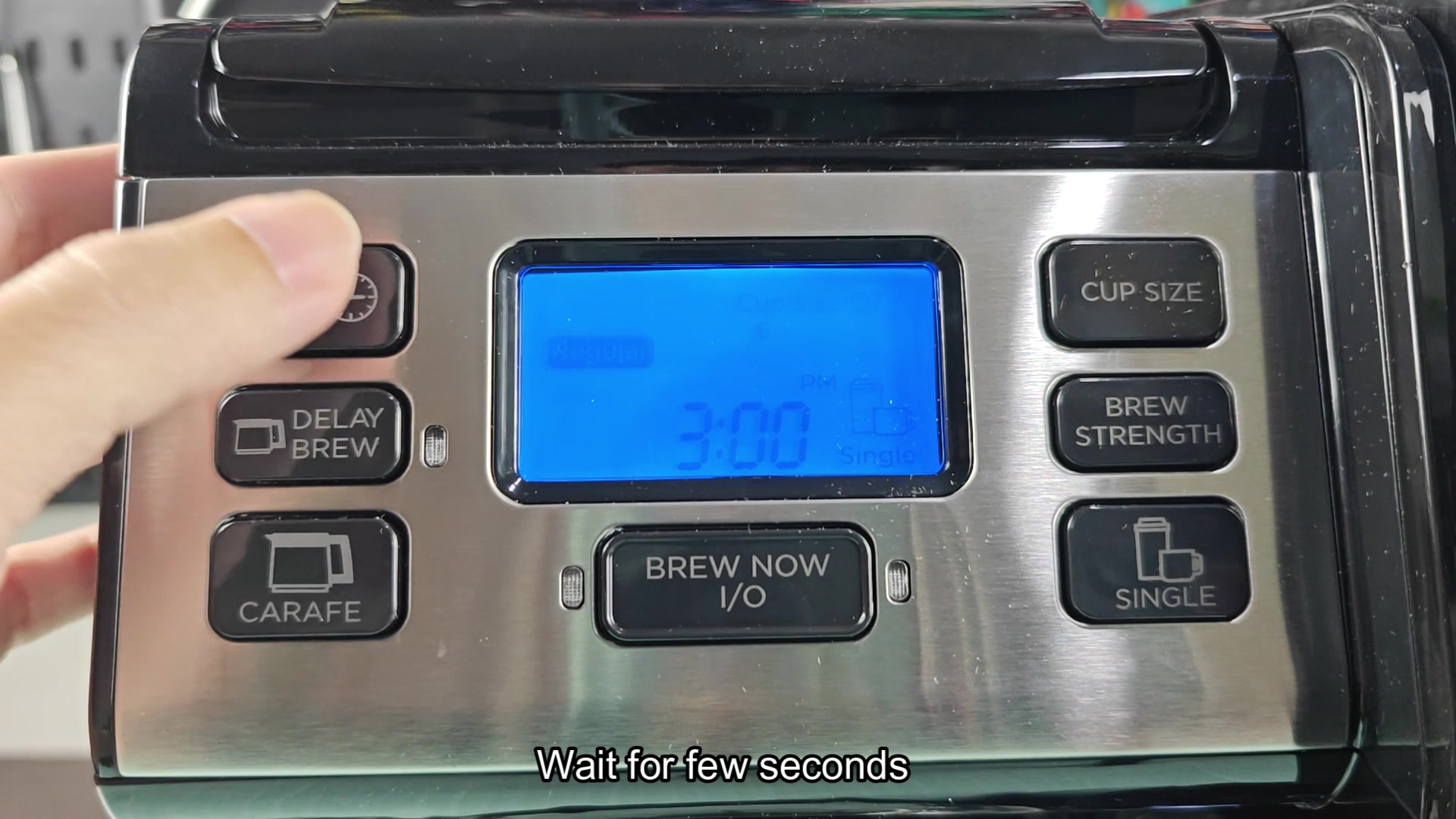
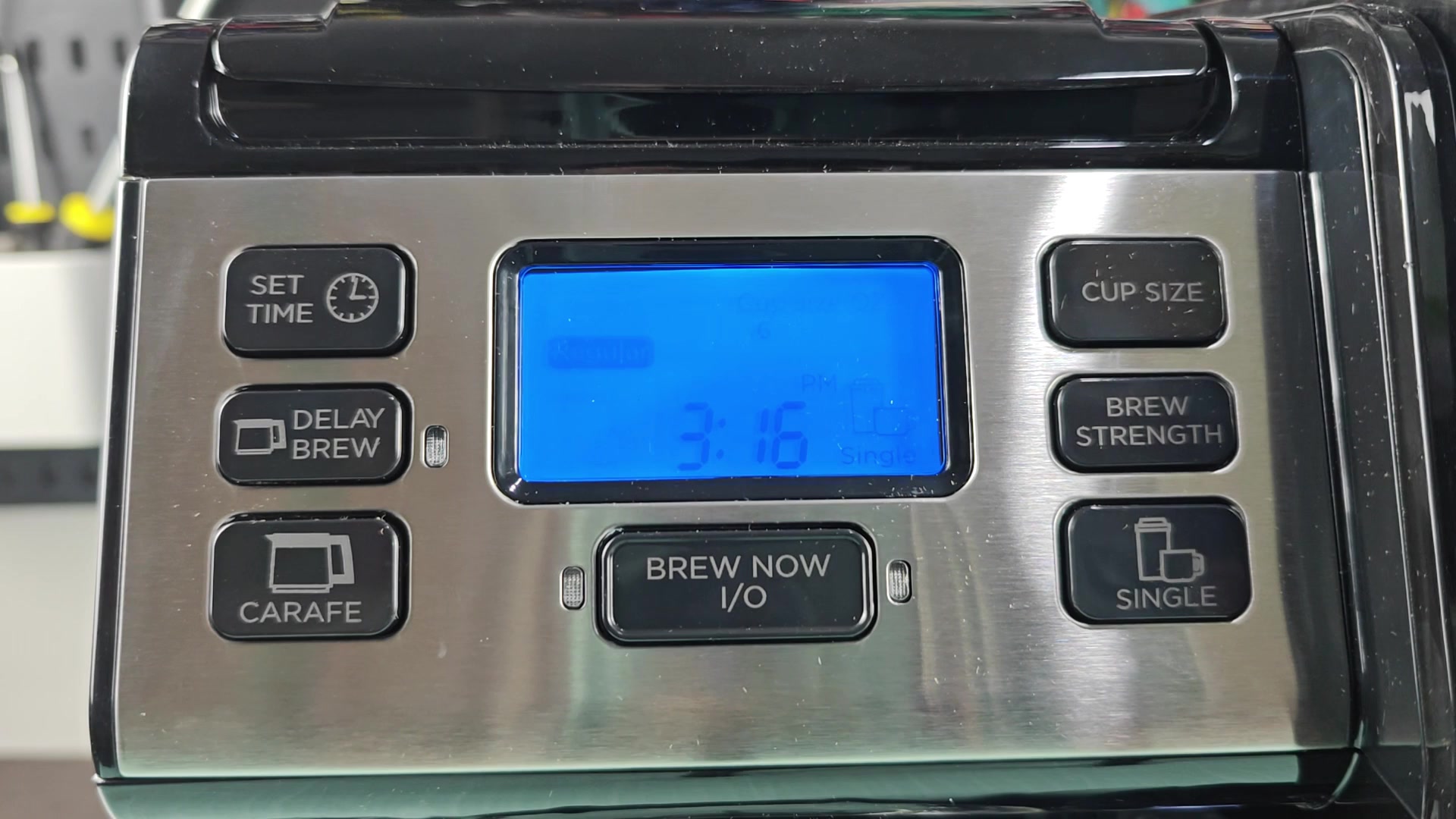
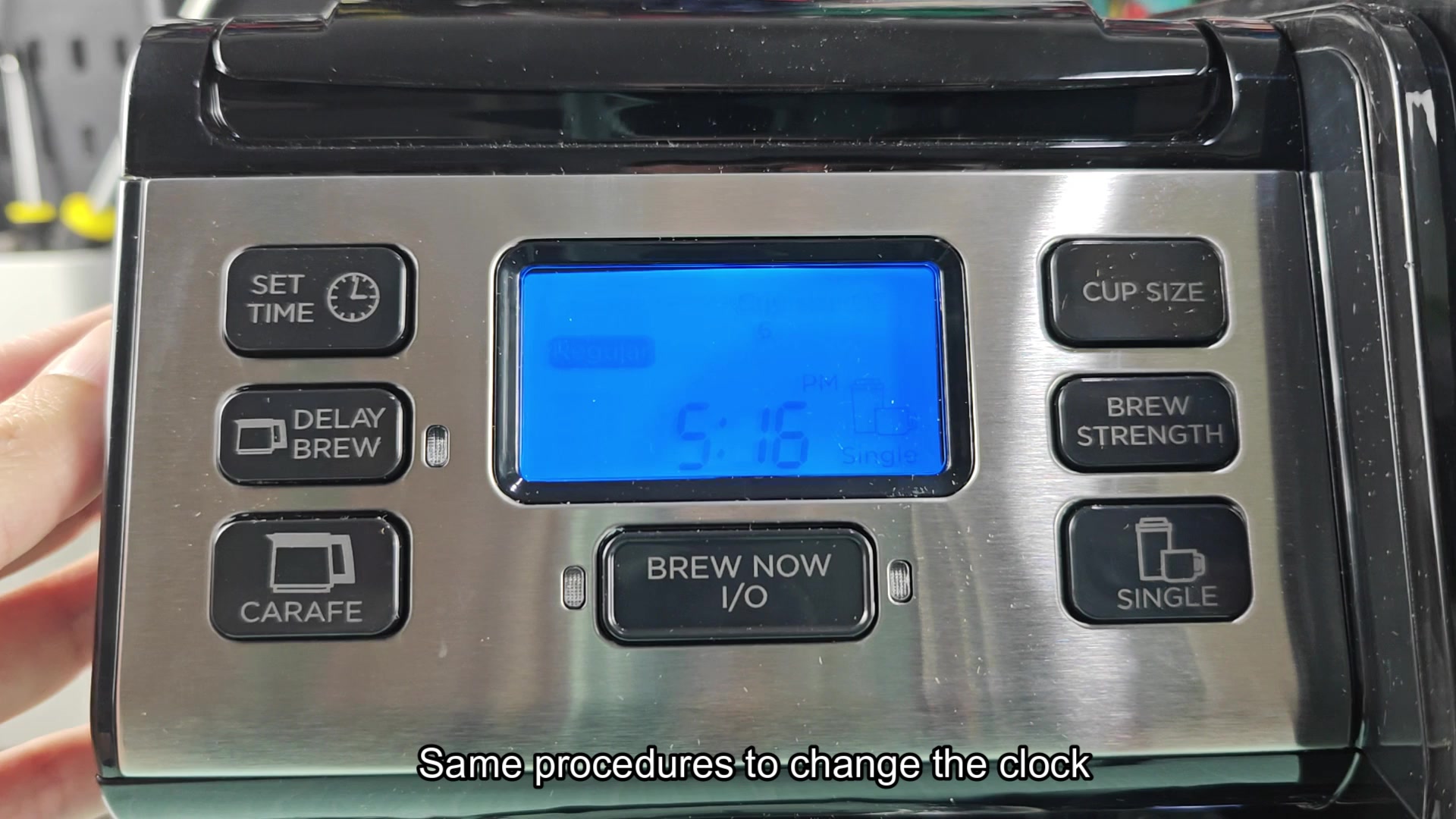
Press Set Time until the hour starts blinking. Then use the hour button to advance the time to the hour you want to set. Then wait a second or two and the minutes will start blinking. Adjust the minutes to what you want and wait a few seconds and it will save itself. Simple enough.
Though I cant promise that it's reliable though, I've noticed that sometimes the auto timeout can be a little finicky. If you're rushing to get to a certain minute the clock can sometimes time out before you're ready to adjust the minutes. Hence why people complain that their clock button is "broken" when all they did was try to adjust the time. Also, I dont believe this same time sequence work for all the Flexbrew models. For example, since the single serve Flexbrew models dont have a clock display, does that mean it doesnt have a Set Time button for those models as well? Not sure where Flex brew got the idea to include clocks on some models but not others though.