

See a few peoples asking about this so figured I'd toss it into one thread. The issue of the mug not pairing with an Ember mug app has come up alot. It's almost never the mug itself. It's almost always the phone's bluetooth cache getting confuse between the phone and the app.
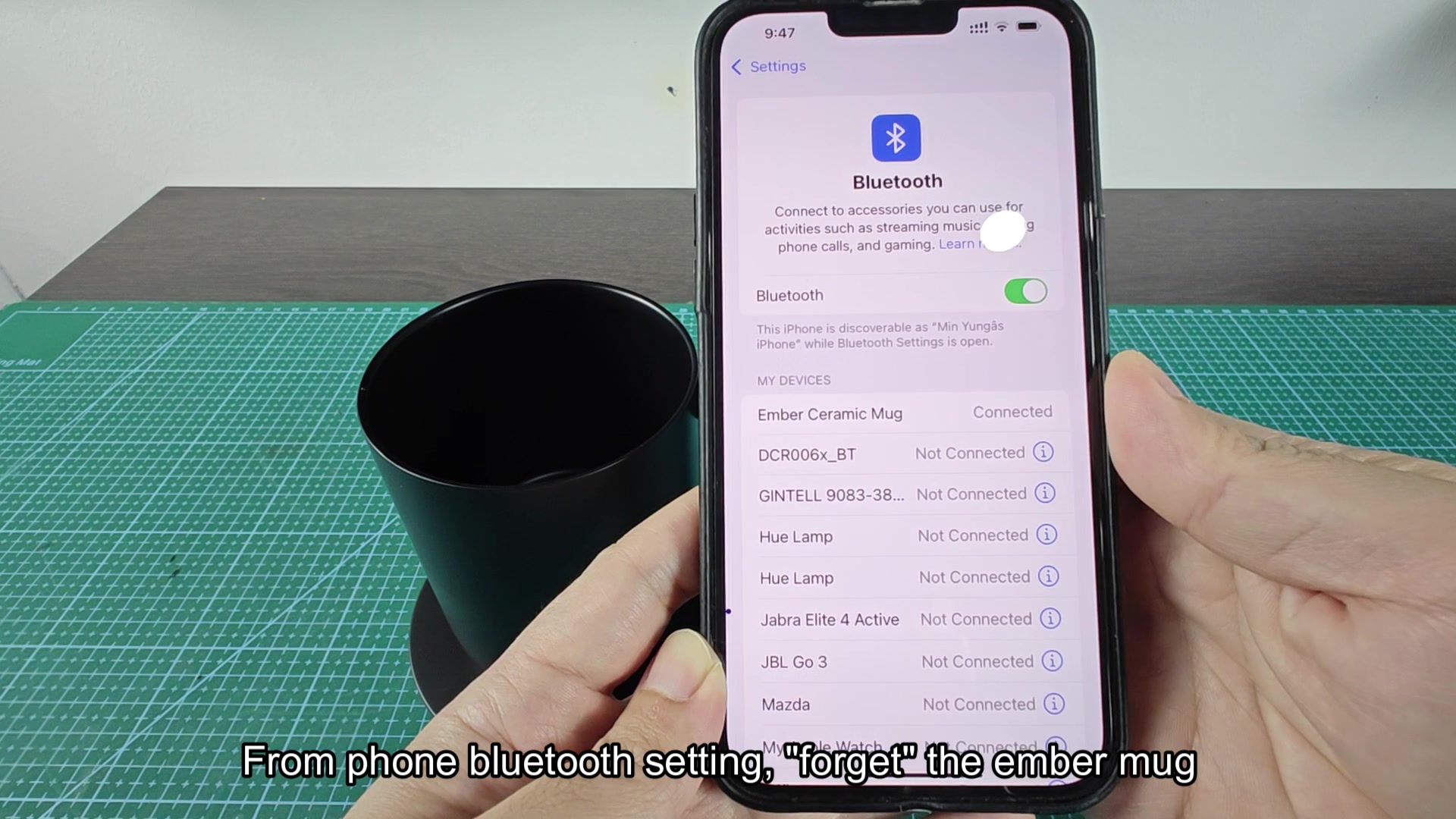
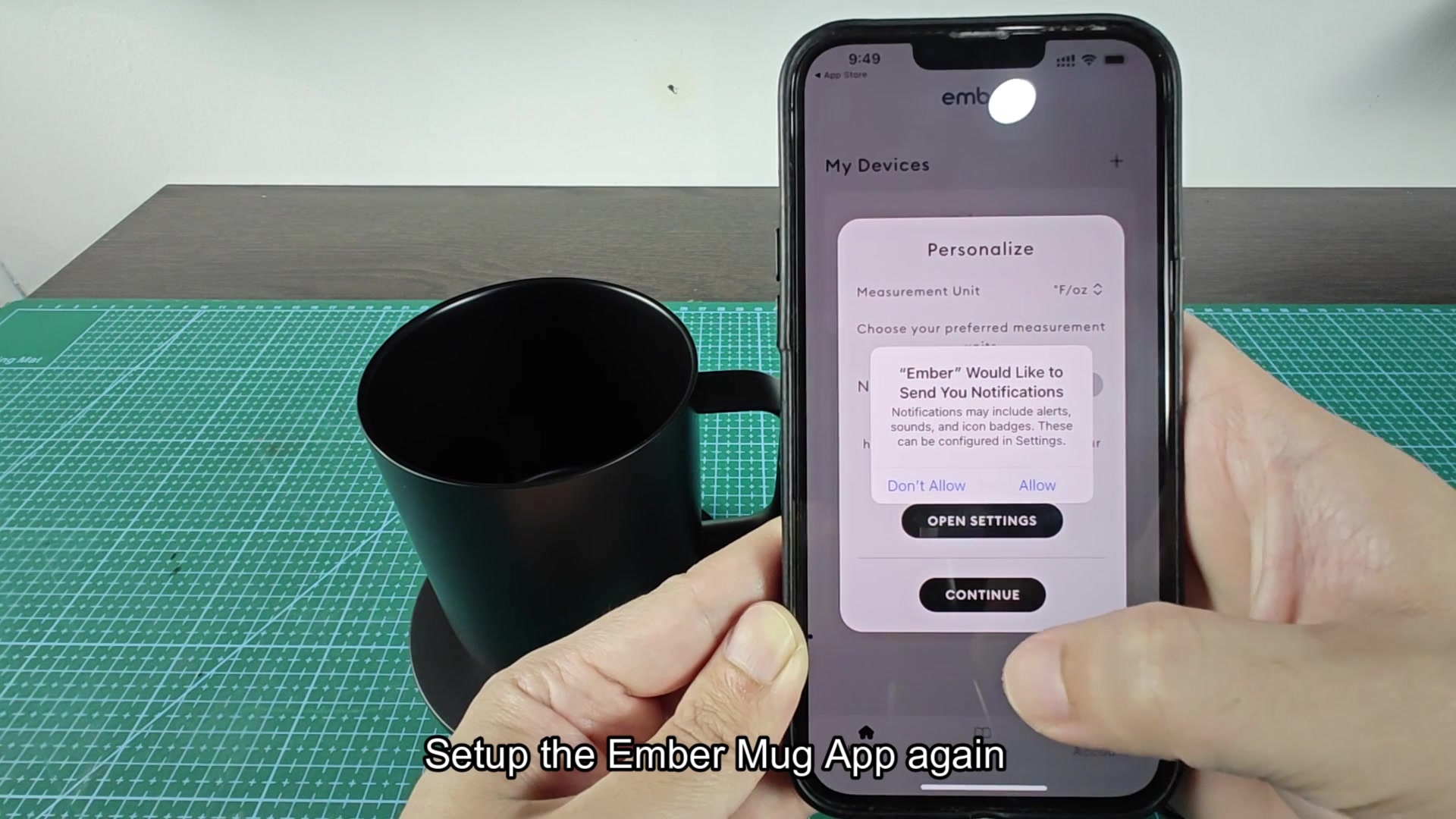
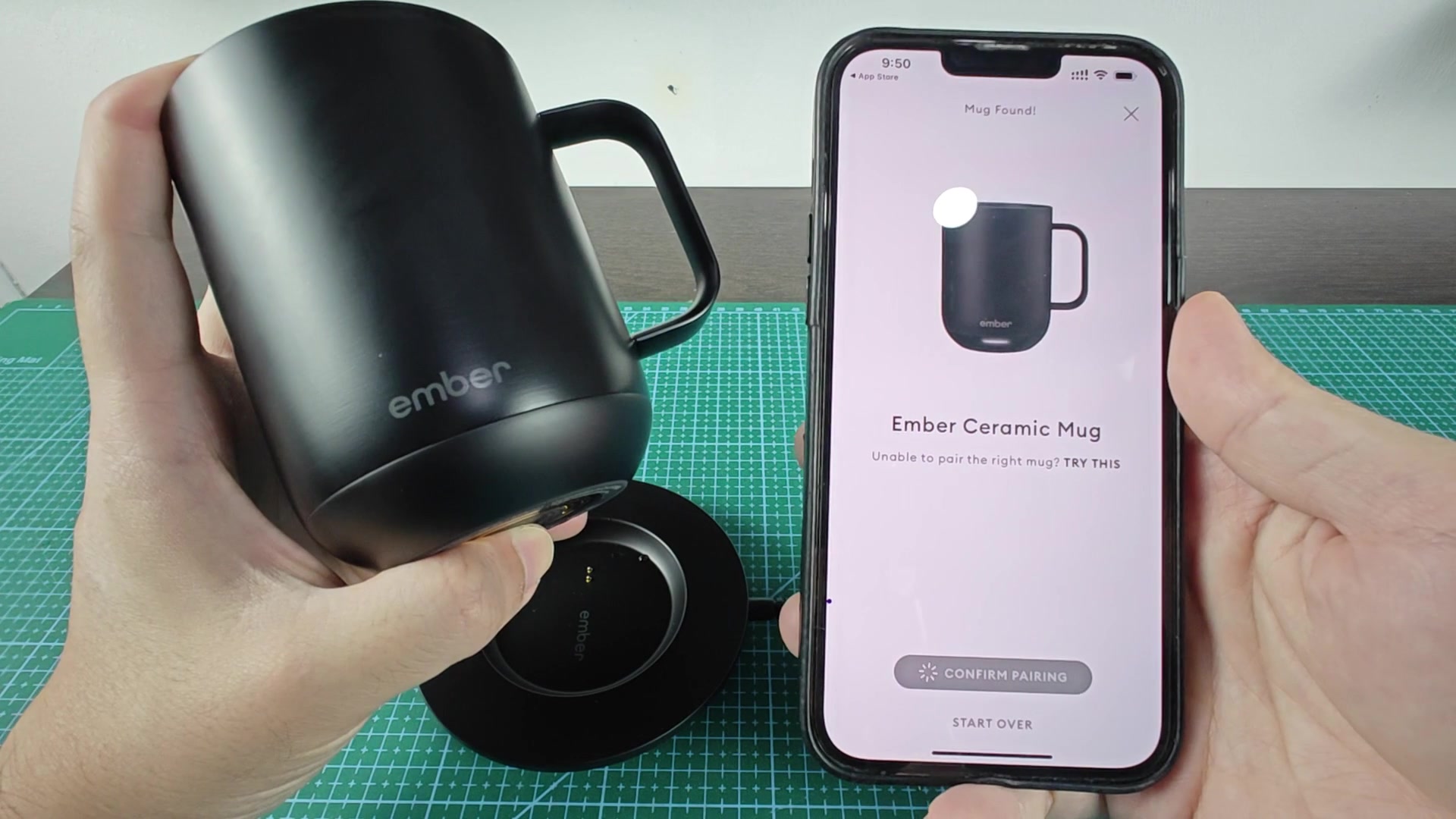
Just go into your phone's bluetooth settings and forget the mug, remove it (iOS & Android), then uninstall the app completely. Reinstall the app and try to pairing with the mug. The order matter, so dont just reinstall the app without first forgetting the device.
Some people have had trouble with the factory reset suggestion for the mug, but this has worked every time for me and others who has tried.
Just go into your phone's bluetooth settings and forget the mug, remove it (iOS & Android), then uninstall the app completely. Reinstall the app and try to pairing with the mug. The order matter, so dont just reinstall the app without first forgetting the device.
Some people have had trouble with the factory reset suggestion for the mug, but this has worked every time for me and others who has tried.