

While looking into an documentation for the Ember Mug, I noticed that the button that control the power to the mug have different behavior depending on whether you want to turn the mug on or off. To turn the mug on, all that is required is to press the button once. To turn the mug off, though, the user must hold the button for around 2 second until the LED indicator shuts off. While this seem like an odd design decision, it prevents the user from accidentally turning the mug off.
This feature seems to be common to other brands of smart drinkware, or else the Ember would of chosen this control for the mug’s power specifically to help avoid turning the mug off while enjoying its warmth. Considering that the brand likely wants to ensure that the mug remain on while the user is enjoying their drink, this decision makes sense for improving the user experience with the product.
While the documentation for the mug indicate that the LED is the only indicator that the mug has turned off, I have not seen whether there is any other means of ensuring that the mug has indeed turned off. Is there any information out there about whether there are any hidden features to the mug’s power button?

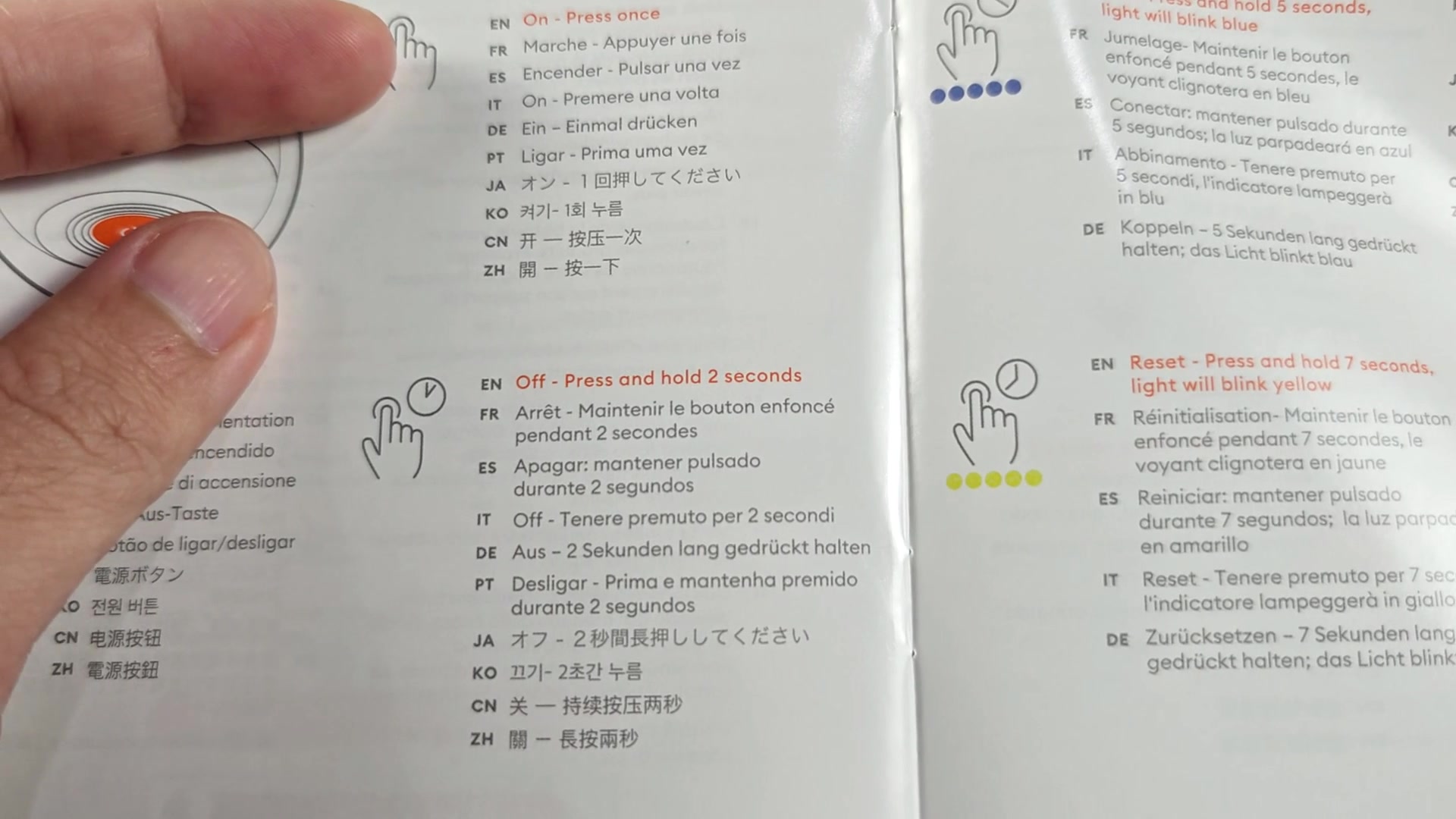



This feature seems to be common to other brands of smart drinkware, or else the Ember would of chosen this control for the mug’s power specifically to help avoid turning the mug off while enjoying its warmth. Considering that the brand likely wants to ensure that the mug remain on while the user is enjoying their drink, this decision makes sense for improving the user experience with the product.
While the documentation for the mug indicate that the LED is the only indicator that the mug has turned off, I have not seen whether there is any other means of ensuring that the mug has indeed turned off. Is there any information out there about whether there are any hidden features to the mug’s power button?