

Was poking around for some info on resetting the BlendJet and while I found lots on the subject, there was no reset button on these devices. Which is surprising given that it’s essentially just a sealed lithium ion blender. But anyway, here's what I found during my research about this topic that I see peoples asking about here in the forums.
The trick is simply to completely drain the BlendJets battery and then charge it back up until the device power on. This is supposed to clear up soft lockouts and blinking light codes. For hard resets, you have to open the device, which requires some skill since it is sealed with a li-ion battery, and simply disconnect and reconnect the battery itself. The other method is only advised for those who are comfortable with opening up these devices and who are willing to likely void their warranty.
The drain and charge method work for many BlendJets but does it work for every instance of a faulty BlendJet? Or does one have to resort to reattaching the battery clip to get the device to function?
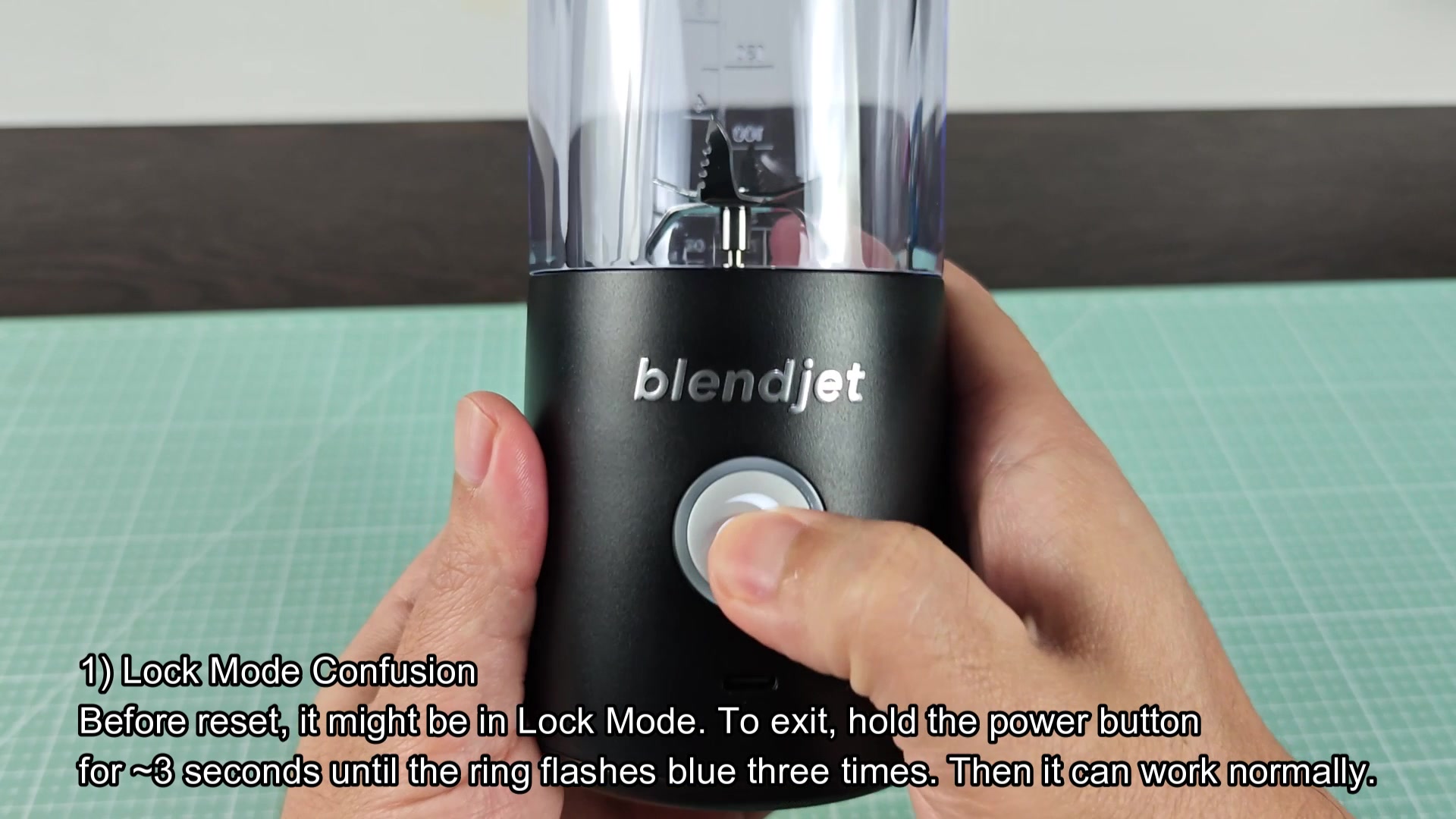
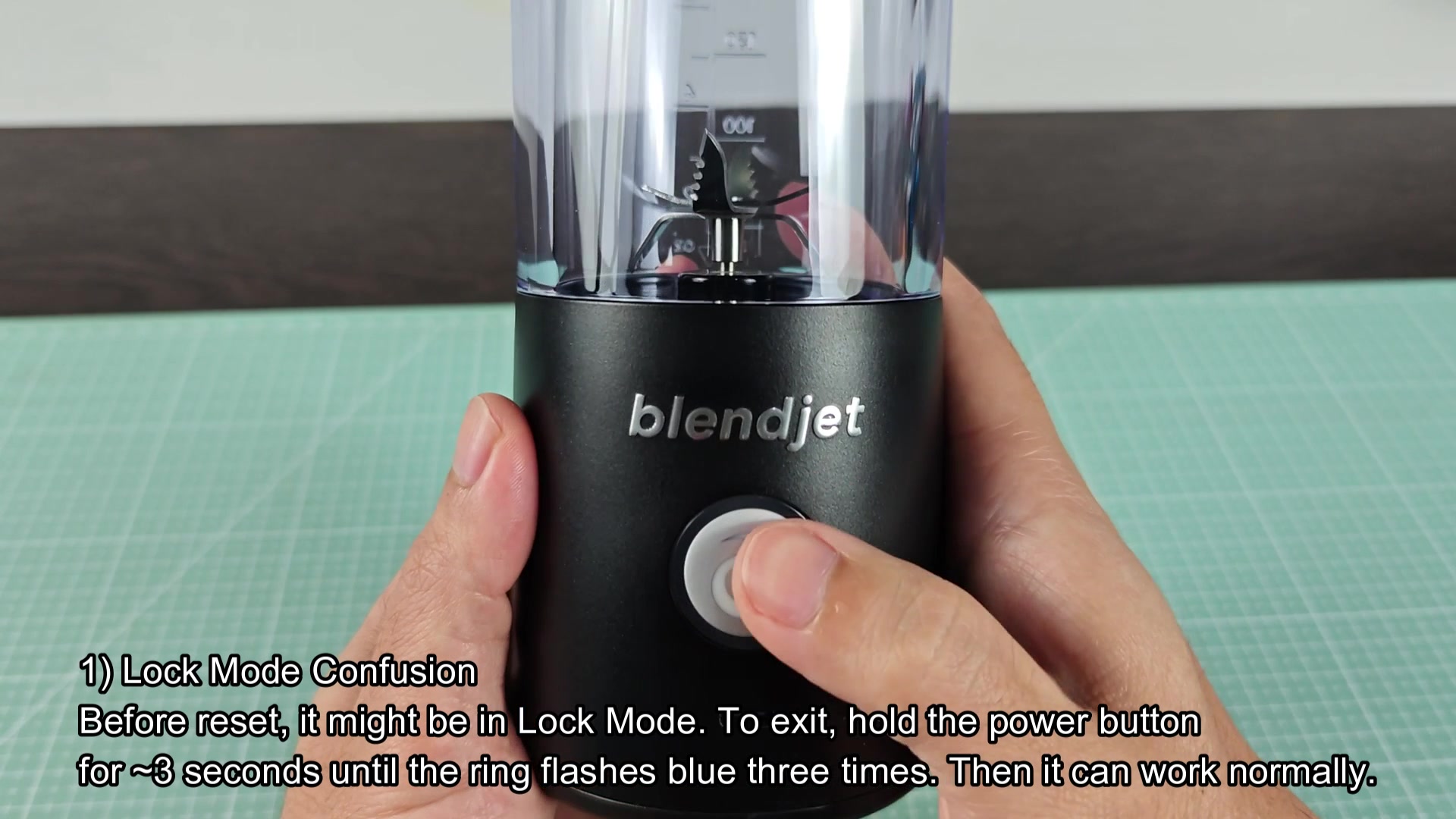
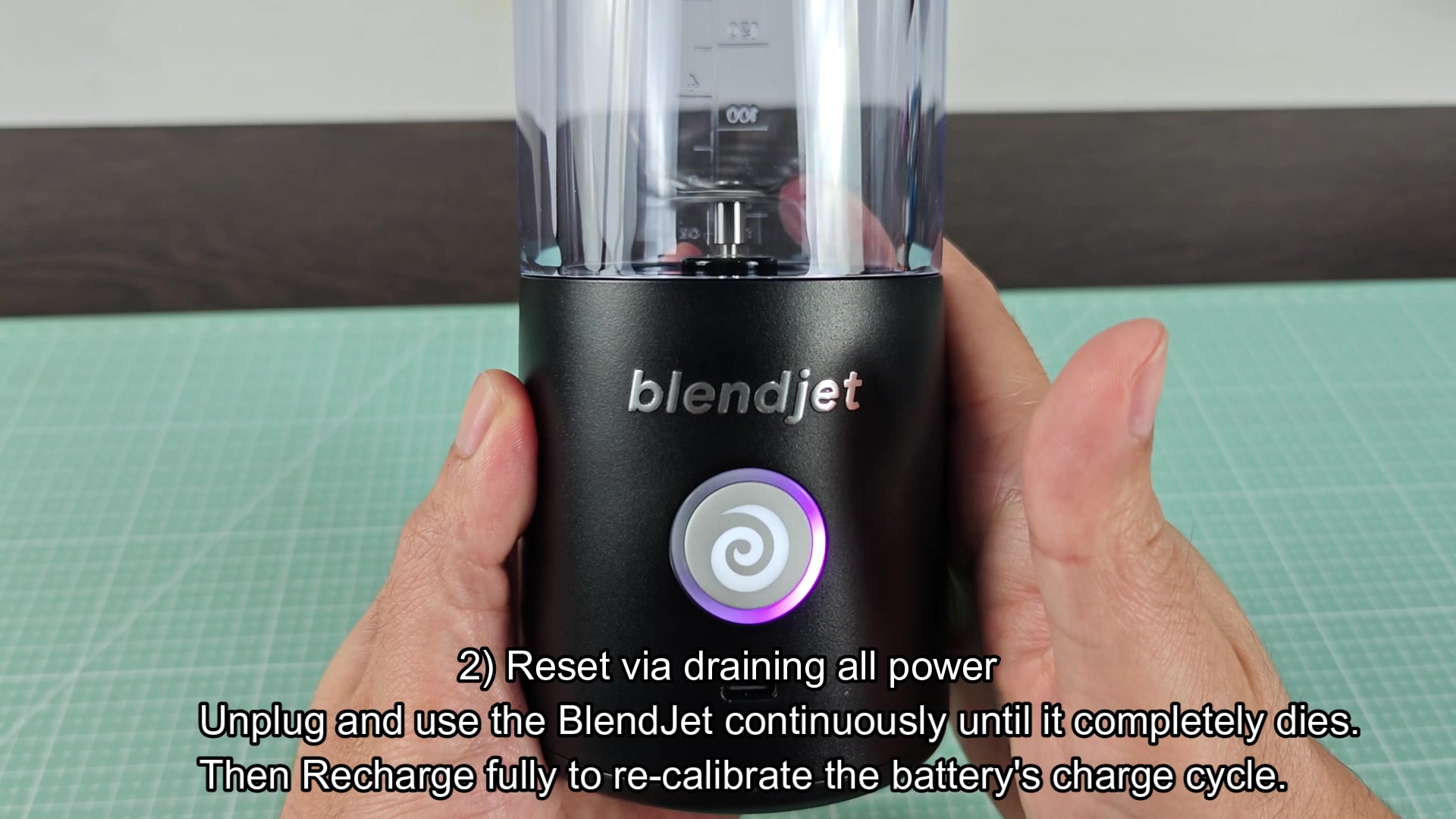
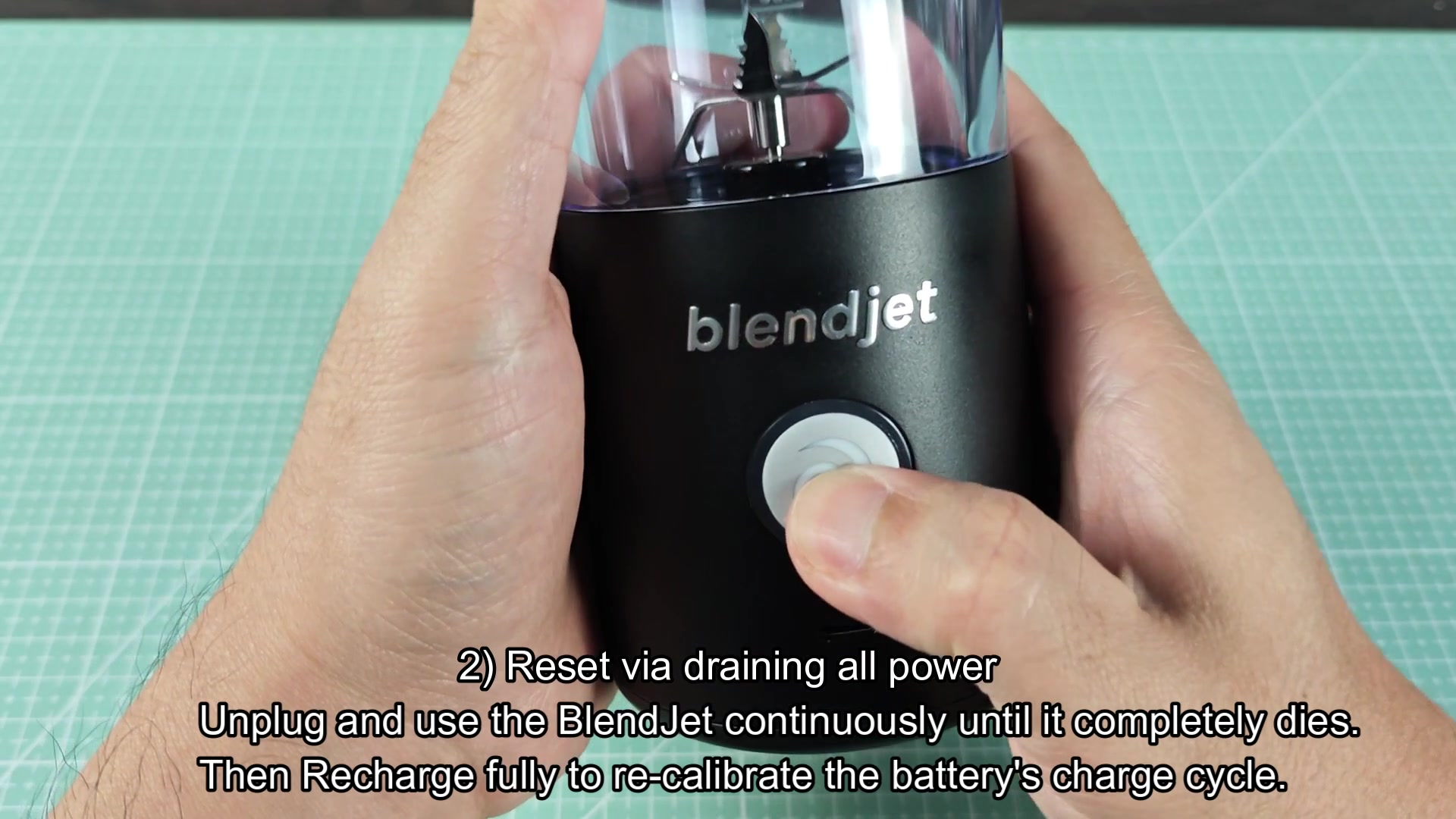
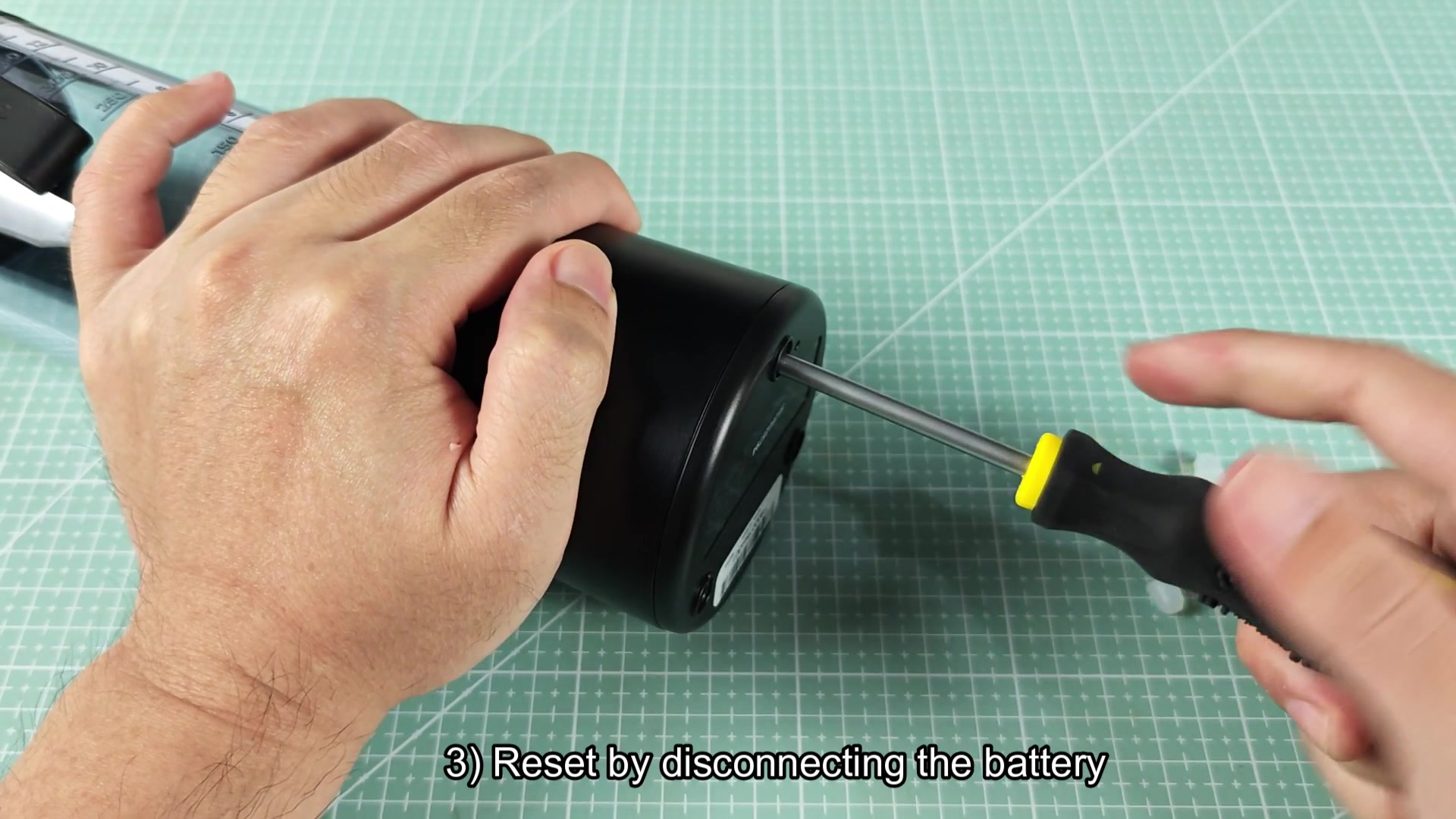
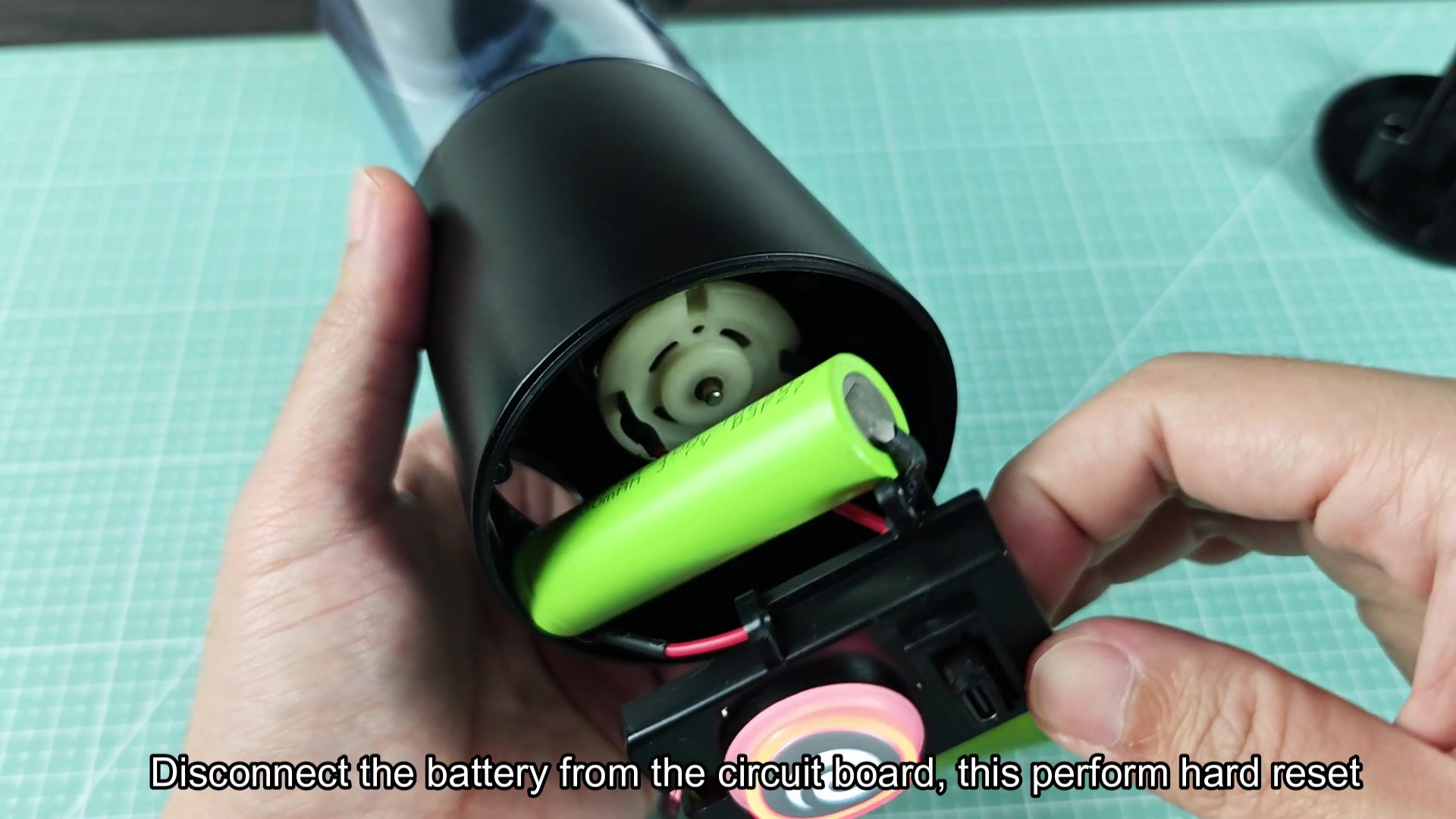
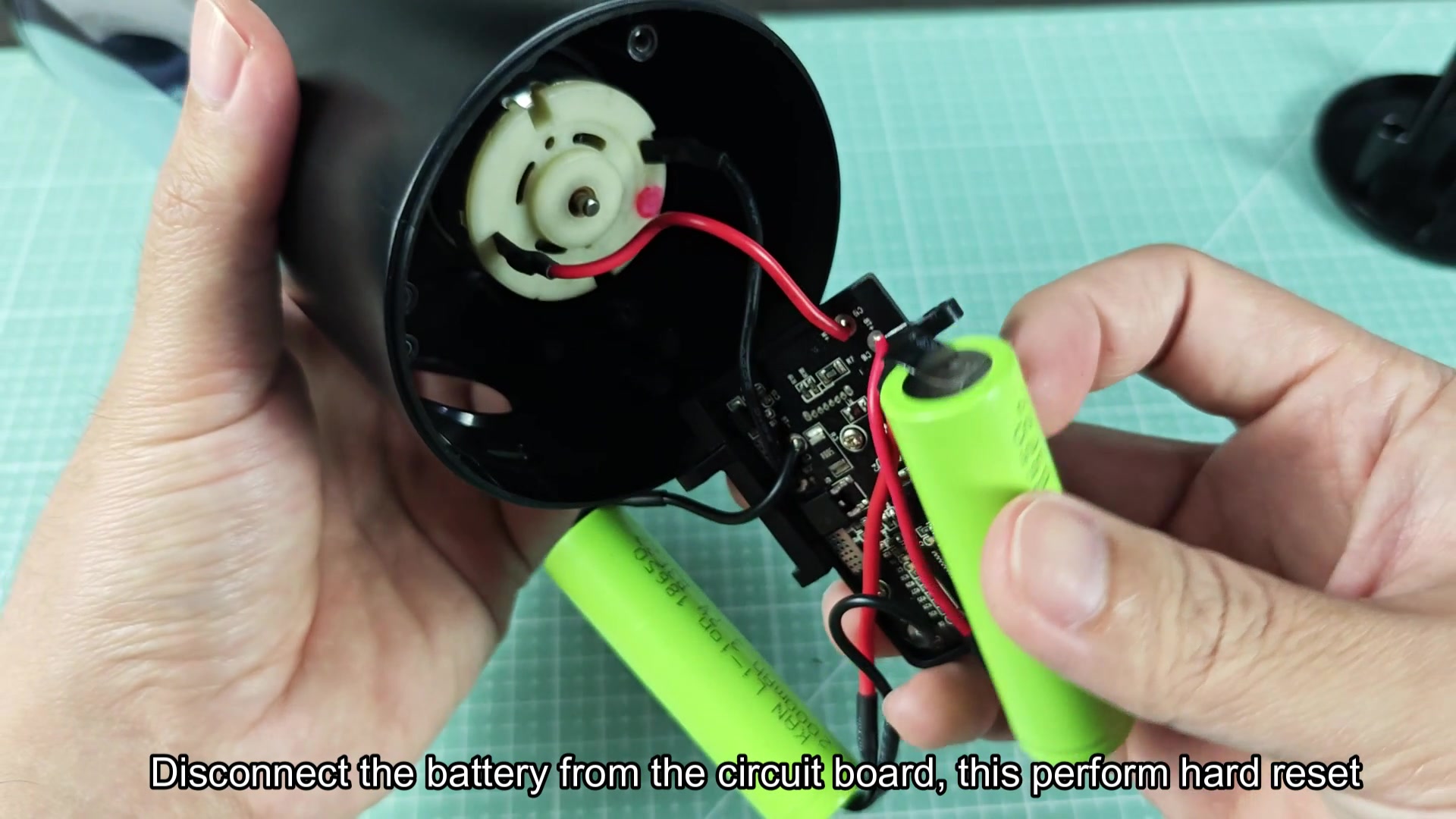
The trick is simply to completely drain the BlendJets battery and then charge it back up until the device power on. This is supposed to clear up soft lockouts and blinking light codes. For hard resets, you have to open the device, which requires some skill since it is sealed with a li-ion battery, and simply disconnect and reconnect the battery itself. The other method is only advised for those who are comfortable with opening up these devices and who are willing to likely void their warranty.
The drain and charge method work for many BlendJets but does it work for every instance of a faulty BlendJet? Or does one have to resort to reattaching the battery clip to get the device to function?