

Found a few posts discussing the reset procedure for Black and Decker coffee makers. Thought I'd share this as the procedure is rather simple compared to what is shared in most posts on the subject.
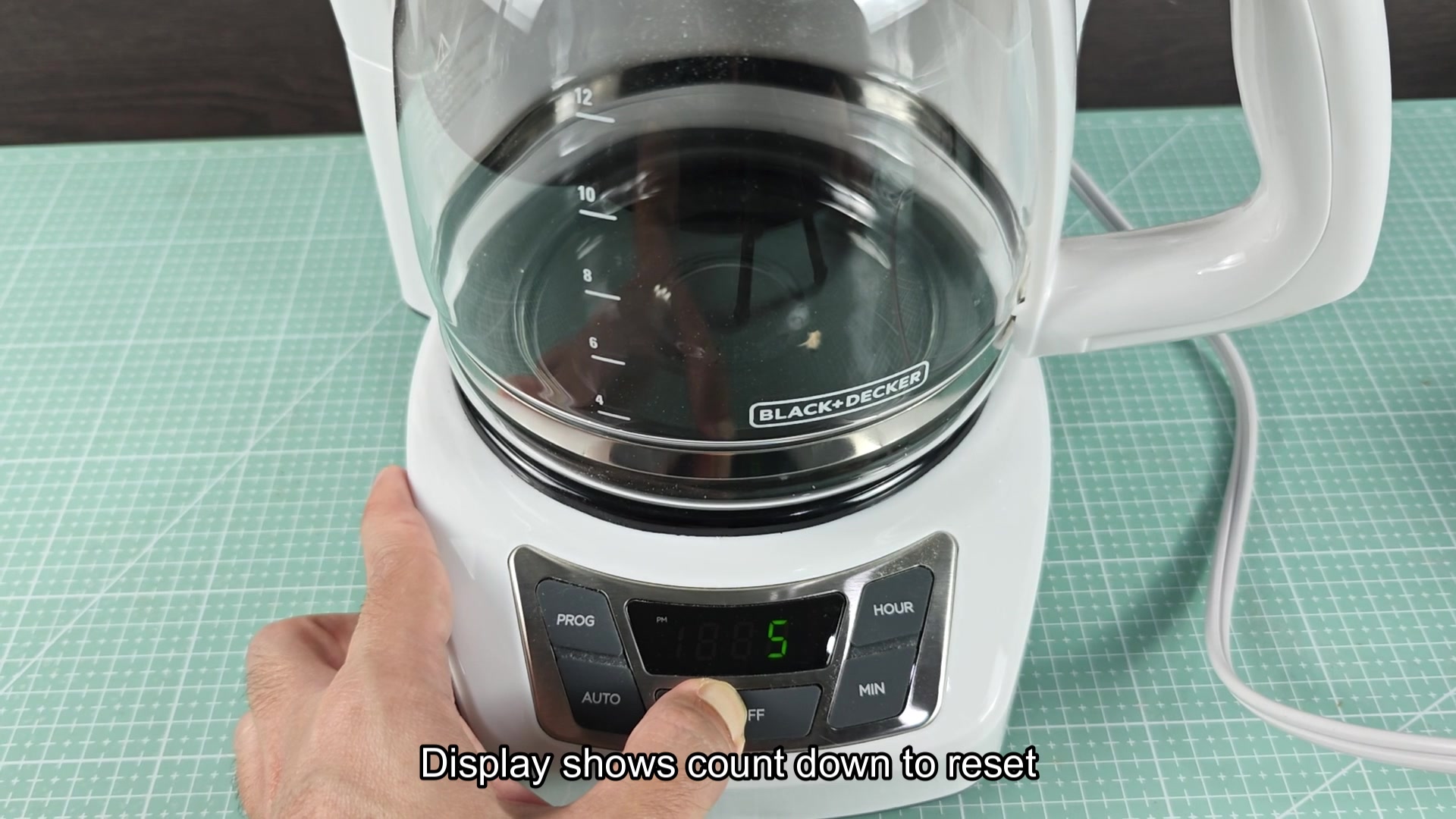
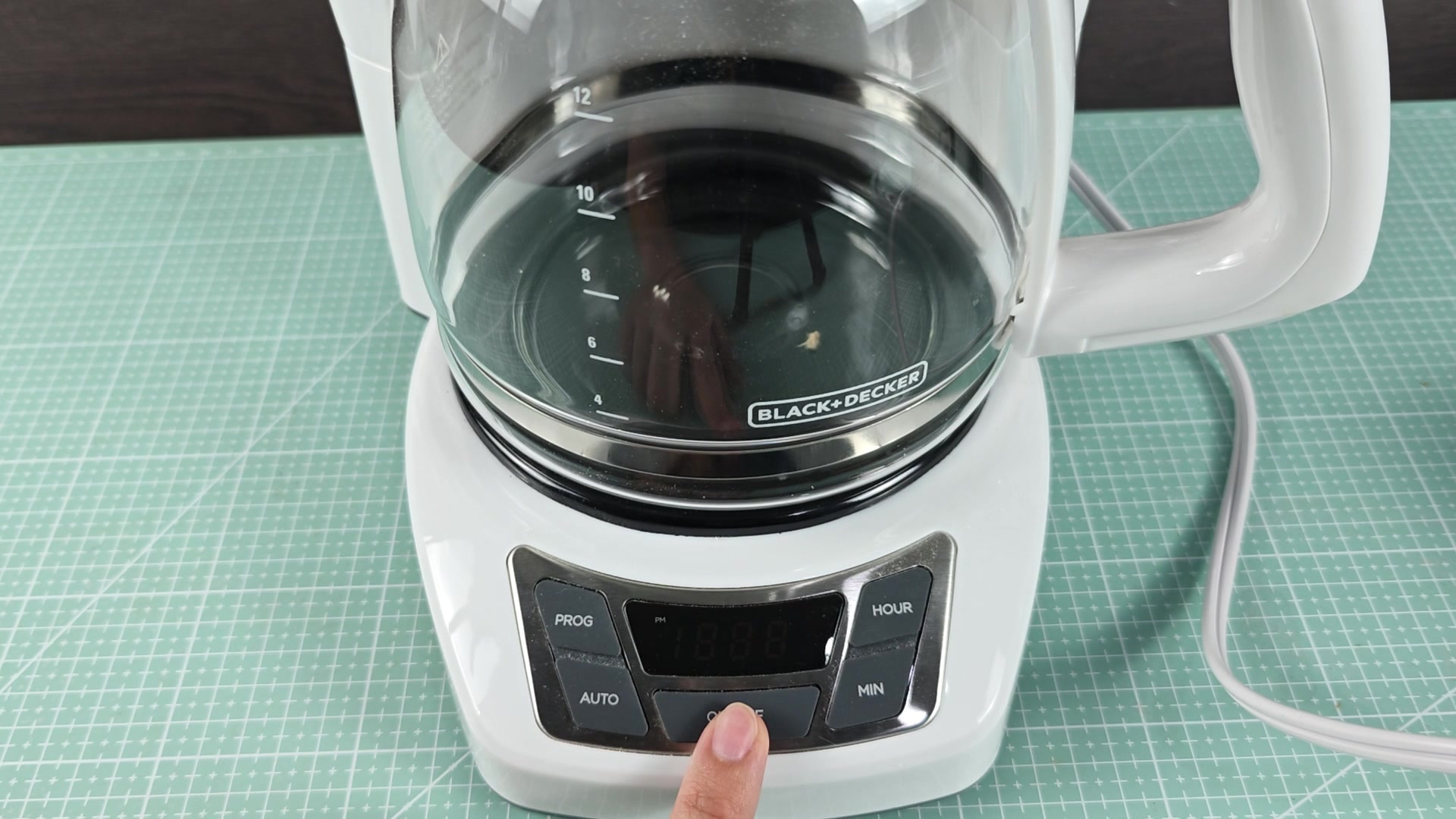
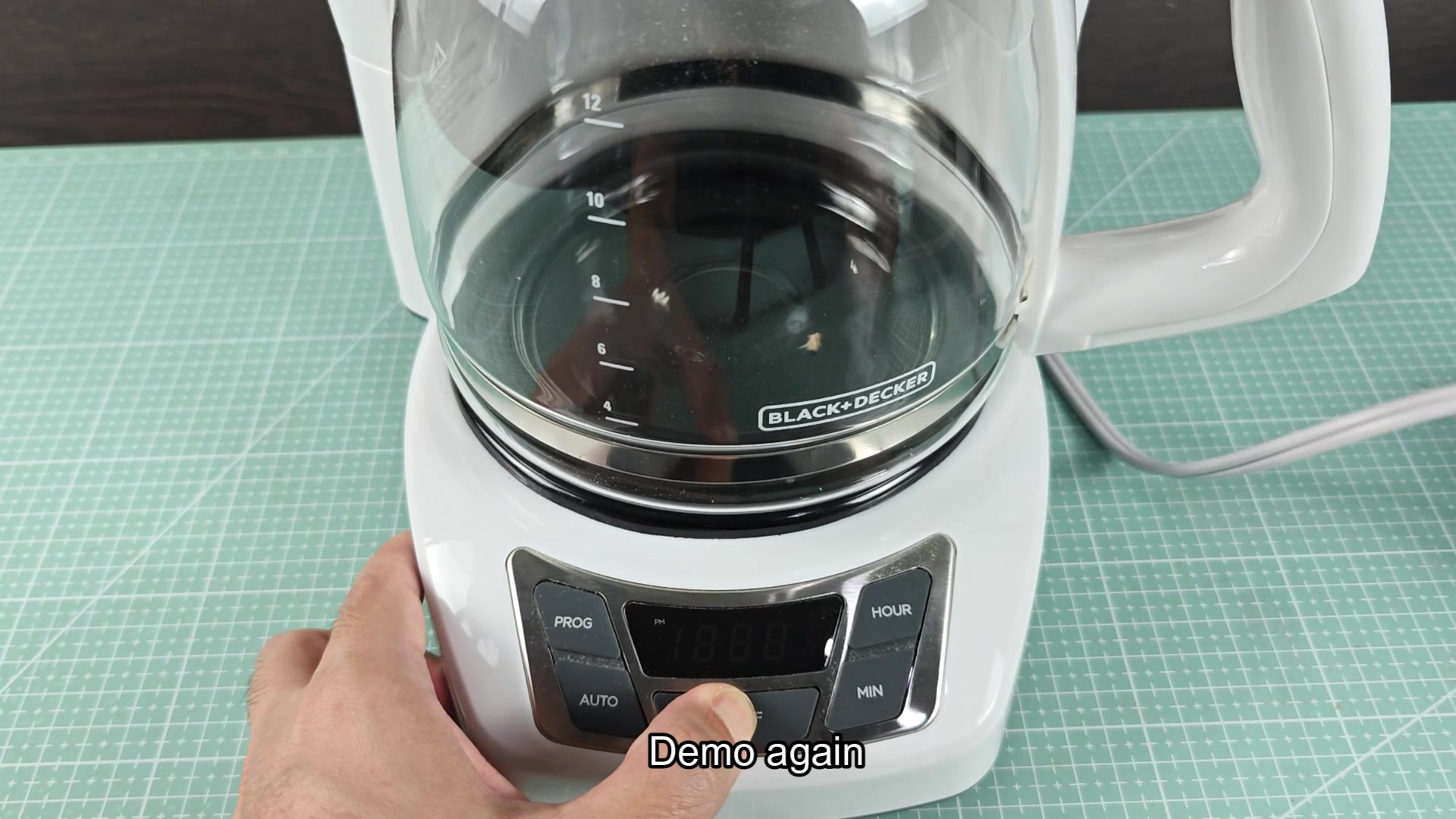
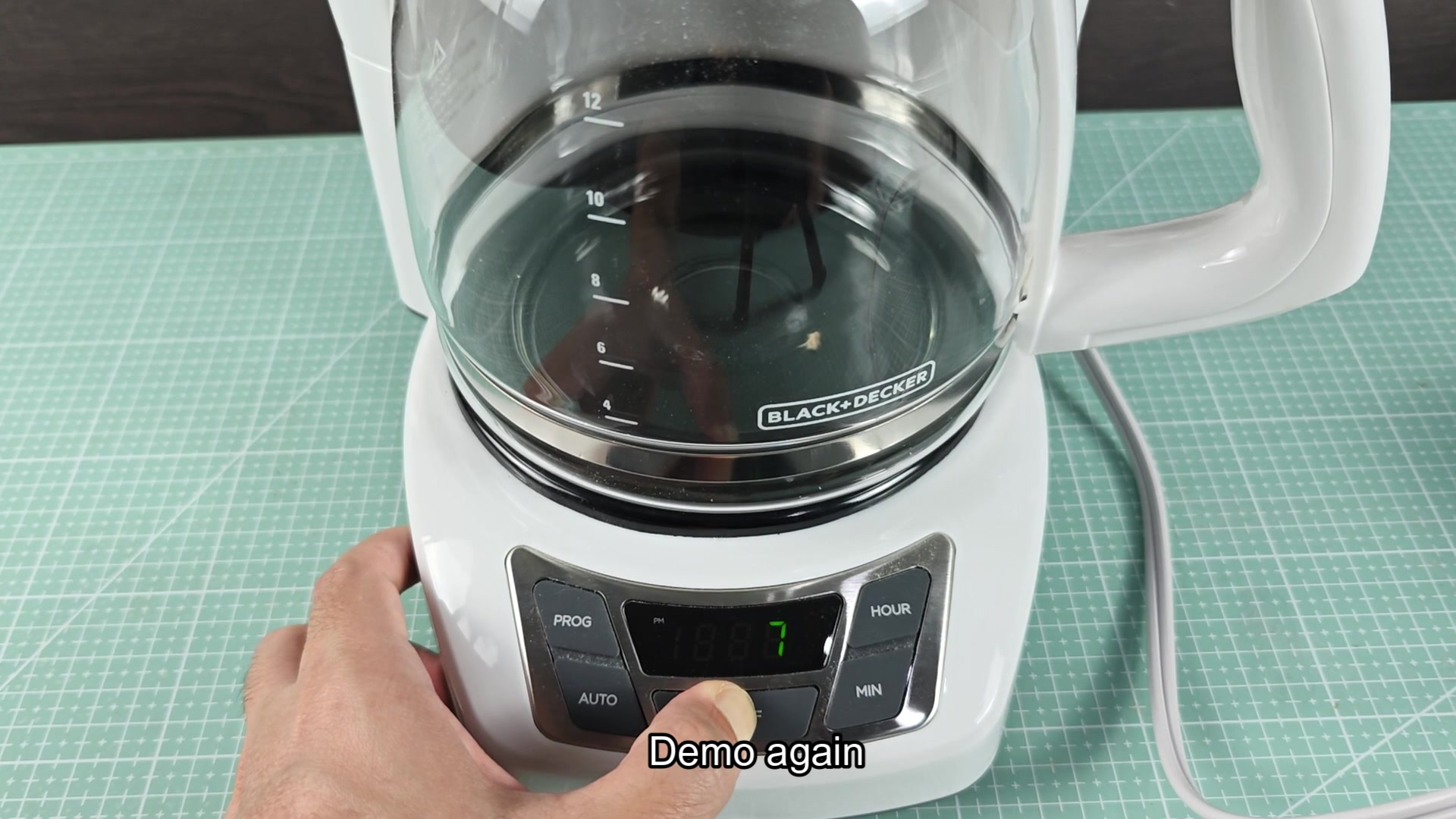
To reset the machine, unplug the machine from the wall, press the on/off button once while it is unplugged from the power source, then re-plug the machine into an available power outlet. The display should initiate a countdown once it is re-plugged into the outlet. The reason for this procedure is that pressing the on/off button while the machine is unplugged drains any residual charge still held within the control board's bulk capacitor. This ensures that when power is restored to the machine that the microcontroller (MCU) within the machine is initiated in its initial state.
This procedure will work for the majority of Black and Decker drip coffee machines but only if they has a digital display and clock. For model numbers that use only a switch to control the heating element, there is no reset procedure for those models since they do not have the same digital components. Furthermore, has this trick cleared up any other issues with the coffee makers beyond the stuck clock display?
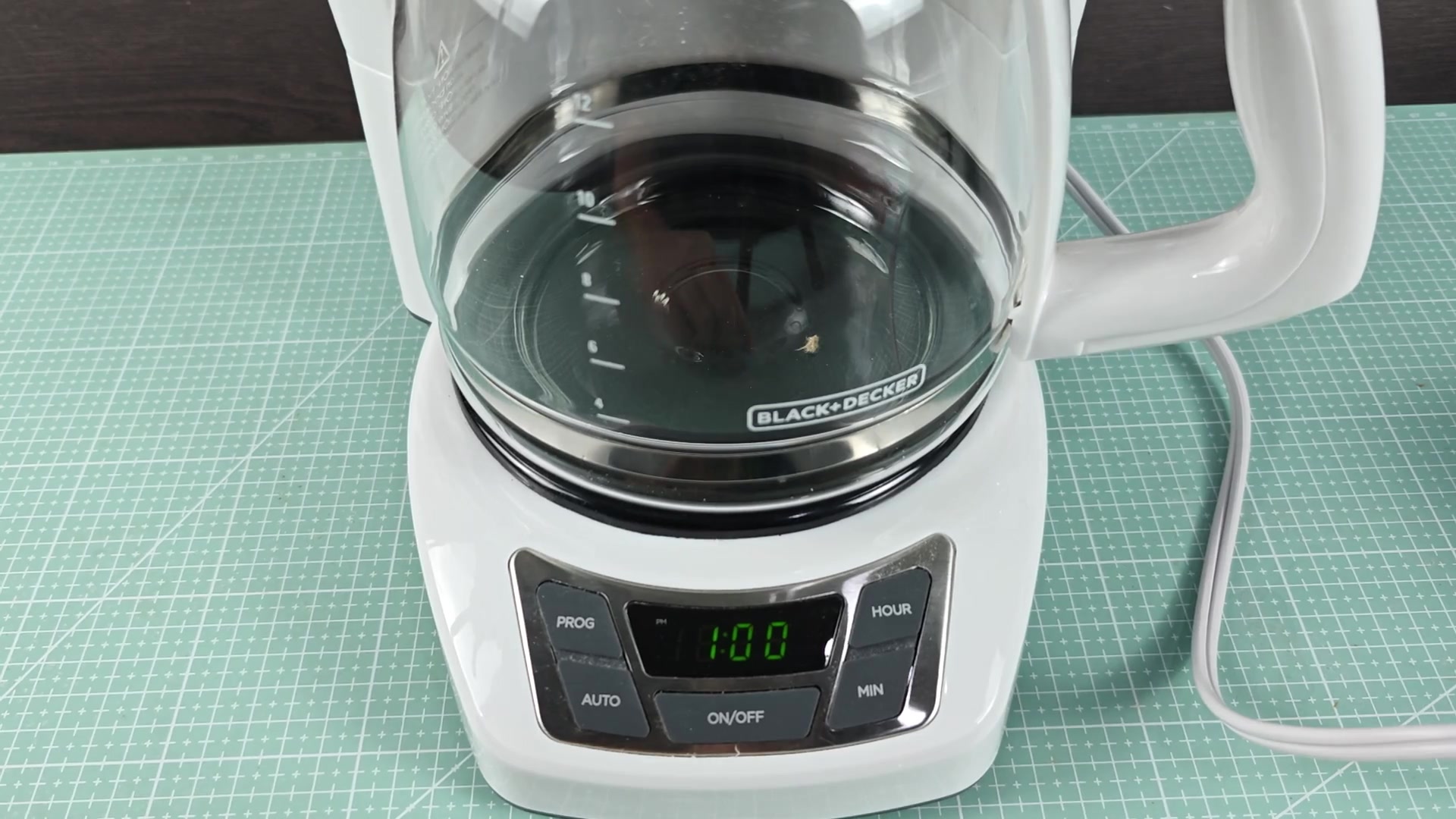
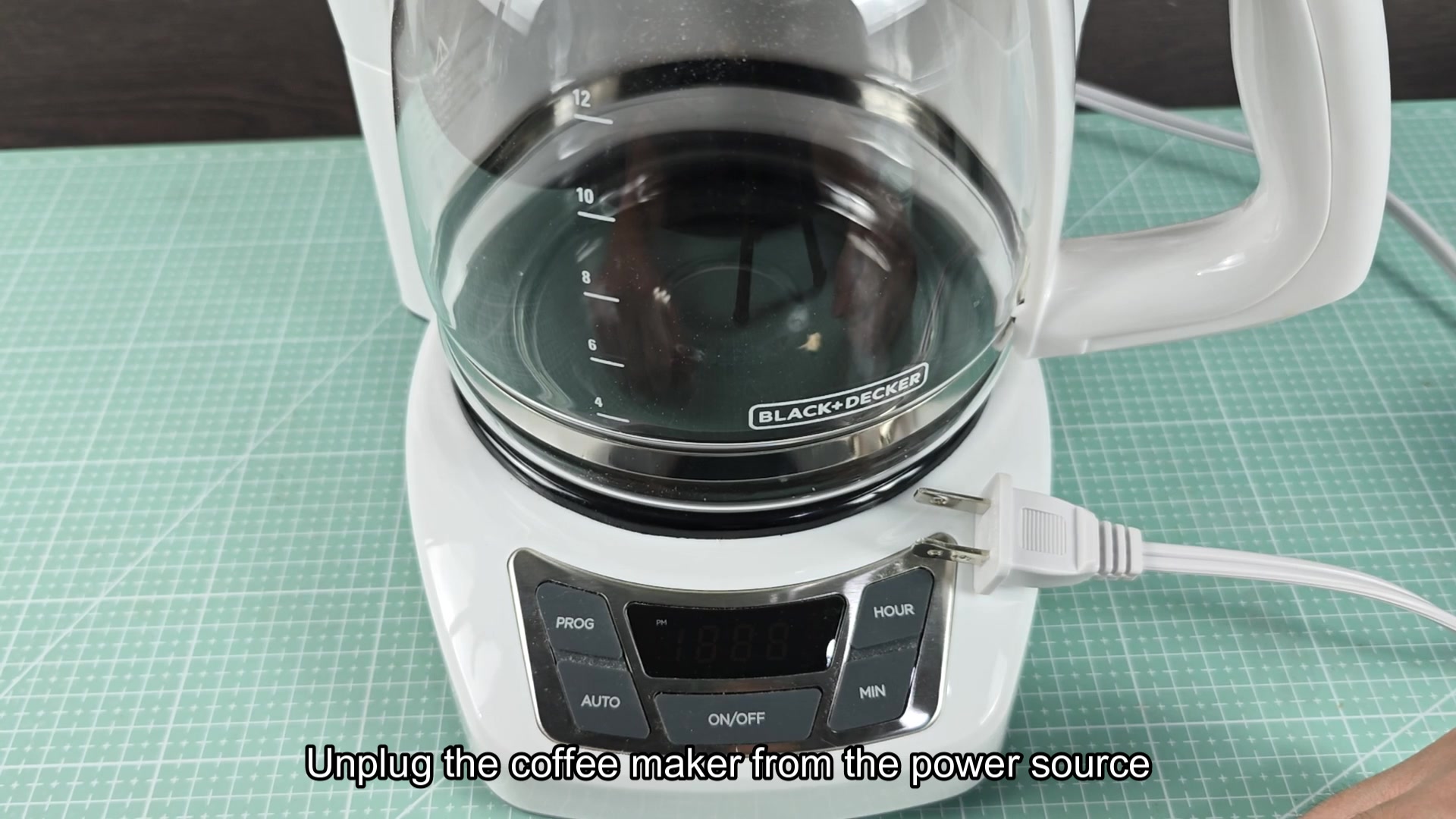
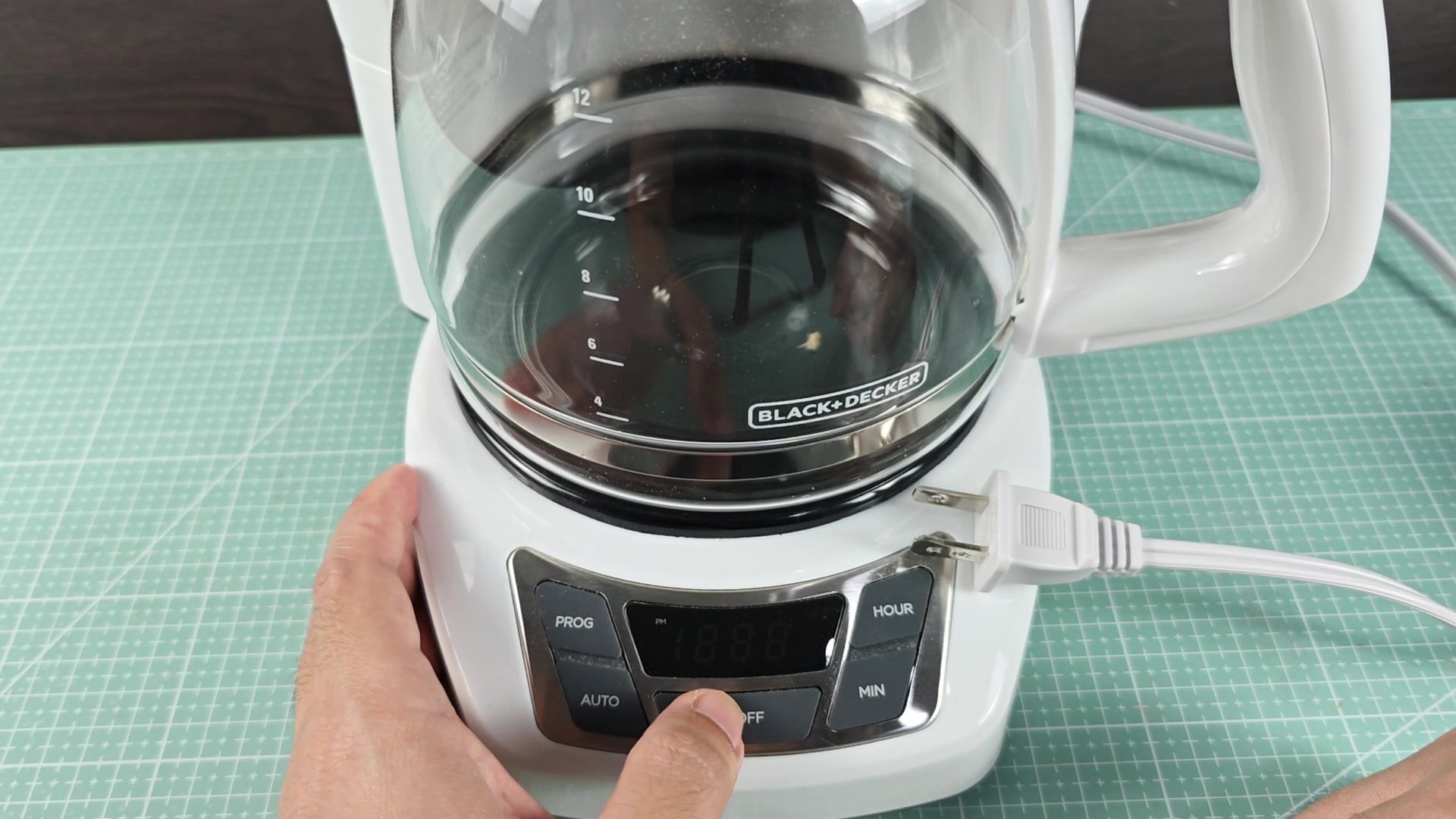
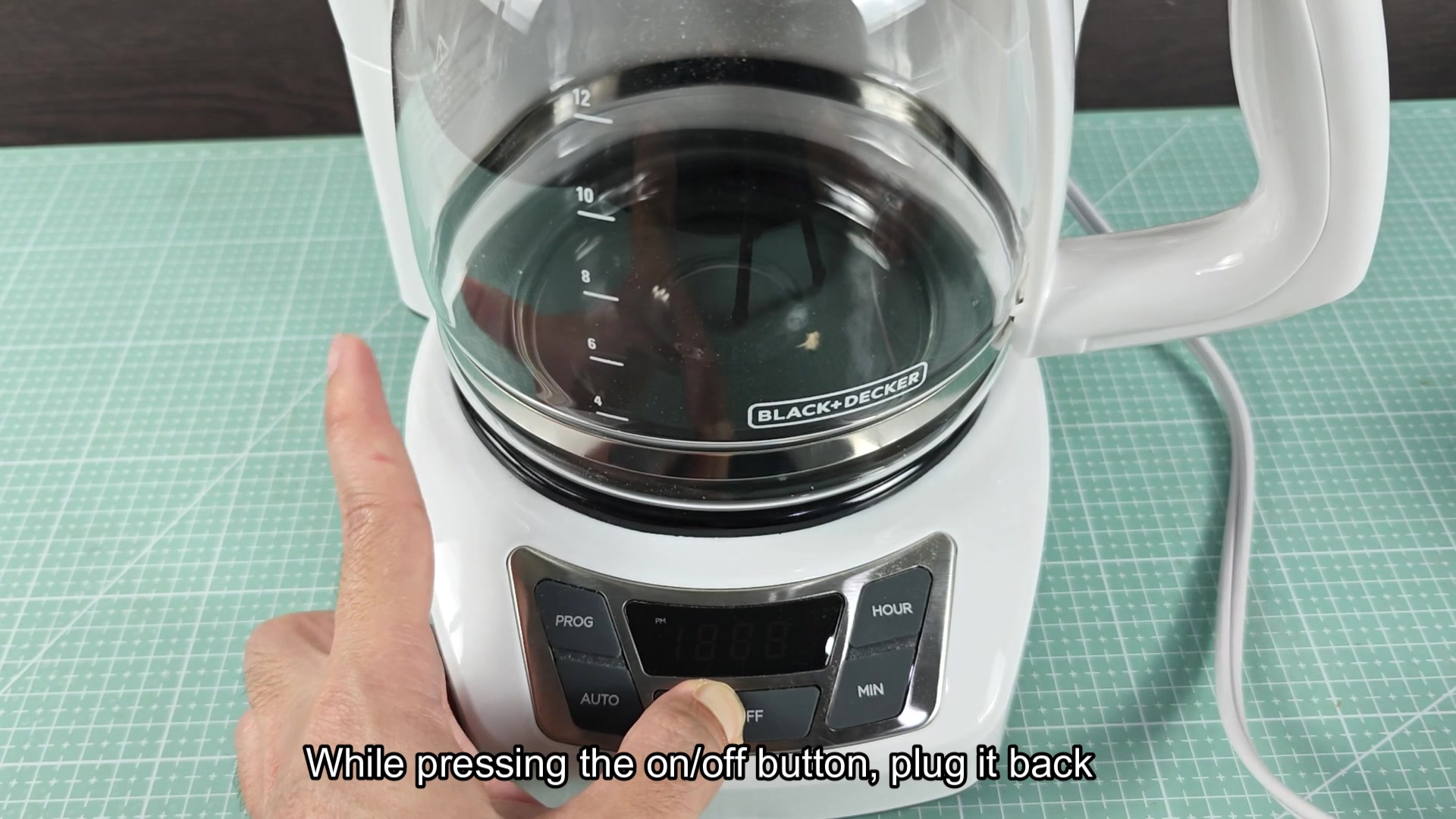
To reset the machine, unplug the machine from the wall, press the on/off button once while it is unplugged from the power source, then re-plug the machine into an available power outlet. The display should initiate a countdown once it is re-plugged into the outlet. The reason for this procedure is that pressing the on/off button while the machine is unplugged drains any residual charge still held within the control board's bulk capacitor. This ensures that when power is restored to the machine that the microcontroller (MCU) within the machine is initiated in its initial state.
This procedure will work for the majority of Black and Decker drip coffee machines but only if they has a digital display and clock. For model numbers that use only a switch to control the heating element, there is no reset procedure for those models since they do not have the same digital components. Furthermore, has this trick cleared up any other issues with the coffee makers beyond the stuck clock display?