

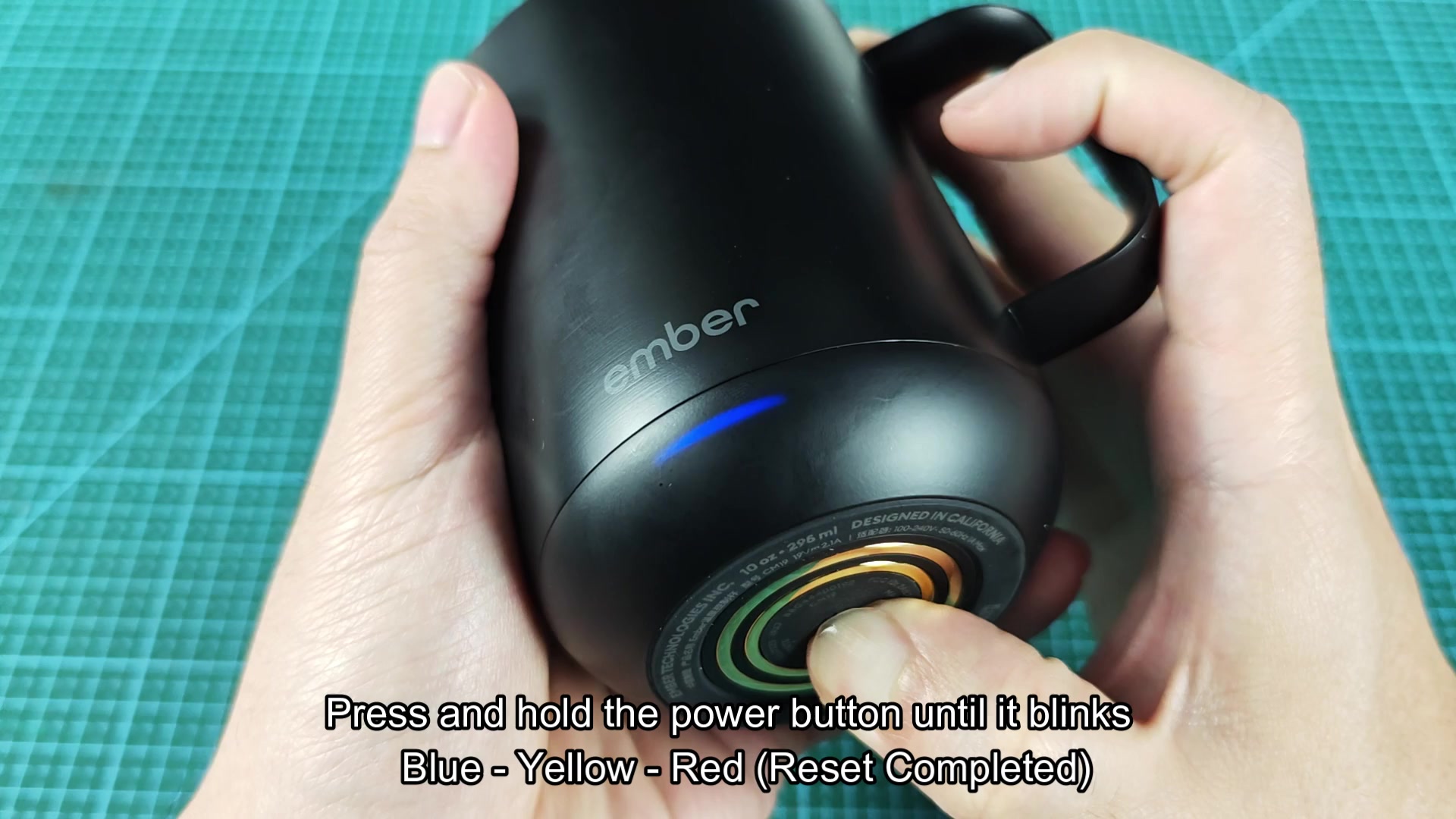
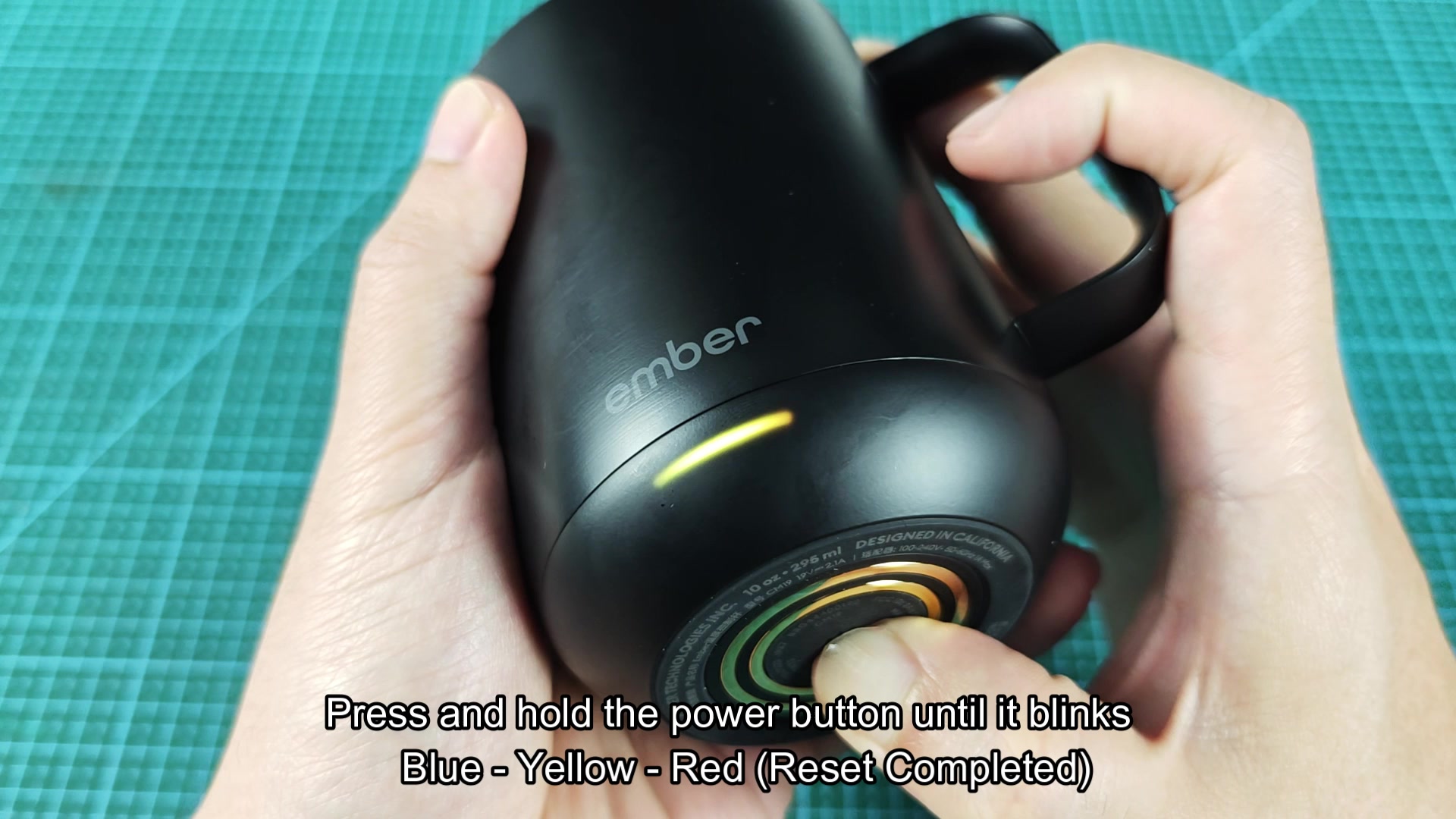
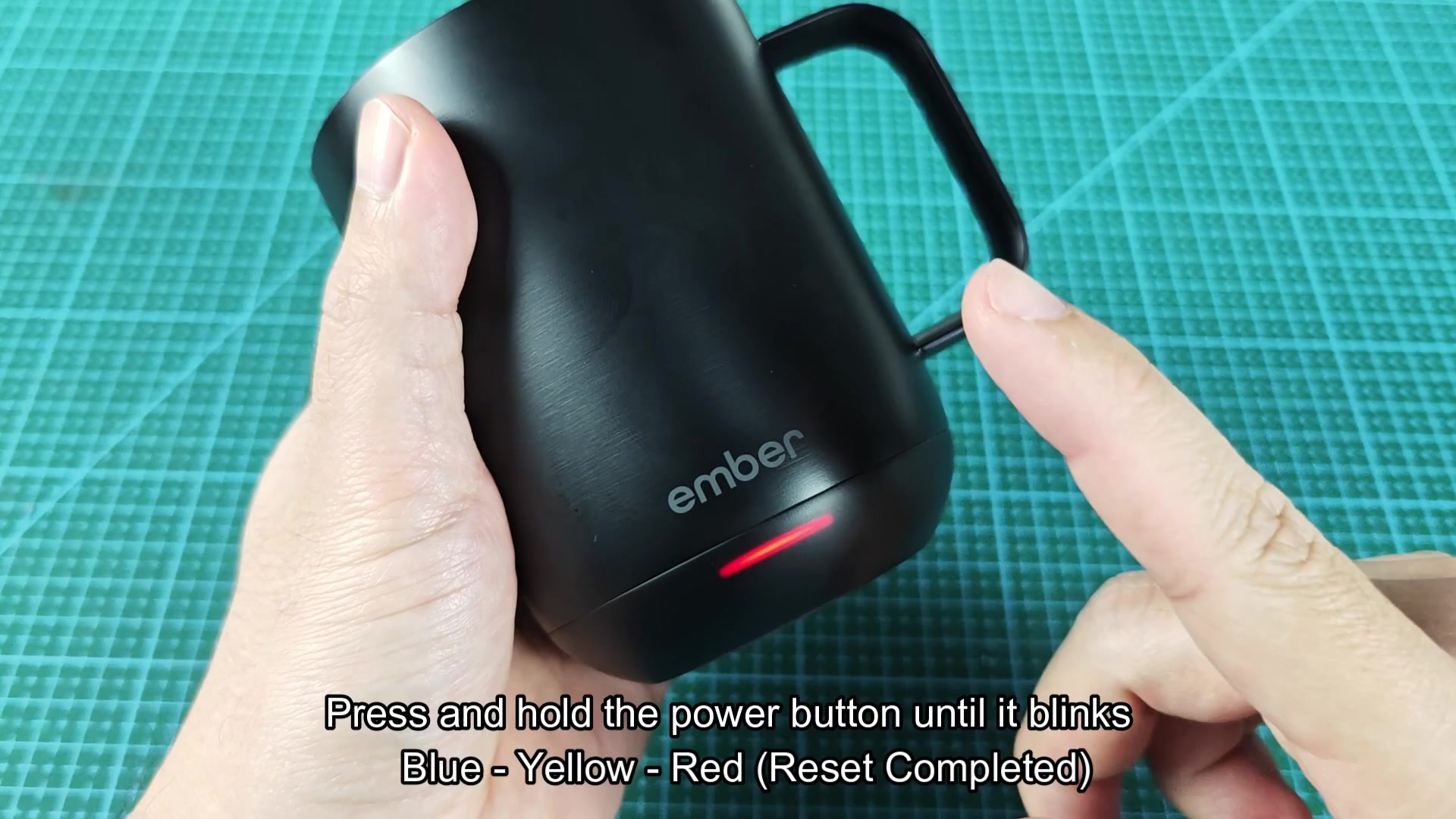
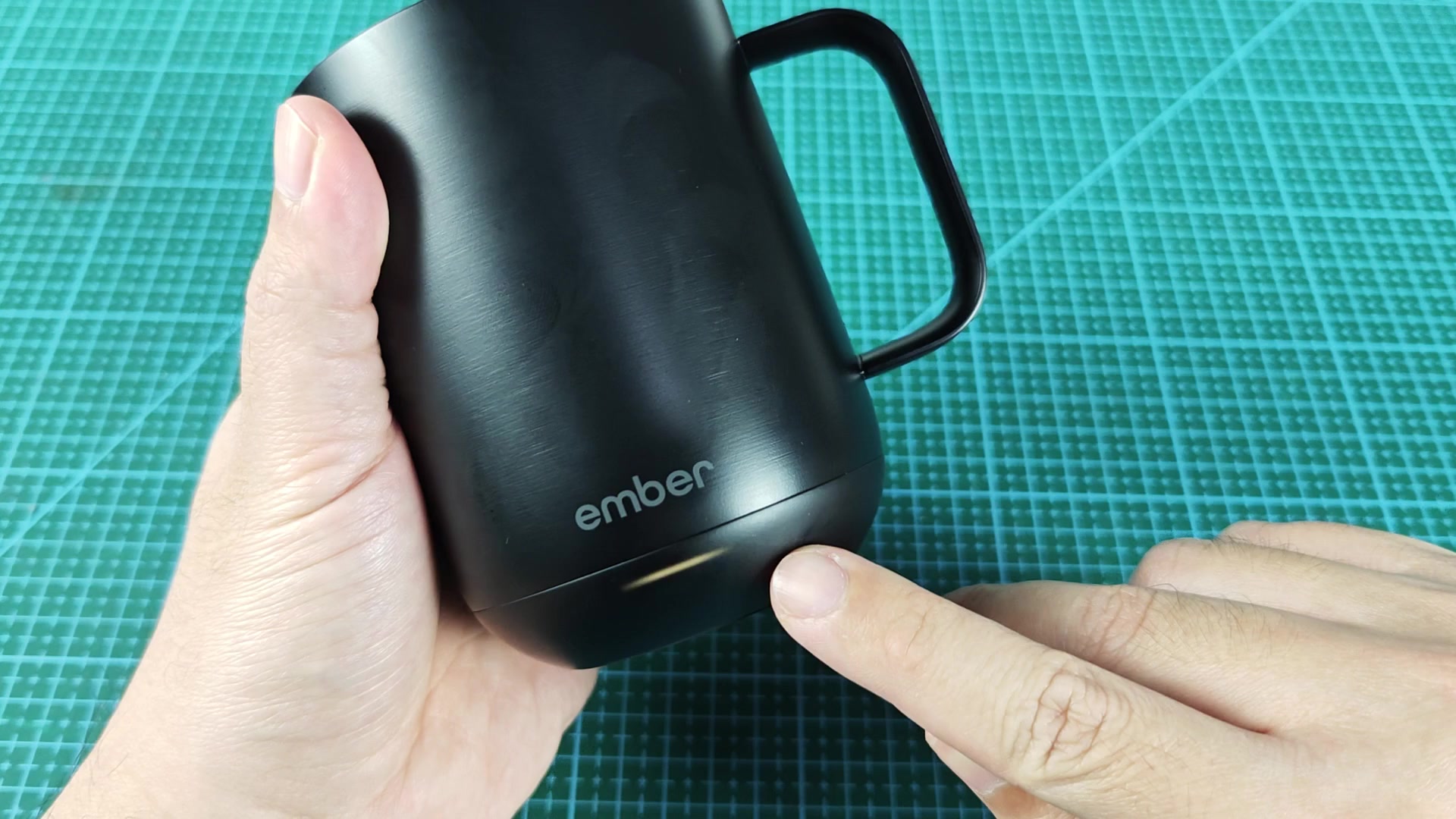
Saw a few mentions of resetting the Ember mugs floating around lately. I wanted to see if anyone here had had to do this with their mug. From what I understand, you have to hold the power button until the led goes through blue, yellow, and red. Once it hit red the mug is reset.
Is this supposed to clear the mug? It seems like a lot of these devices uses the color leds to indicate some kind of reset or config of the product. The Ember docs dont go into what happens when you do this though. I would assume it would clear the paired bluetooth device and temp preset that was set for the mug.
Does it need to be held for a specific length of time? Does it need to be held until it hits red? The indication of blue, yellow, and red makes me think that it has to be held until it hits red since the others are in the middle of some mode that should not be exited. Does anyone know what each of the colors indicate?
I figured I'd toss this out there since it gets mentioned a lot but never really explain what happens during this process.
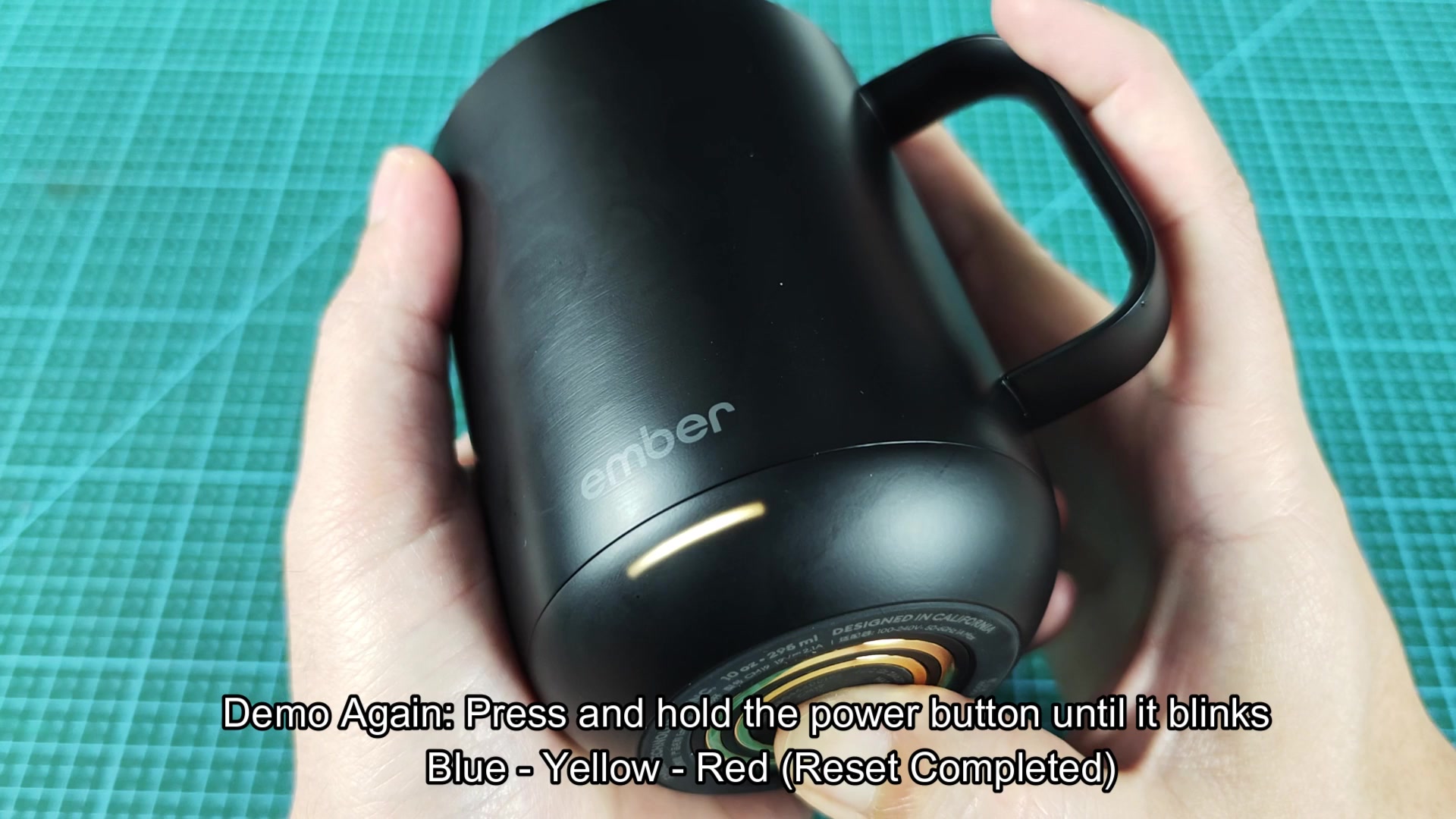
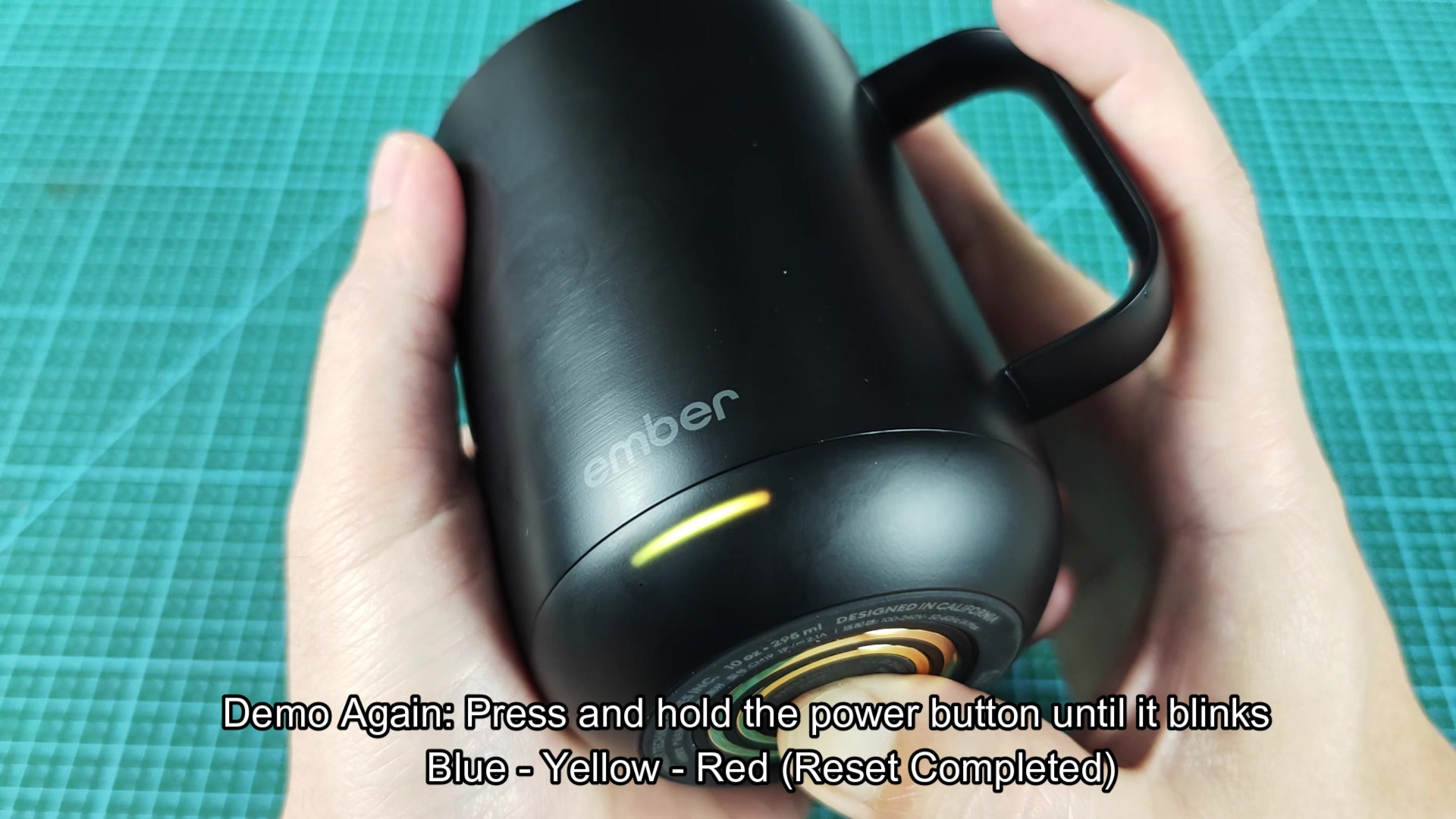
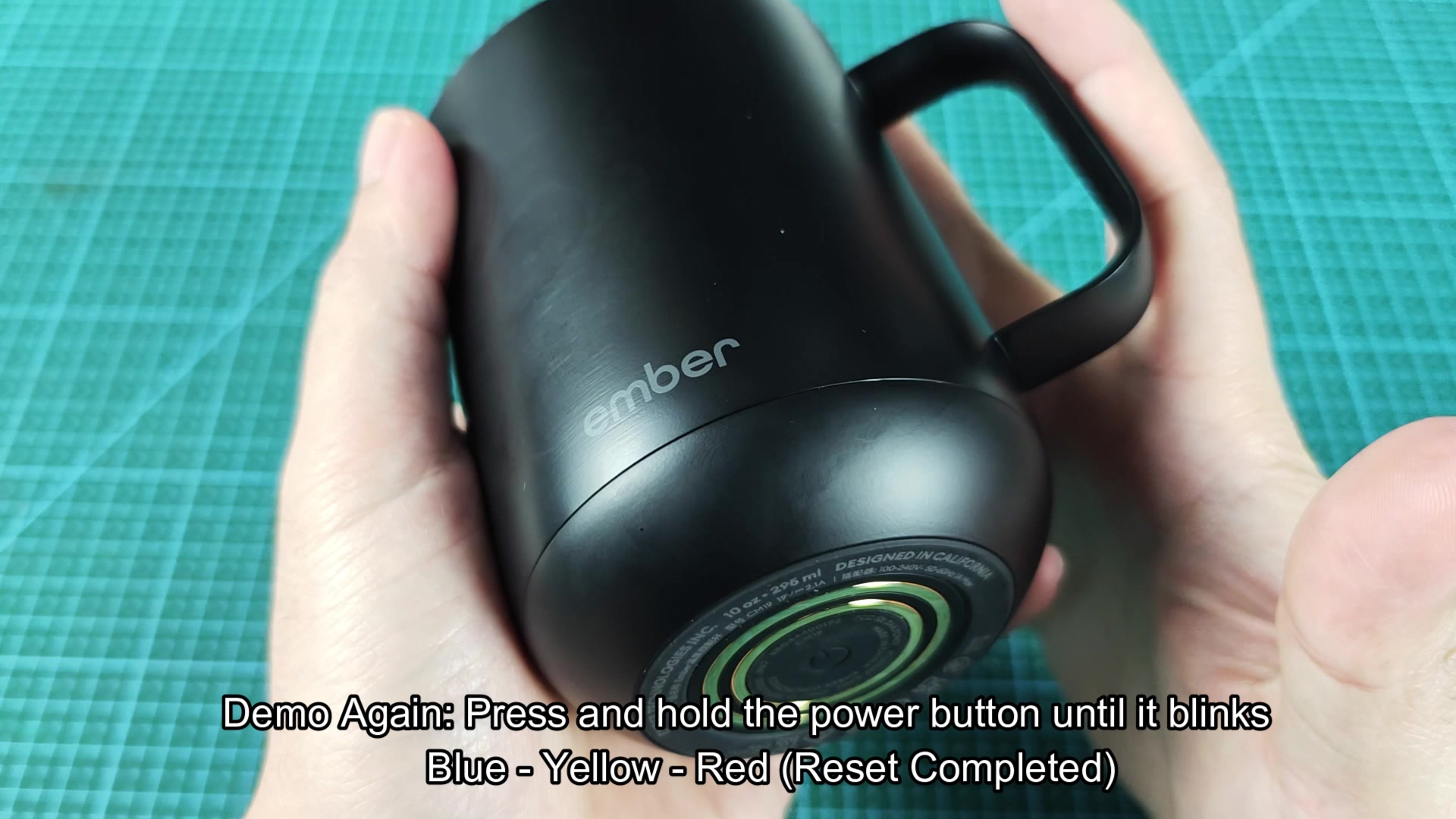
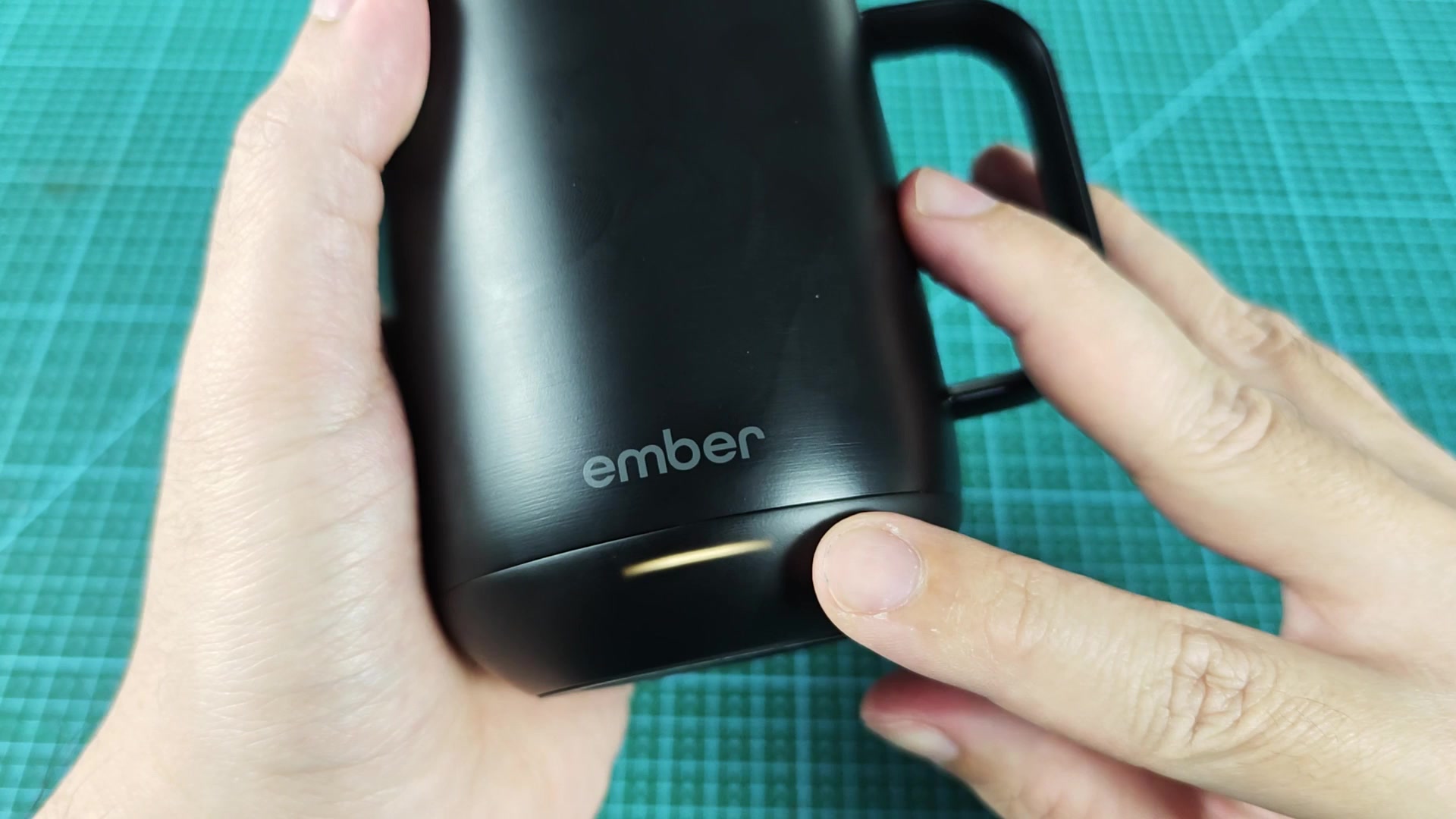
Is this supposed to clear the mug? It seems like a lot of these devices uses the color leds to indicate some kind of reset or config of the product. The Ember docs dont go into what happens when you do this though. I would assume it would clear the paired bluetooth device and temp preset that was set for the mug.
Does it need to be held for a specific length of time? Does it need to be held until it hits red? The indication of blue, yellow, and red makes me think that it has to be held until it hits red since the others are in the middle of some mode that should not be exited. Does anyone know what each of the colors indicate?
I figured I'd toss this out there since it gets mentioned a lot but never really explain what happens during this process.