Samsung microwave child lock, how does the button combo actually work?

May 5, 2026
121
0
6
toolcroze.com
Saw this in another thread and figured it was worth a discussion as to why people often forgets they have a child lock on their Samsung microwaves until they accidental lock it.
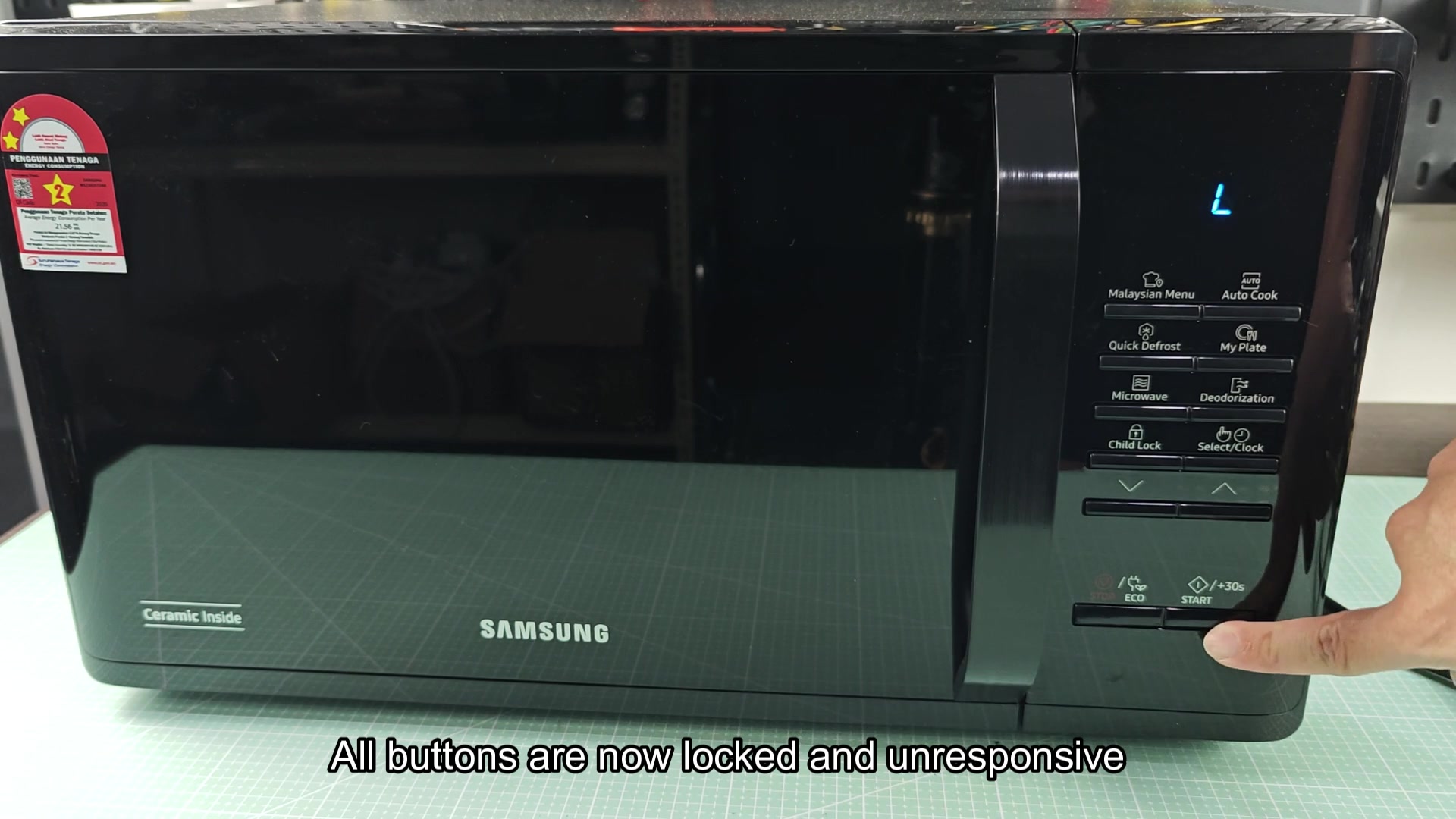
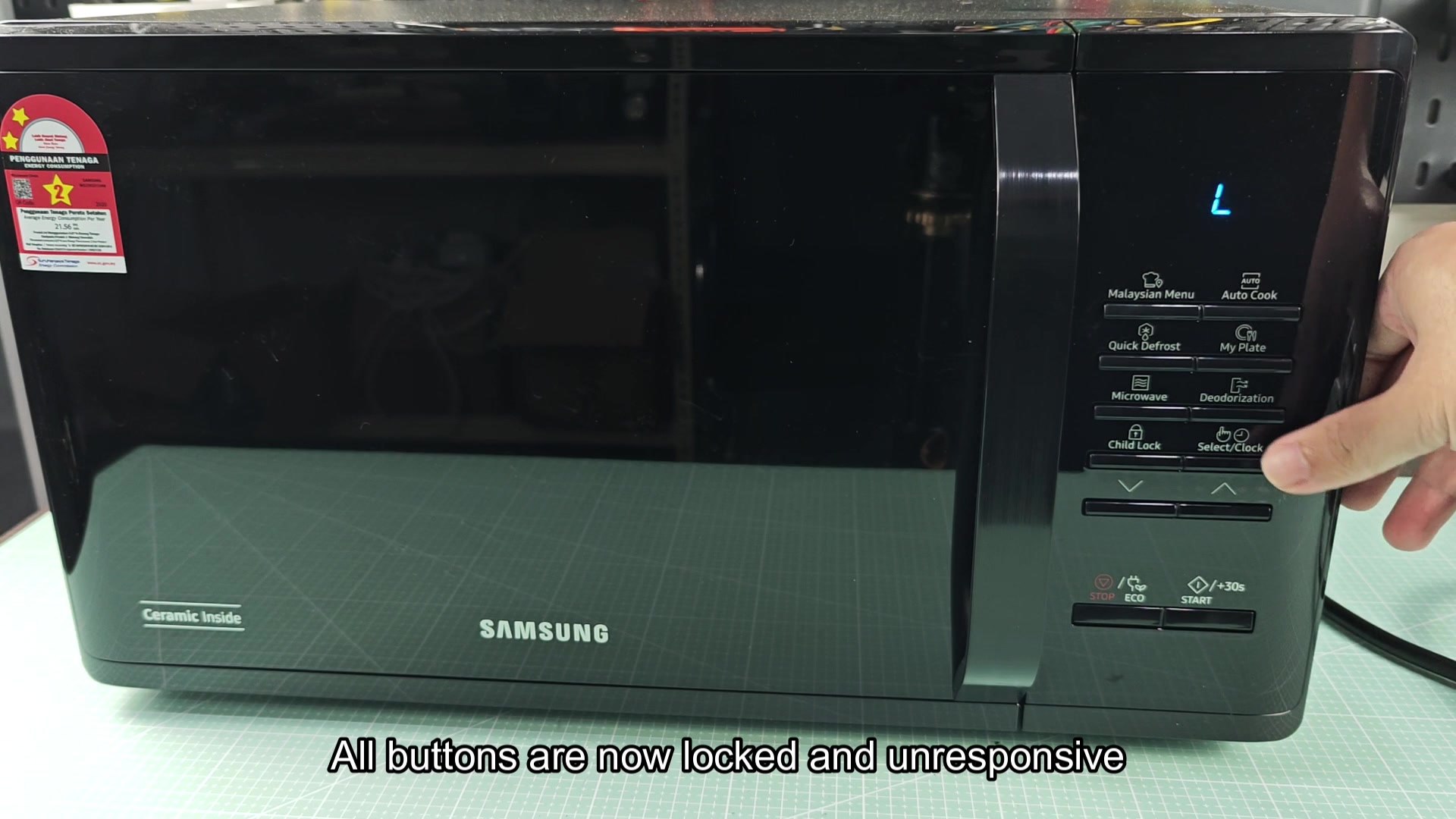
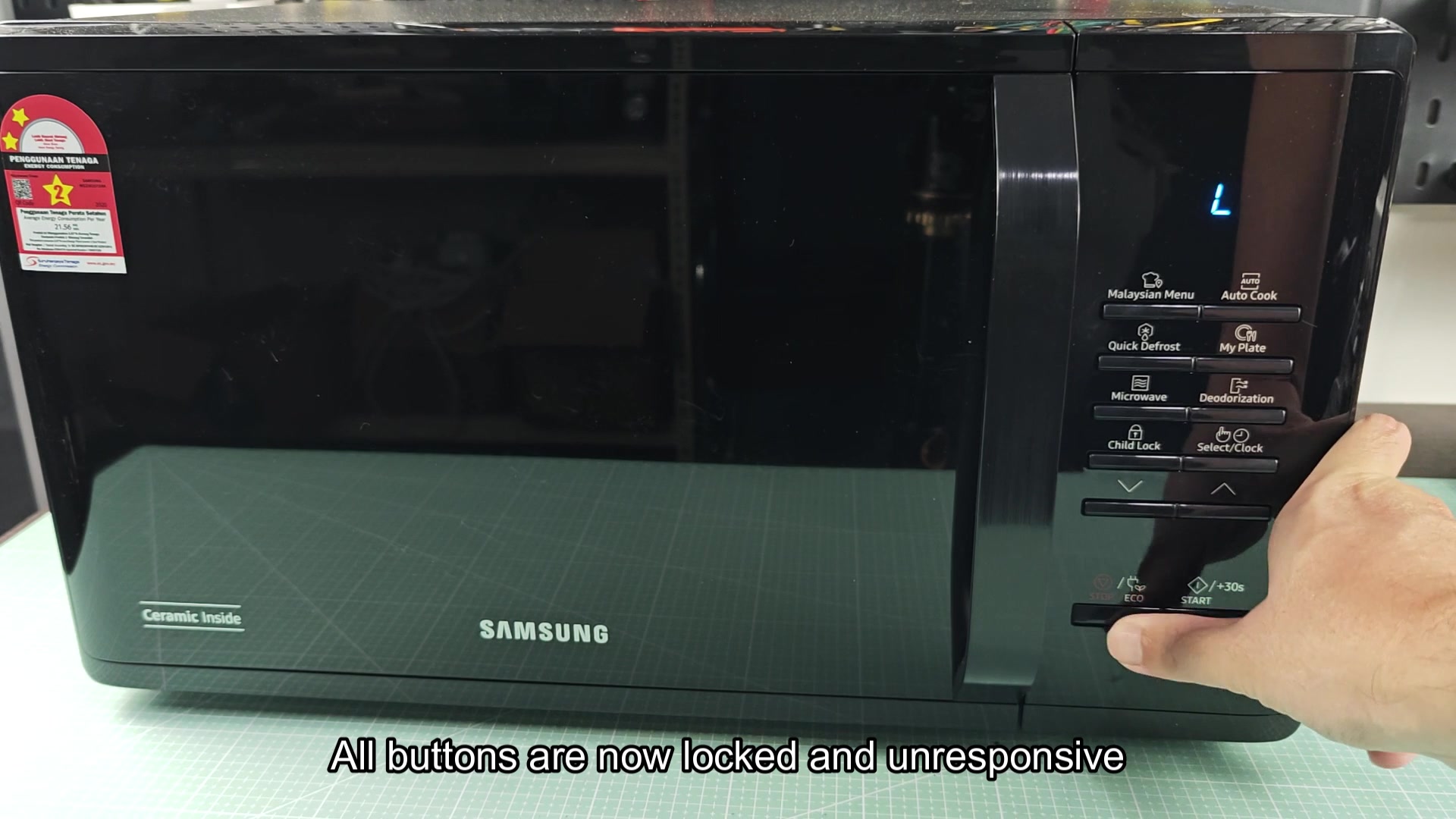
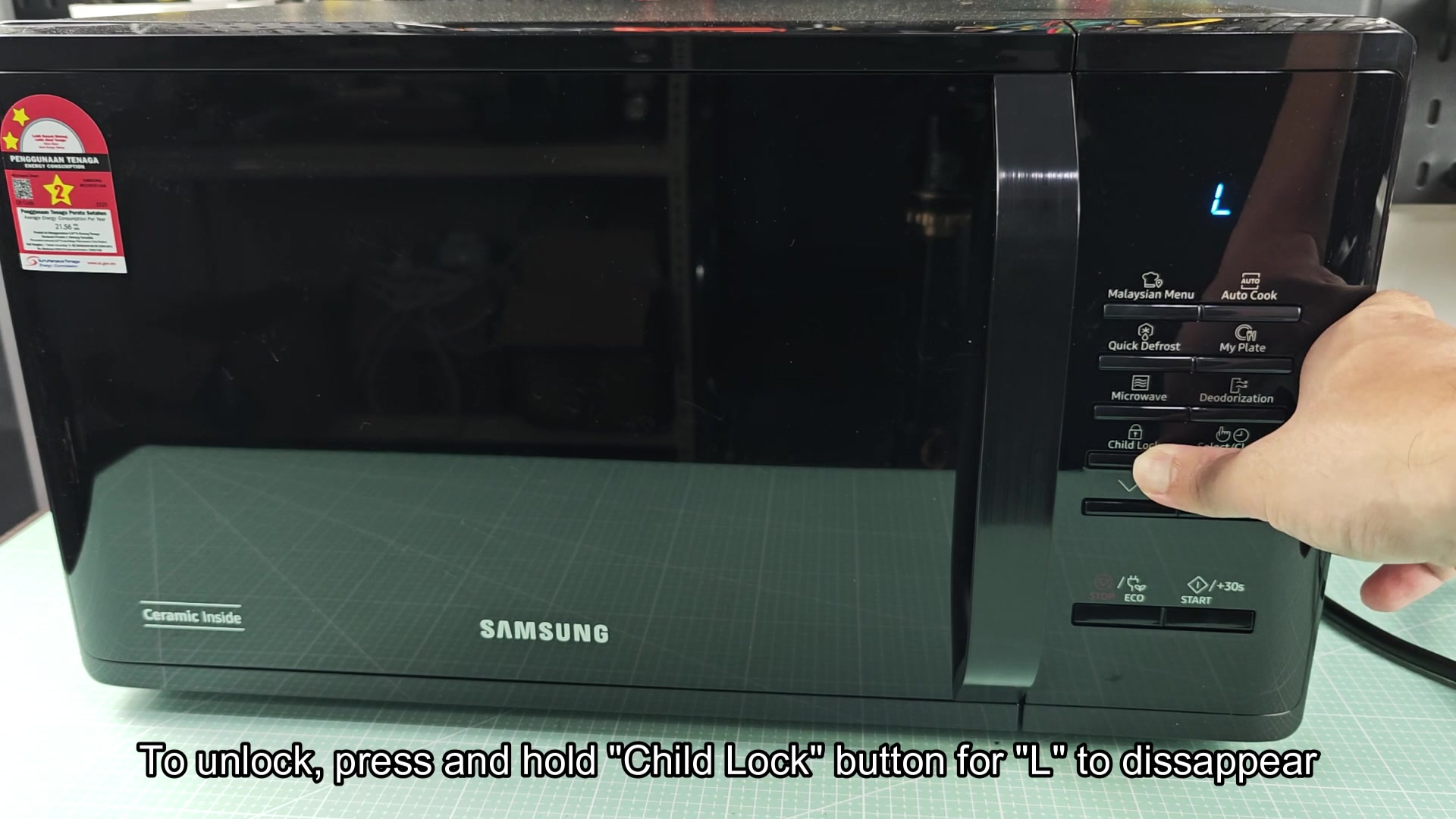
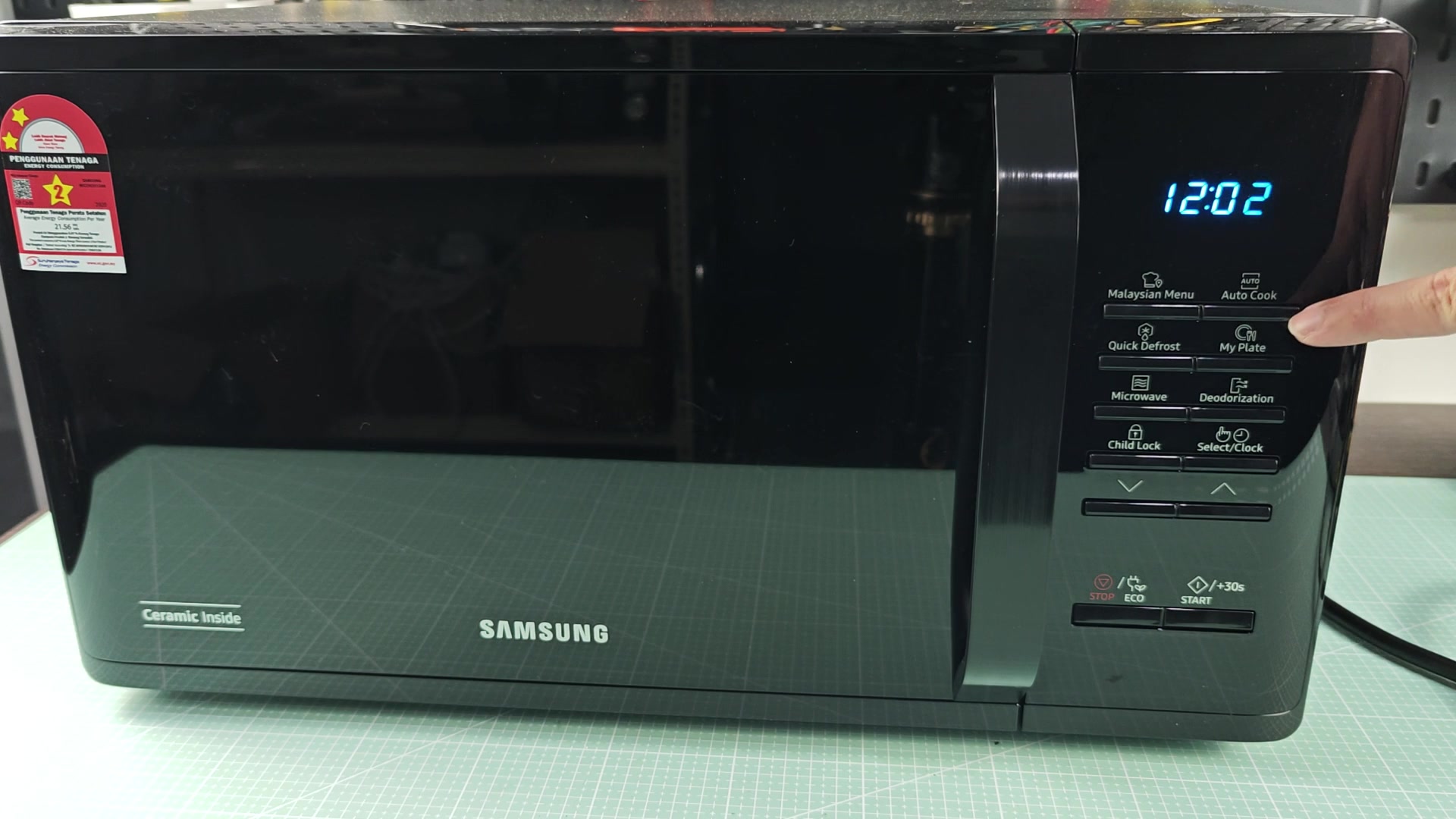
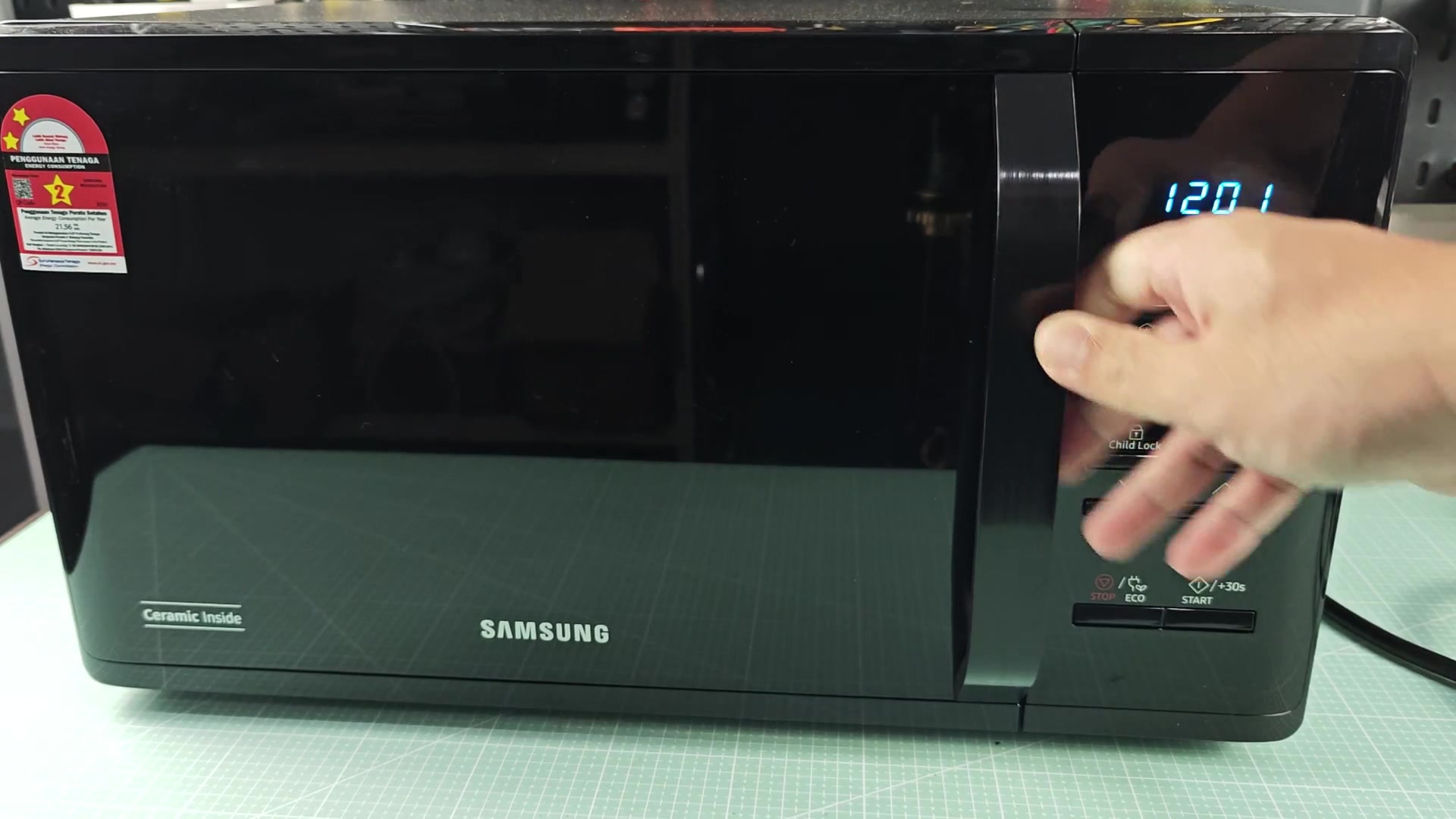
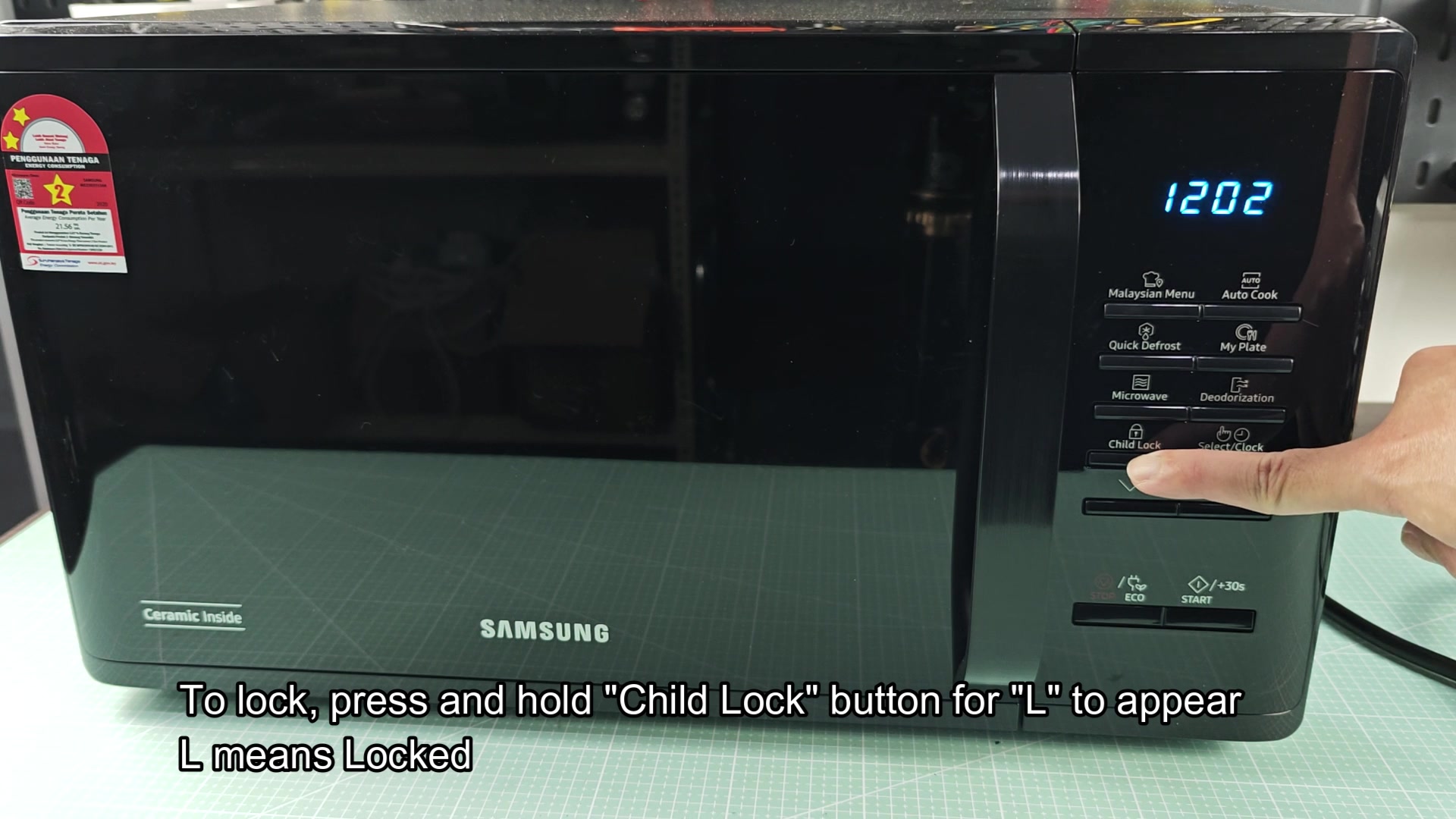
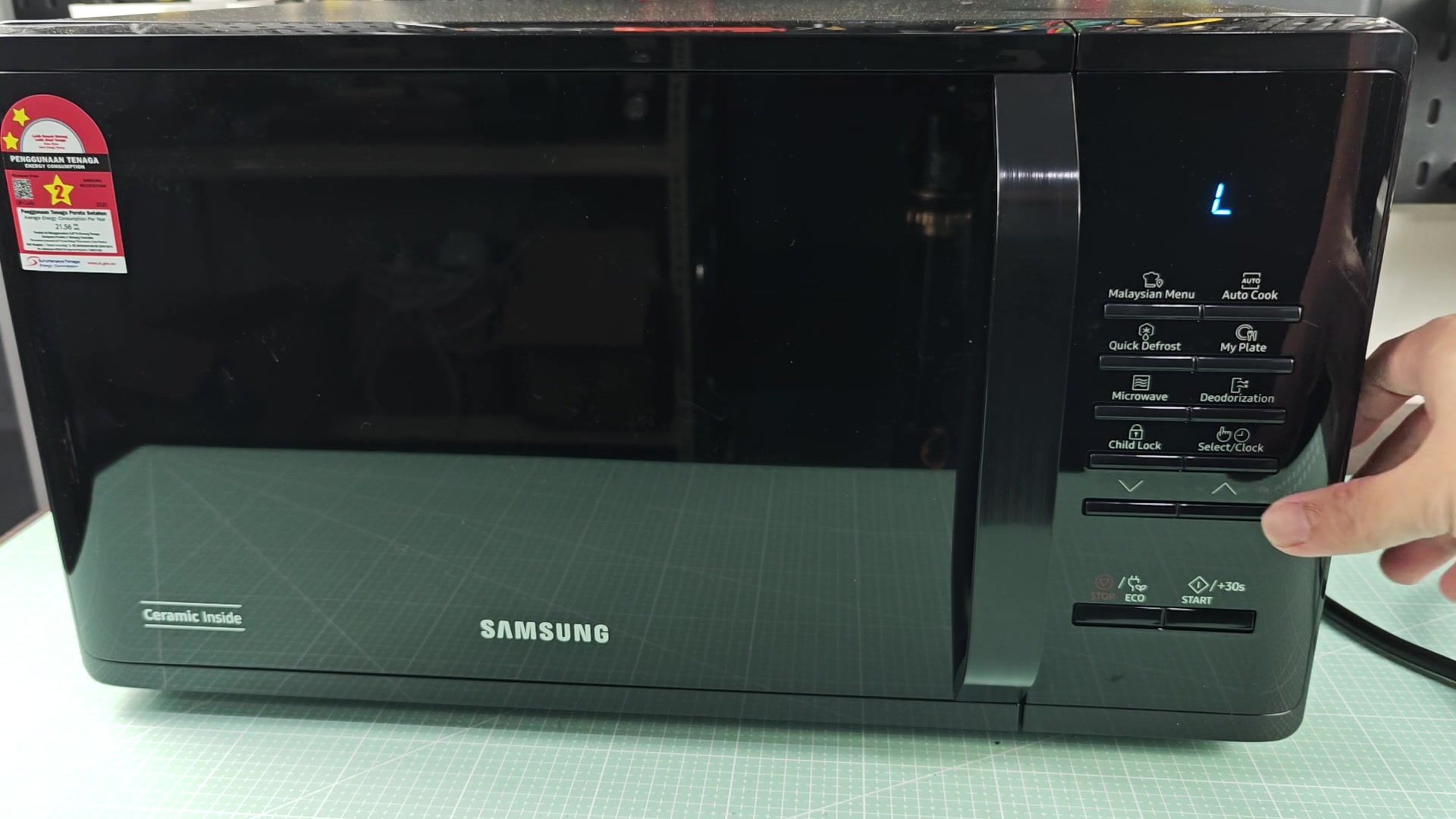
Press and hold the Child Lock button for ~3 seconds. An L will show on the display indicating all buttons is disabled. Press and hold the same button for ~3 seconds to unlock the microwave.
Very simple processes, same button to lock and unlock, unlike some other brands.
The question is, does this button exist on every Samsung model? For example, do some models not have a dedicated Child Lock button instead use a different button altogether? I would imagine that the L would show up if someone presses and holds the button for long enough (as many have mentioned in other threads) which would imply that people who find themself locked out of their own microwave have simply accidentally bumped the button enough to trigger the lock. Anyone know for sure if all models use the same button to enter and exit child lock mode?
samsung-microwave-child-lock-how-does-the-button-combo-actually-work-1.jpg

samsung-microwave-child-lock-how-does-the-button-combo-actually-work-2.jpg

samsung-microwave-child-lock-how-does-the-button-combo-actually-work-3.jpg

samsung-microwave-child-lock-how-does-the-button-combo-actually-work-4.jpg

samsung-microwave-child-lock-how-does-the-button-combo-actually-work-5.jpg

samsung-microwave-child-lock-how-does-the-button-combo-actually-work-6.jpg

samsung-microwave-child-lock-how-does-the-button-combo-actually-work-7.jpg

samsung-microwave-child-lock-how-does-the-button-combo-actually-work-8.jpg
 
on my moms samsung its the Stop/Clear button you hold, no dedicated child lock at all. Drove me nuts for like 20 min before i figure it out.
 
Not consistent across the lineup at all. Older Samsung models with the ME series used the Stop/Eco button held for 3 second. Newer smart microwaves have a touch panel where you access Child Lock mode from the settings menu. A few of the OTR models use a 2 button combination: Power Level and Stop buttons.
 
wait does the L stay on after a power cycle? like if you unplug it does the lock reset or does it remembers?
 
wait does the L stay on after a power cycle? like if you unplug it does the lock reset or does it remembers?

It remembers. The lock mode is stored in nvram on the control panel on every microwave I've ever touched including Samsung models.
 
It remembers. The lock mode is stored in nvram on the control panel on every microwave I've ever touched including Samsung models.

huh interesting. So if someone factory resets the control board does that wipe it or is it like burned in deeper than that?
 
fwiw my MS11K3000AS also uses the same button to unlock as described in the OP.
nothing fancy.
 
huh interesting. So if someone factory resets the control board does that wipe it or is it like burned in deeper than that?

Nvram. Factory reset on the user side doesn't touch it, you'd have to reflash the eeprom which nobody's doing for a child lock issue lol
 
The issue is people leaning on the panel while they wipe it down which locks it up. Its constant and then they call a repair tech for $90 to hold a button for 3 second
 
Had a customer last year who swore up and down that their microwave was dead. I had to drive 40 minutes to get to them and they had the L on their display. Once I held the stop button for 3 seconds, it was back to normal. She was embarrassed to pay me the $20 tip but it's gotta be done for the gas prices. I felt bad charging her but gas isnt free. Manual exists for a reason so read the dang thing before you call someone out.
 
is there any way to disable the child lock feature entirely? like if you dont have kids and want to avoid the lock entirely