

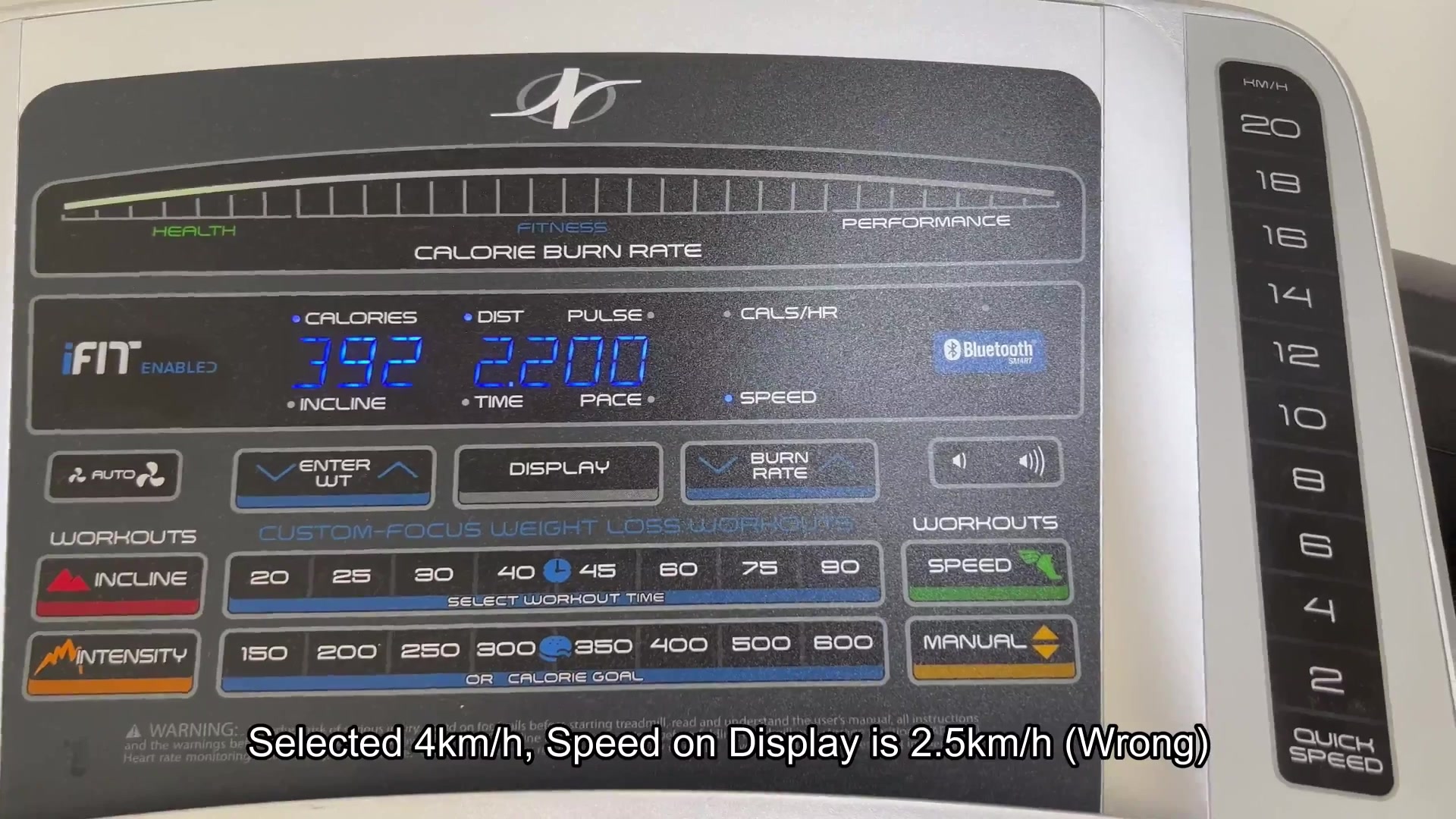
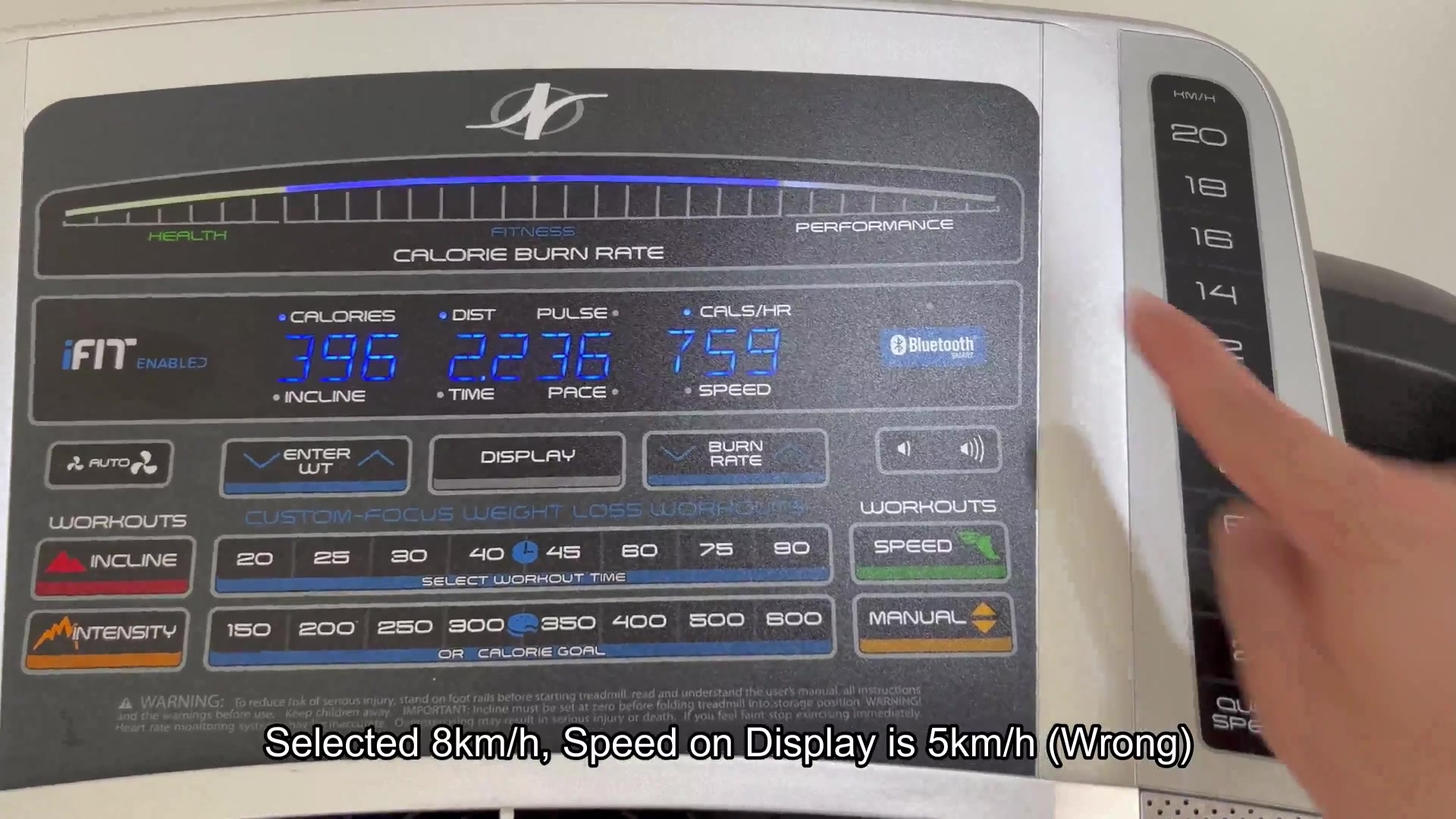
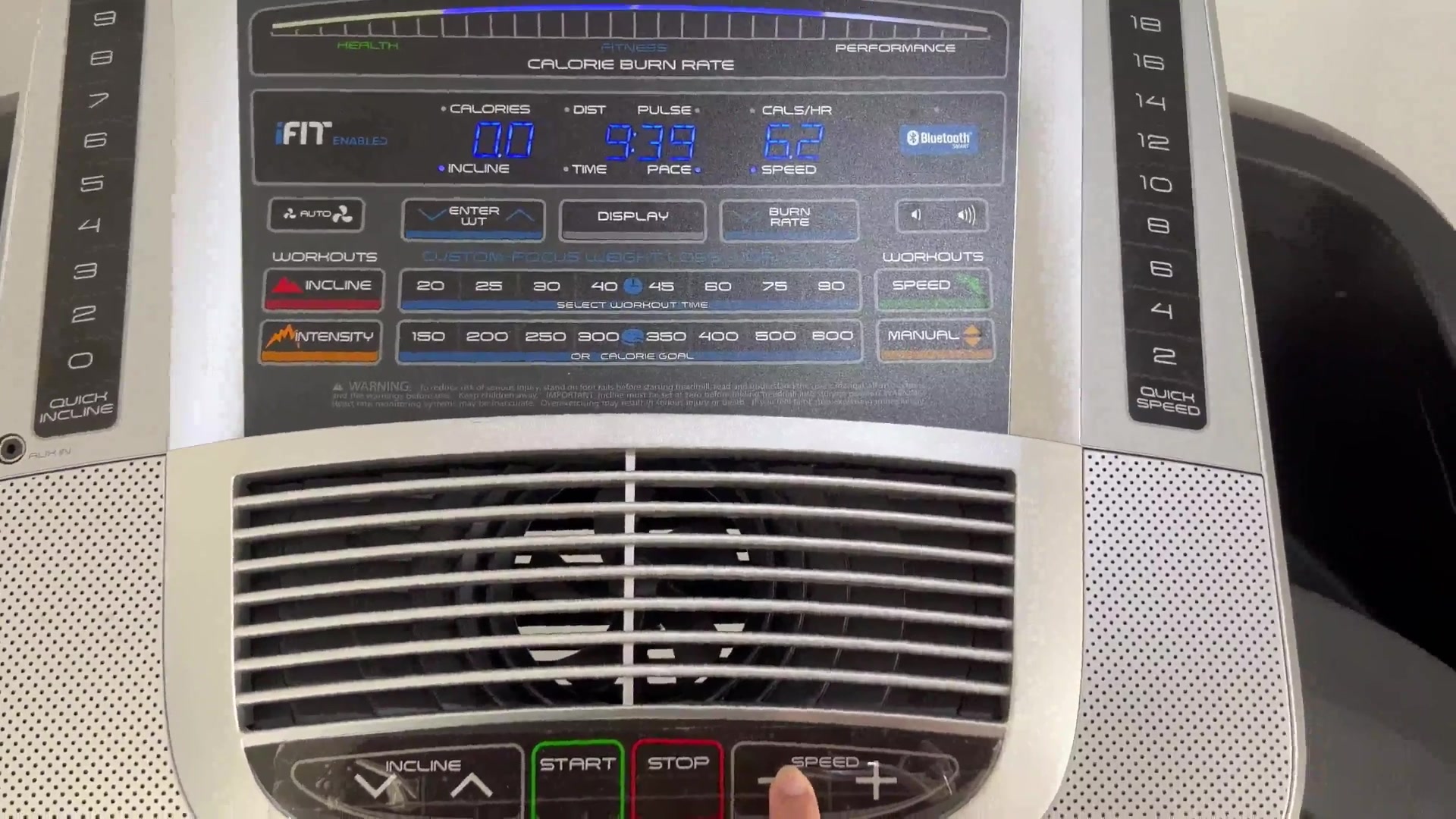
Saw something interesting about NordicTrack treadmill that I figured was worth a discussion. The speed that is displayed on the console is sometimes off from what the treadmills belt is actualy doing. For example, if you hit the Quick Speed button for 2 km/h, the treadmill may only go to 1.2 km/h. If you try 8 km/h, the belt may only go to 5 km/h.
The belt on the treadmill is performing fine, but something about the treadmill console are wrong. It could be the calibration of the console, the speed sensor signal is wrong, or perhaps the setting on the treadmill is wrong. Many treadmills utilize a reed switch or hall sensor that reads the position of the motor pulley with a magnet attached to the treadmill belt. If the setting or the sensor that is reading the position of the motor pulley is incorrect, the treadmill will go to the commanded speed but the console will report a different number.
For NordicTrack treadmills, is there a service or engineering menu where you can calibrate the speed sensor? Is it possible that the position of the sensor or the placement of the magnet on the treadmill is incorrect? Has this type of issue ever occurred after a replacement of the treadmill motor or belt? Is this an issue that can become frustrating for the users of a new NordicTrack treadmill? Have you encountered this issue with your NordicTrack treadmill?
The belt on the treadmill is performing fine, but something about the treadmill console are wrong. It could be the calibration of the console, the speed sensor signal is wrong, or perhaps the setting on the treadmill is wrong. Many treadmills utilize a reed switch or hall sensor that reads the position of the motor pulley with a magnet attached to the treadmill belt. If the setting or the sensor that is reading the position of the motor pulley is incorrect, the treadmill will go to the commanded speed but the console will report a different number.
For NordicTrack treadmills, is there a service or engineering menu where you can calibrate the speed sensor? Is it possible that the position of the sensor or the placement of the magnet on the treadmill is incorrect? Has this type of issue ever occurred after a replacement of the treadmill motor or belt? Is this an issue that can become frustrating for the users of a new NordicTrack treadmill? Have you encountered this issue with your NordicTrack treadmill?