
Quick question about resetting an Instant Pot back to defaults

May 5, 2026
190
0
6
toolcroze.com
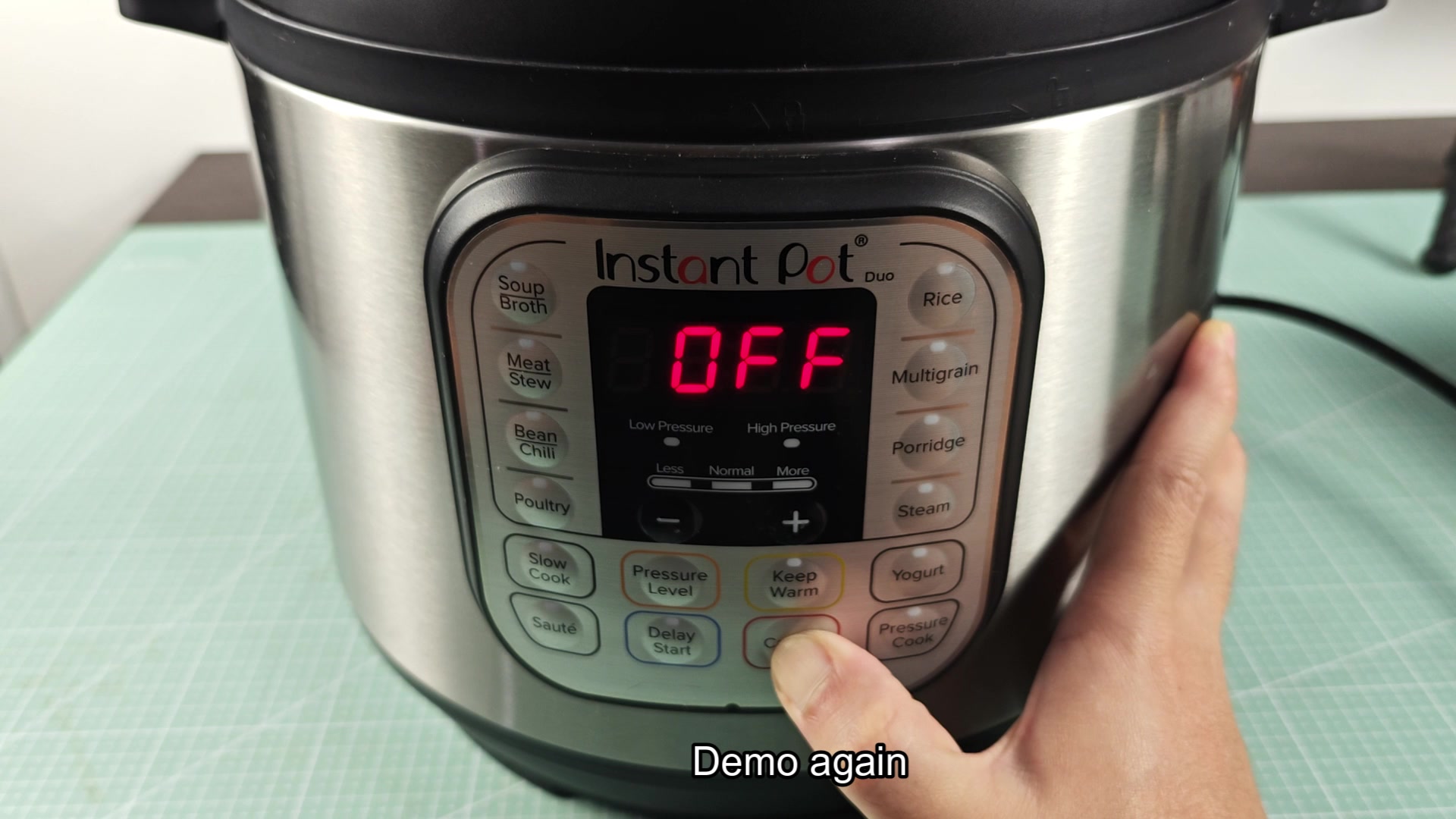
Was looking into how to wipe out the settings on my Instant Pot. Apparently very stupidly simple, hold the Cancel button until you hear two beeps and it goes back to default settings. Thats it!
I’m making a post about it because I see people trying to overcomplicate it. Some people will unplug it. Others will try to use a sequence of buttons that one person posted in a comment. And some people who are considerably older will tell you there is no way to factory reset these. Well thats not true.
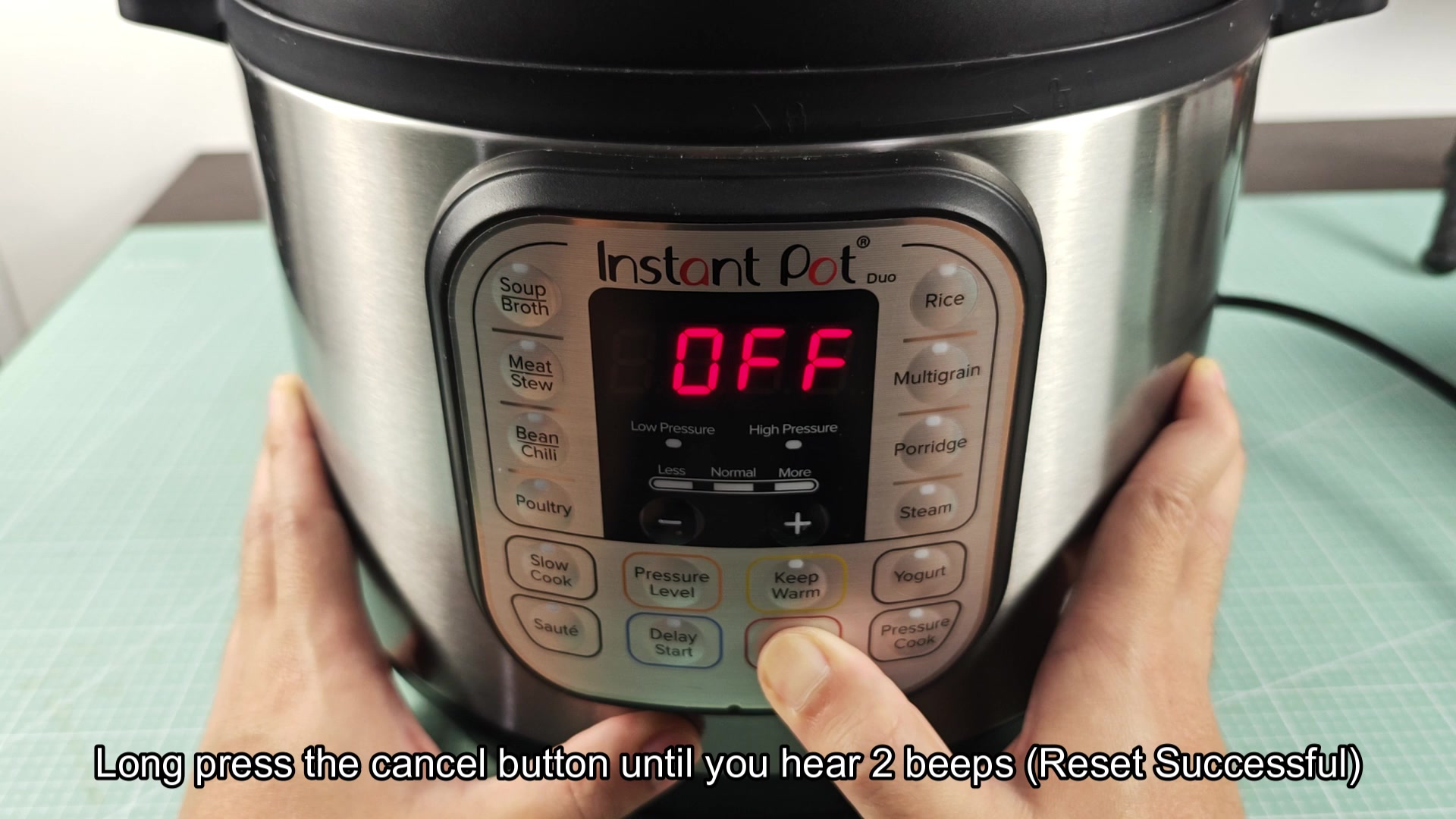
quick-question-about-resetting-an-instant-pot-back-to-defaults-1.jpg

quick-question-about-resetting-an-instant-pot-back-to-defaults-2.jpg
 
Does holding the cancel button wipe out the saved time and temperature settings for a program like Pressure Cook?
 
Does holding the cancel button wipe out the saved time and temperature settings for a program like Pressure Cook?

The machine will wipe out the saved customization to the time. If you change the time from the default of 35 minutes to something else and saved it, it will go back to 35. It will not just stop a program as that would be a single press of the button.
 
On the Pro Crisp with the touchscreen there’s an actual settings menu, you can go into the settings and there’s a factory reset function. Cancel button hold still works on that model as well tho
 
The machine will wipe out the saved customization to the time. If you change the time from the default of 35 minutes to something else and saved it, it will go back to 35. It will not just stop a program as that would be a single press of the button.

interesting, so only that one program can be customized to your preference then? if I customize the time for the Rice program will it only reset that, or does holding the cancel button wipe out all of the settings at once?
 
interesting, so only that one program can be customized to your preference then? if I customize the time for the Rice program will it only reset that, or does holding the cancel button wipe out all of the settings at once?

Hold the cancel button and it wipes out everything at once afaik. There’s no way to customize one program versus the others.
 
The older threads claiming you cannot factory reset your Instant Pots were most likely posted in 2017 when the Duo60 was the only model available and people didn’t read the manual to learn how to do a hold cancel trick.
 
The older threads claiming you cannot factory reset your Instant Pots were most likely posted in 2017 when the Duo60 was the only model available and people didn’t read the manual to learn how to do a hold cancel trick.

^this. Most the advice given for these pressure cookers on reddit is from 6 years ago.
 
had a duo crash on me last year where it wouldnt take any input, off on screen. Hold cancel, unplug didnt work until I popped the lid and reseated the lid sensor cable. Seems like food had gotten into the rim and tripped the sensor. So if hold cancel doesnt work, check for physical issue first before thinking its bricked. Sat on unused for a month before I figured it out.
 
had a duo crash on me last year where it wouldnt take any input, off on screen. Hold cancel, unplug didnt work until I popped the lid and reseated the lid sensor cable. Seems like food had gotten into the rim and tripped the sensor. So if hold cancel doesnt work, check for physic…

that's wild, I didn't even know there was a lid sensor cable you could get to without taking the whole thing apart
 
had a duo crash on me last year where it wouldnt take any input, off on screen. Hold cancel, unplug didnt work until I popped the lid and reseated the lid sensor cable. Seems like food had gotten into the rim and tripped the sensor. So if hold cancel doesnt work, check for physic…

food under the rim is so common, people tend to not clean the rim occasionally but then wonder why their rice cooker acts up.